The Accessibility Blind Spot in Modern Corporate Events
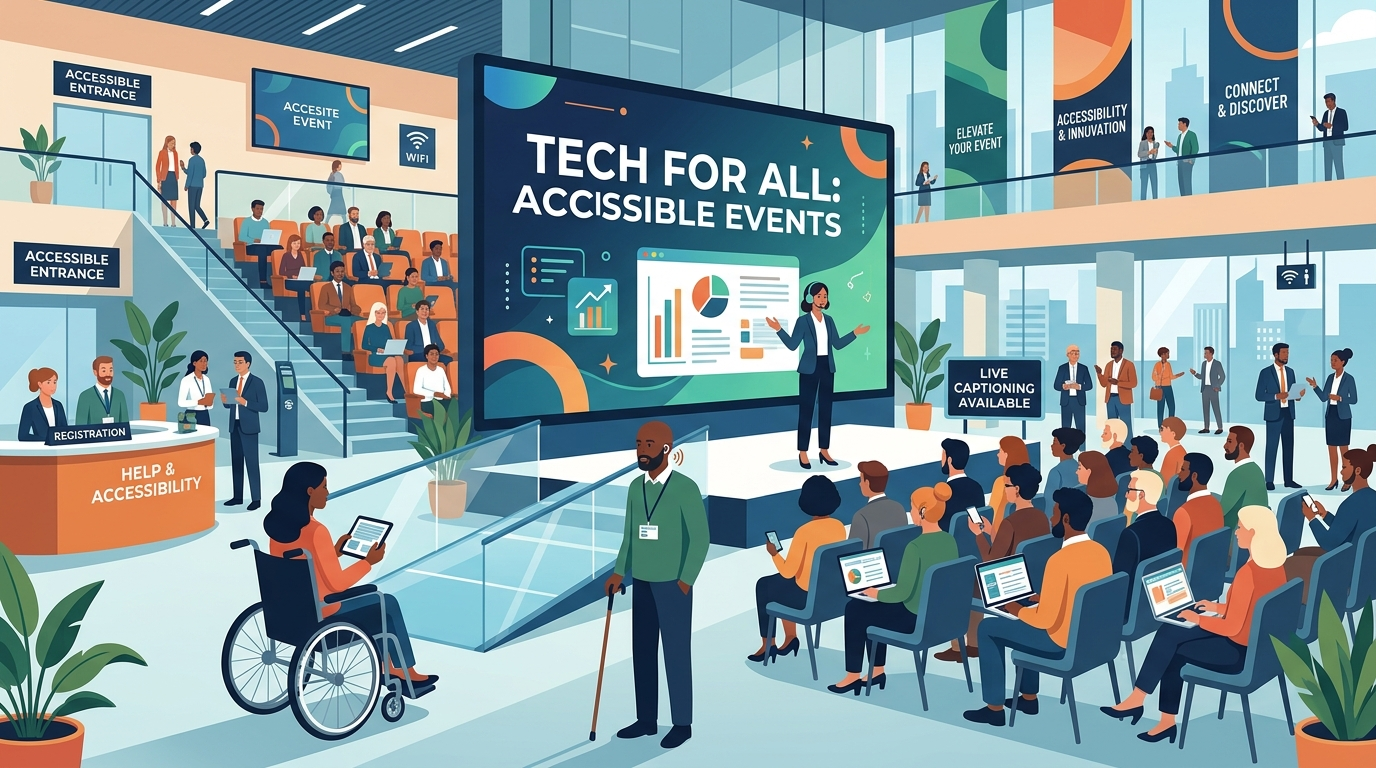
For decades, event accessibility was treated as a secondary logistical checklist—often reduced to verifying the presence of a wheelchair ramp or renting a few assistive listening devices. In 2026, this reactive approach is no longer just poor hospitality; it represents a major compliance liability and a significant barrier to business growth. Modern corporate events, hybrid conferences, and professional summits face a complex administrative and operational landscape where inclusion must be designed into every single touchpoint, from the initial digital registration form to the post-event session recording.
Organizers routinely struggle with a wide array of event-related exclusion problems. Wheelchair users frequently find themselves relegated to the back of the room or forced to take circuitous freight-elevator routes to access the main stage. Deaf or hard-of-hearing attendees encounter technical difficulties when real-time captioning displays fail to sync or lack professional-grade accuracy. Blind or visually impaired professionals encounter registration websites that block keyboard-only navigation or lack descriptive alt-text for critical agenda details. Furthermore, the exclusion of neurodivergent individuals and those with hidden disabilities—such as sensory overload, chronic fatigue, or cognitive processing differences—often goes entirely unnoticed until they quietly disengage or abandon the venue altogether.
Failing to address these barriers carries massive stakes. Beyond the moral imperative of basic hospitality, exclusion directly limits your event’s reach, alienating highly qualified speakers and attendees. From a legal standpoint, the regulatory landscape has shifted dramatically. Under recent updates, including the Department of Justice’s Title II digital standards and international standard alignments, organizers of public and corporate events must meet strict, modern benchmarks or face potential litigation, public relations crises, and reputational damage. It is time to look far beyond the physical ramp and build a truly comprehensive framework for accessibility.
The 2026 Legal Landscape: WCAG 2.2, ADA Title II, and Global Standards
Understanding and complying with legal mandates is the foundation of modern event planning. In 2026, the global standards for physical and digital accessibility have converged, establishing rigid rules that organizers must understand.
WCAG 2.2: The Digital Accessibility Gold Standard
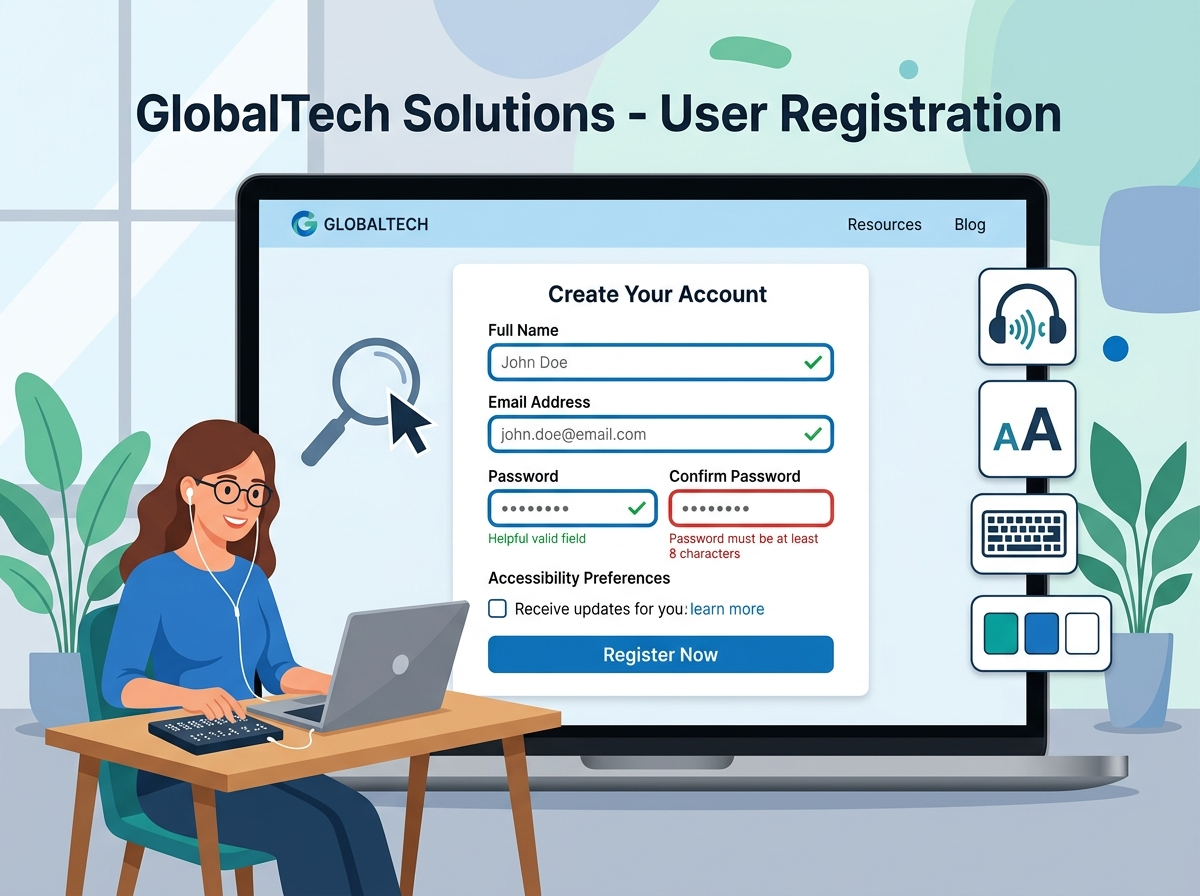
The Web Content Accessibility Guidelines (WCAG) 2.2, published by the World Wide Web Consortium (W3C), have officially transitioned into the globally recognized standard for digital systems, including international ISO frameworks. For event planners, this affects every digital touchpoint—including landing pages, ticketing portals, interactive scheduling apps, and virtual event platforms. Under WCAG 2.2 AA compliance, registration platforms must eliminate common accessibility blockers:
- Keyboard Navigation: Every interactive element (buttons, dropdowns, input fields) must be completely usable without a mouse.
- Focus Appearance: Elements must have a highly visible border or indicator when highlighted via keyboard tab keys, preventing users from getting “lost” on the screen.
- Accessible Target Sizes: Buttons and links must meet a minimum size requirement (at least 24×24 CSS pixels) to prevent misclicks, particularly on mobile event apps.
- Error Prevention and Recovery: Registration forms must offer clear, descriptive error instructions rather than vague warning flags, allowing screen reader users to easily identify and correct input mistakes.
ADA Title II and Government-Aligned Requirements
A major regulatory milestone in 2026 is the enforcement of the United States Department of Justice (DOJ) Web Accessibility Rule under Title II of the Americans with Disabilities Act (ADA). This mandate requires all public entities, state and local governments, and organizations working in partnership with public services to ensure their digital communications—including event websites, mobile applications, and digital PDF brochures—fully comply with WCAG standards. This rule leaves no room for ambiguity, establishing strict compliance deadlines throughout 2026. Private corporations hosting events for public-sector attendees, educational institutions, or governmental clients must align their event tech stacks with these guidelines to remain compliant with federal contracts and integration requirements.
Building the Ultimate Event Accessibility Framework
True accessibility requires an end-to-end strategy covering physical spaces, digital platforms, and sensory environments. Event organizers must systematically plan accommodations across three primary pillars to create an inclusive and high-performing event environment.
Pillar 1: Seamless Digital Inclusion
The attendee journey starts long before they arrive at the venue. Your event registration website is the front door to your experience, and it must be built with digital inclusion at its core. An accessible system begins with an online registration platform that allows attendees to easily request specific accommodations during checkout—such as sign language interpreters, dietary adjustments, physical assistance, or sensory materials.
When collecting this sensitive personal information, organizers must ensure data privacy and security. Forms should be designed with accessible structure: clear HTML labels, logical grouping of options, and clean ARIA (Accessible Rich Internet Applications) landmarks. Avoid using color-coding alone (such as highlighting missing fields in red without a corresponding text message) as this can easily exclude color-blind attendees.
Pillar 2: Universal Physical Venue Layouts
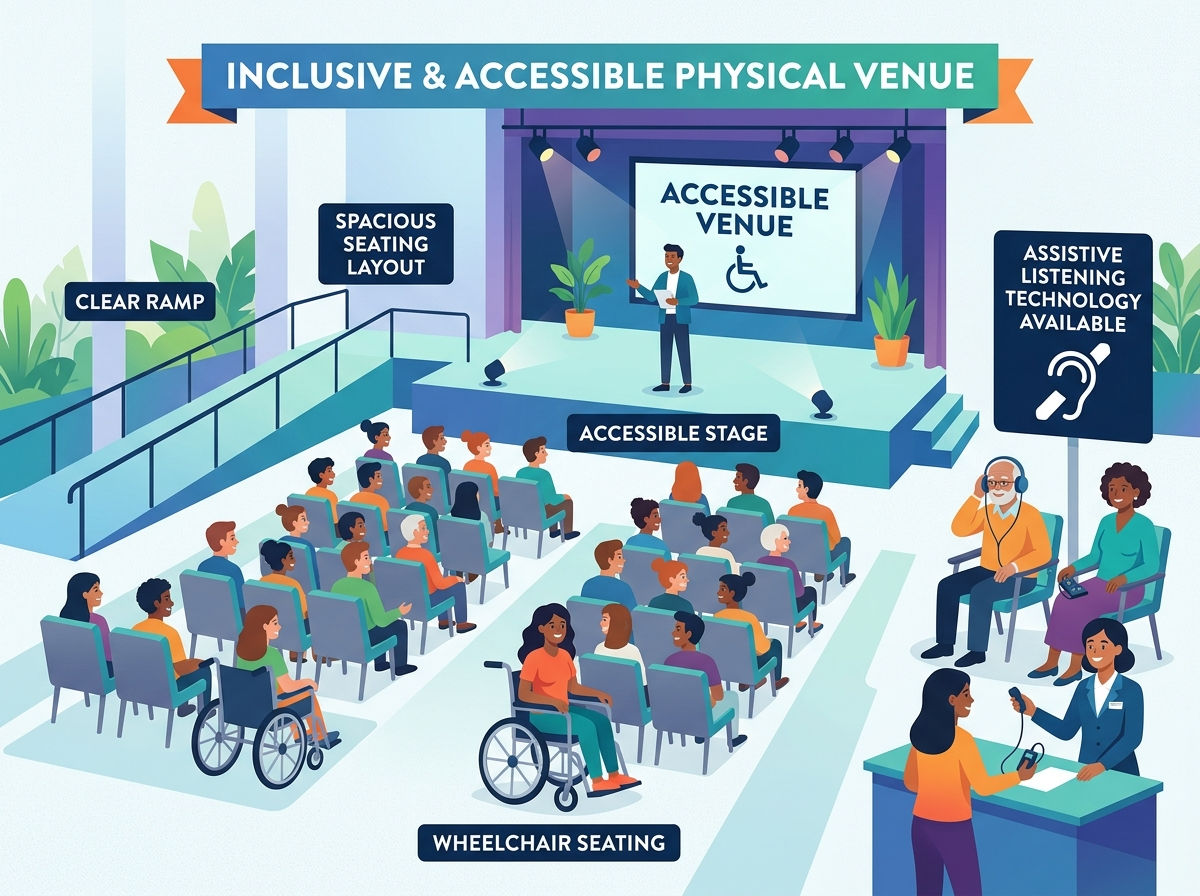
At the physical venue, accessibility means moving beyond basic ADA compliance to establish a standard of “universal design”—where spaces are naturally usable for everyone without requiring special treatment or segregation. Consider these essential guidelines when setting up your physical layout:
- Pathways and Aisles: Ensure all main hallways, registration queues, and aisles between seats are a minimum of 36 inches wide (preferably 48 inches) to easily accommodate wheelchairs, scooters, and mobility aids.
- Stage Accessibility: Ensure the stage layout includes a low-profile ramp or platform lift so that disabled speakers, award recipients, or panel members can transition to the stage with the same ease and dignity as other participants.
- Accessible Seating Integration: Integrate accessible seating areas throughout the entire room, rather than confining them to a single zone in the back. Include companion seating alongside wheelchair spaces, and provide a mix of chair types (including sturdy chairs with and without armrests).
- Restrooms and Amenities: Verify that accessible restrooms are located close to the main event rooms, with a clear, obstacle-free path. Ensure all self-serve catering tables, water stations, and registration counters include lower surfaces reachable for wheelchair users.
Pillar 3: Auditory, Visual, and Sensory Accommodations
For attendees with sensory differences, professional corporate environments can be overwhelmingly difficult to navigate. High-quality inclusion requires proactive solutions for auditory, visual, and cognitive needs:
- Real-Time Communication: Provide professional live captioning (CART – Communication Access Realtime Translation) on the main screens for keynotes and panels, rather than relying on inaccurate, unedited automated systems. Hire certified Sign Language interpreters (such as ASL or BSL) and ensure they are well-lit and clearly visible both in the room and on virtual feeds.
- Audio and Visual Design: Utilize high-contrast presentation slides with clean, sans-serif fonts of a readable size. Provide assistive listening systems (such as hearing loops or FM systems) that integrate directly with personal hearing aids. Avoid any sudden, flashing, or strobe lighting effects that can trigger seizures or sensory distress.
- Sensory Respite (Quiet Rooms): Establish a designated, quiet wellness space separate from the main event bustle. This quiet room should feature comfortable, non-stimulating seating, soft lighting, and no loud screens or conversations, allowing neurodivergent attendees or those with chronic conditions to rest and recharge without leaving the event completely.
Transitioning to Elegant Modern Accessibility: The EventHex Advantage
Manually implementing, tracking, and auditing these diverse requirements across multiple vendors can create immense administrative overhead and introduce critical points of failure. This is where EventHex.ai serves as the modern solution for comprehensive event planning and execution.
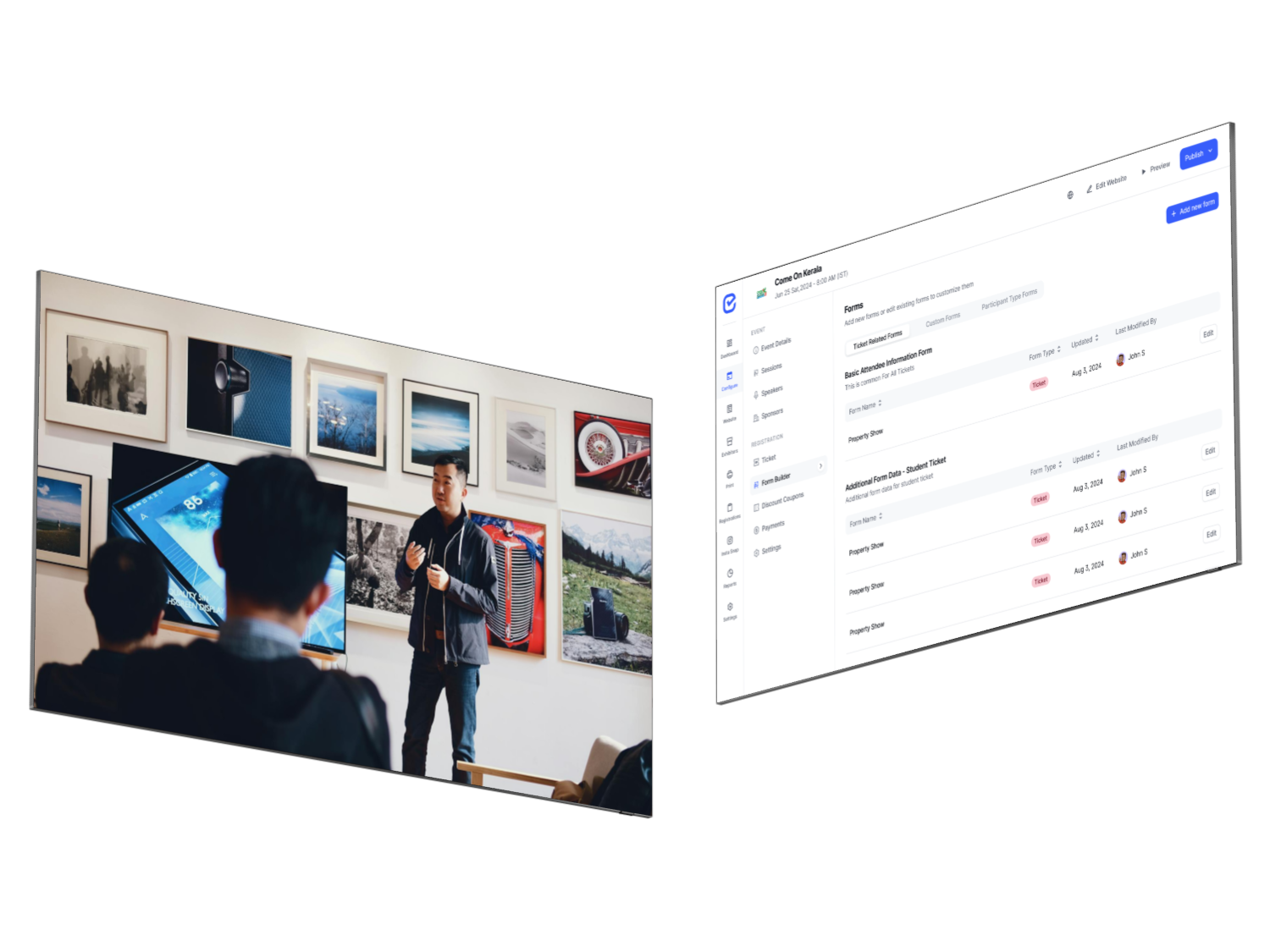
Rather than treating accessibility as an afterthought, the EventHex ecosystem is designed from the ground up to support accessible event structures. By managing your registration and marketing through an optimized platform, you can utilize the EventHex Registration Portal, which supports clean, compliant forms that meet WCAG 2.2 guidelines. This allows attendees to easily select their required physical, dietary, or digital accommodations during checkout, saving organizers from manual email tracking and data-entry errors.
Onsite, these specific needs are compiled into the EventHex Centralized Dashboard. This unified command center provides event managers with real-time analytics and detailed summaries of dietary restrictions, mobility needs, and required assistive technologies. Staff can instantly view and verify attendee requirements, ensuring that every accommodation is precisely coordinated and delivered without friction, leading to a highly organized and genuinely inclusive event experience.
Event Accessibility FAQs
What are the primary differences between WCAG 2.1 and WCAG 2.2 for event websites?
WCAG 2.2 introduces critical focus-indicators, target size requirements, and dragging movement criteria specifically designed to assist users with cognitive and physical limitations. Applying WCAG 2.2 means your registration buttons and ticketing dropdowns must be large enough to prevent misclicks and fully navigable using keyboard commands.
How can I naturally incorporate accessibility requests into my registration form?
Integrate a standard, user-friendly “Accessibility & Accommodations” section into your checkout form. Offer clean checkboxes for common categories (e.g., physical mobility, sign language interpretation, captioning, dietary restrictions) alongside an open-text field where attendees can securely share specific details. This structure ensures you collect accurate, actionable data at the very start of the planning lifecycle.
Are virtual and hybrid events subject to the same legal accessibility rules?
Yes. Digital platforms used for virtual or hybrid events are fully subject to digital accessibility laws under frameworks like ADA Title II and the European Accessibility Act (EAA). Virtual events must feature accurate real-time captioning, keyboard-navigable webinar interfaces, screen-reader-compatible chat windows, and fully accessible slide presentations.