
Events and speakers
The site key exposes read permissions for eligible upcoming event and published speaker content through the protected feed.
Generate a one-time read-only connection key, add it to the EventHex Developer Connection plugin, and import eligible upcoming events as WordPress drafts with event and speaker content from the EventHex feed.
 WordPressDraft destination
Give WordPress only the information it needs while keeping administration and credentials inside EventHex.
The site key exposes read permissions for eligible upcoming event and published speaker content through the protected feed.
 ✓ Read-only feedEvents + speakers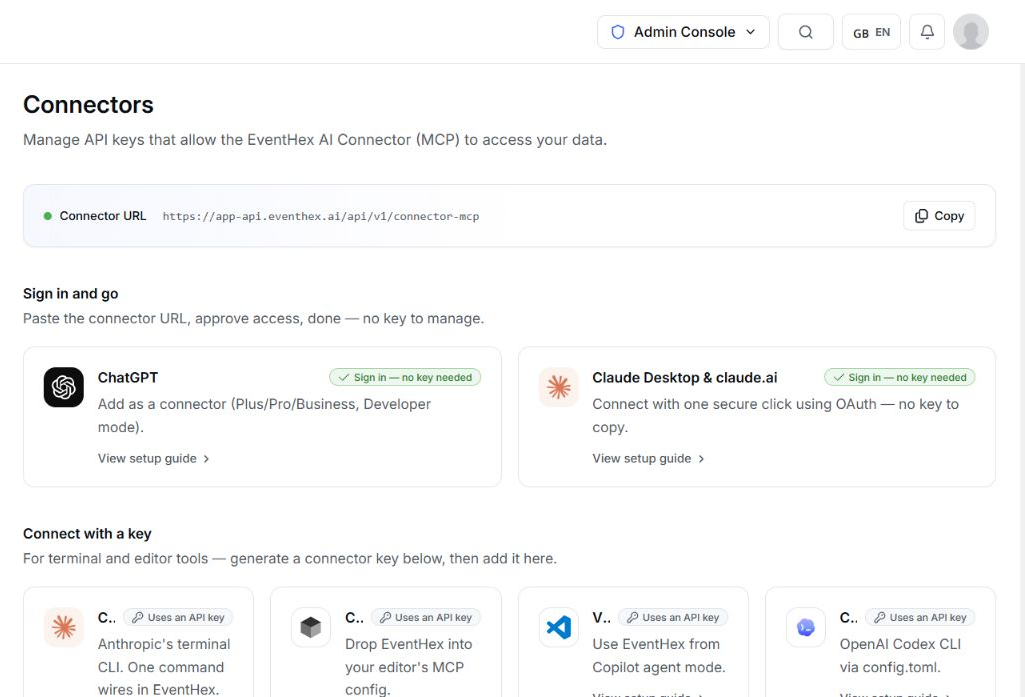
 ✓ Scoped accessRevoke anytime
A connector key cannot create more keys or operate as a general EventHex organizer credential. Access remains individually scoped and revocable.
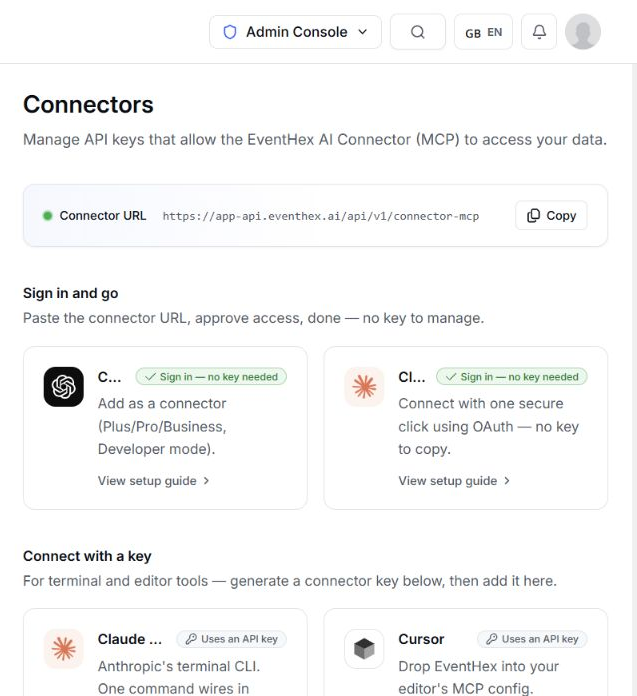
An authorized key manager creates the WordPress connection. EventHex shows the raw key once and stores only its hashed form.
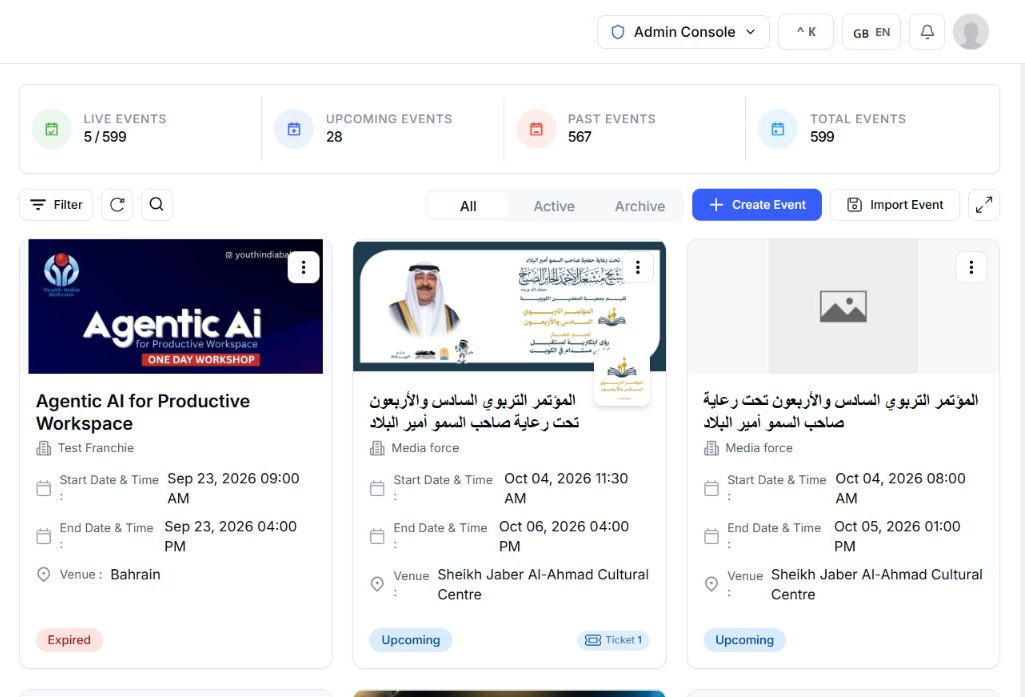
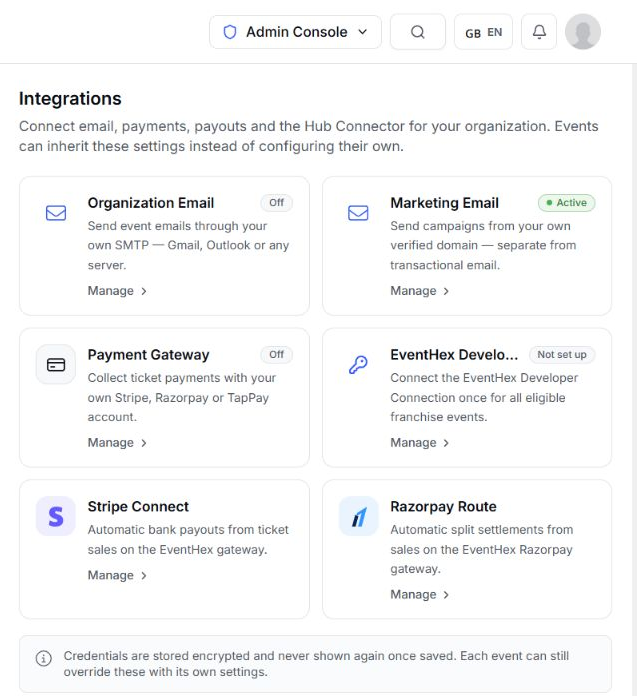
Book a DemoOpen organization integrations and choose the EventHex Developer Connection.
Connection readyOpen integrationCreate a one-time read-only key and copy it immediately. The full secret is not displayed again.
Read-only accessGenerate keyPaste the one-time key into the EventHex Developer Connection plugin to authenticate the read-only feed.
WordPress connectedImport draftsRefresh the connection state, review imported drafts, and replace or revoke the key whenever access needs to change.
Access reviewedRefresh statusThe key-only connection imports upcoming events—including inactive EventHex events—as WordPress drafts. Your site team keeps control of the final review and publishing decision.
Title, dates, country, presentation fields, and other formatted event content supported by the feed.
Included in the read-only feed Use the event’s active or default EventHex domain where available.
Included in the read-only feed Include registration-backed or legacy speaker data when publication settings allow it.
Included in the read-only feed Expose whether an event is eligible for the connected site policy.
Included in the read-only feed Each platform owns a different part of the workflow.
Controls the source event, dates, domain, speaker visibility, and connector eligibility exposed by the feed.
✓ Source connectedEvents + speakers✓ Draft receivedReview locallyReceives drafts and remains responsible for local review, page design, site metadata, access, and publication.
A connected feed does not prove that every draft was reviewed, published, or kept in sync by the WordPress site.
Identify the connection by a safe display prefix.
See whether and when the connector last used the key.
Reload the connection list and current state.
Invalidate an active key so the connected site stops authenticating.
✓ Draft feed readyChapter events Eligible content Bring upcoming chapter or member events into the existing organization site as drafts.
✓ Portfolio connectedCentral review Speakers included Import event and speaker content for editorial review on a central WordPress property.
✓ Client accessRead-only key Revoke anytime Connect an approved client site without giving the plugin organizer-level credentials.
✓ Directory syncedDraft first Editorial control Maintain a reviewed WordPress event directory from eligible EventHex source records.
Read organization name, region, site label, URL, import policy, and upcoming counts.
Read active and WordPress-publication state for the organization’s events.
Request event and status pages with bounded page sizes.
Request events changed after a supplied date for an incremental refresh.
Fetch one upcoming event by its EventHex identifier.
Request only events that meet the connection’s enabled or publication policy.
See exactly what the current connection covers—and what stays outside it.
Read-only key, event and speaker feed, upcoming draft import, connection status, incremental queries, and revoke control.
✓ VerifiedImport drafts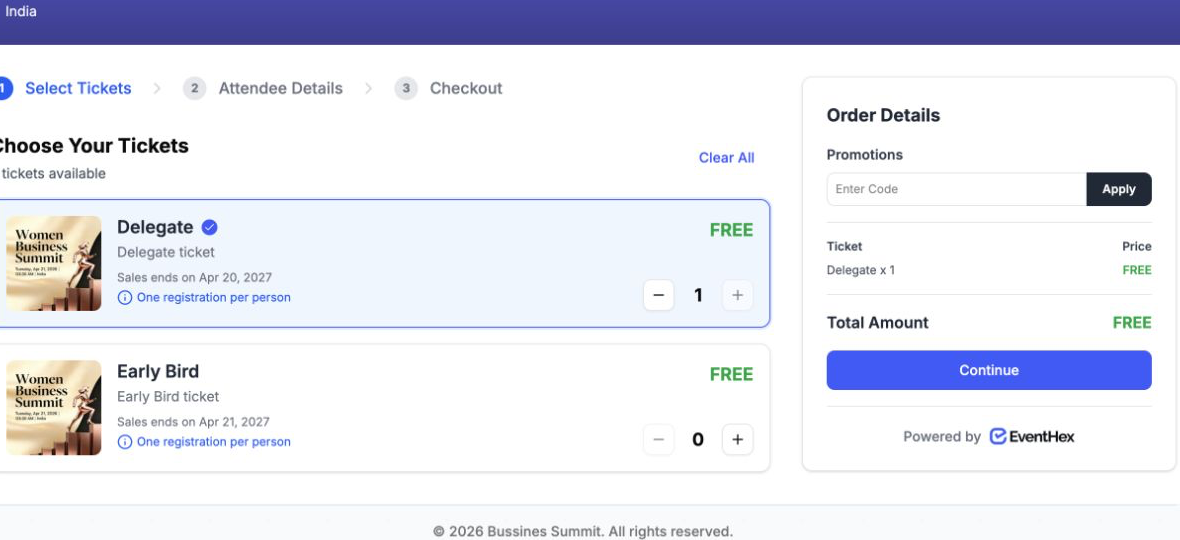
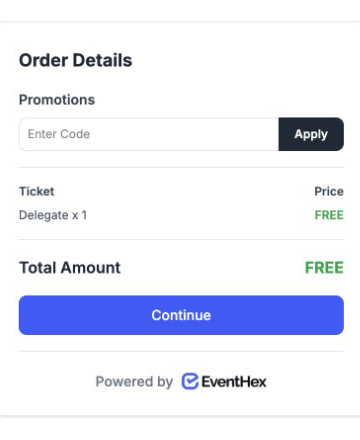 Not includedEventHex checkout
Gutenberg blocks, shortcodes, embedded registration or checkout, attendee portal, theme inheritance, WordPress-admin attendee analytics, or WooCommerce behavior.
Choose where your website, registration, ticketing, or custom integration workflow belongs.
Build and publish a complete EventHex event site when WordPress is not the destination.
Choose the EventHex form or checkout journey used by attendees.
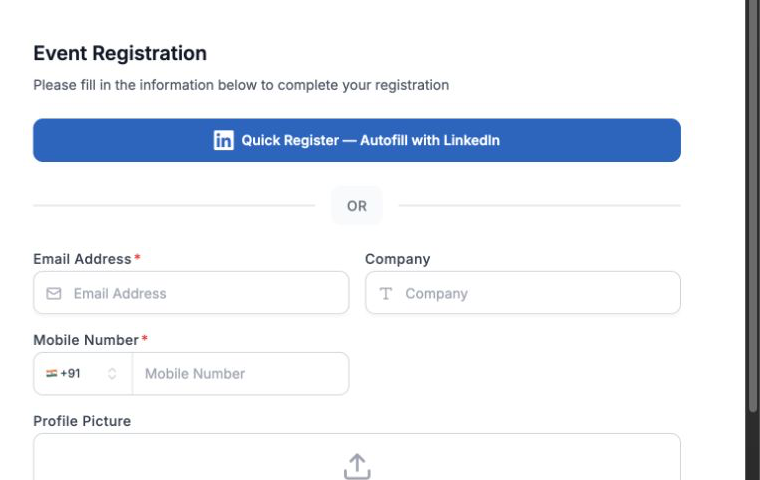
Configure ticket types, sales rules, capacity, and delivery.
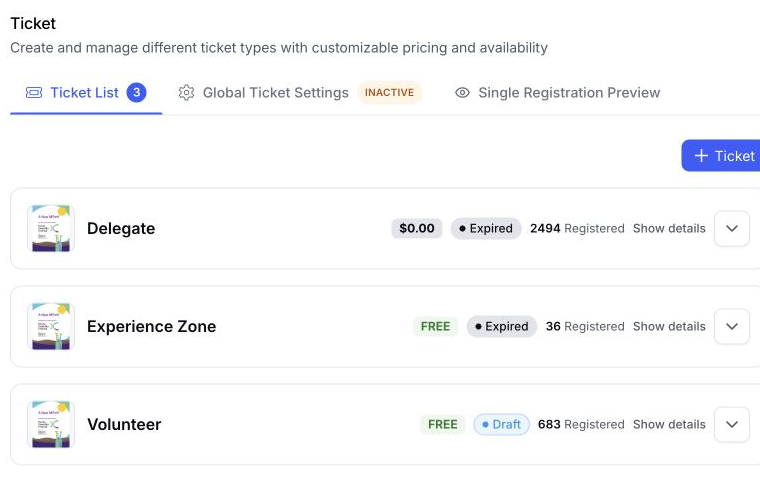
Review the broader EventHex API for a custom integration beyond this connector.
The verified site feed provides eligible upcoming event content and speaker data. The key-only connector flow imports upcoming events, including inactive ones, as drafts.
The verified flow creates WordPress drafts for local review. WordPress publication remains a separate editorial decision.
Yes. The site integration stores read permissions for events and speakers, and a connector key cannot mint additional site keys.
Yes. An authorized EventHex user can revoke the key; the connected site then stops authenticating to the feed.
Embedded registration, checkout, attendee portal, blocks, and shortcodes were not verified in the current connector and are not promised here.
Theme design and local rendering belong to the WordPress plugin and site implementation. The current EventHex evidence confirms the data connection, not universal theme inheritance.
