
Generate a draft
Use a company profile URL to request available title, website, description, email, and social details. Treat returned data as a starting point.
Returned values are a draft, not a saved record.Keep sponsor and partner details attached to the event, group them into ordered categories, and publish branded sponsor sections across your EventHex event website.
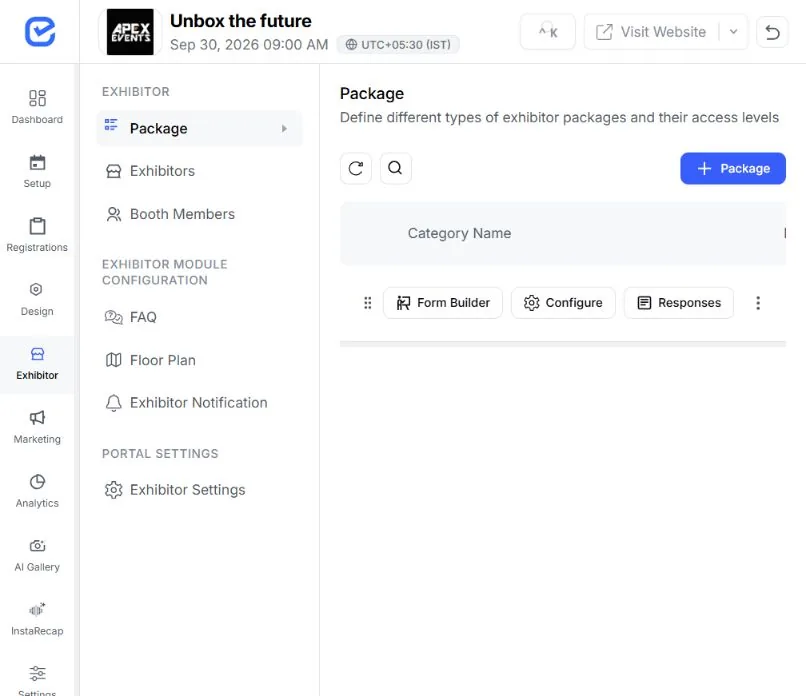
Create a sponsor or partner profile with the core identity and contact information tied to the event.
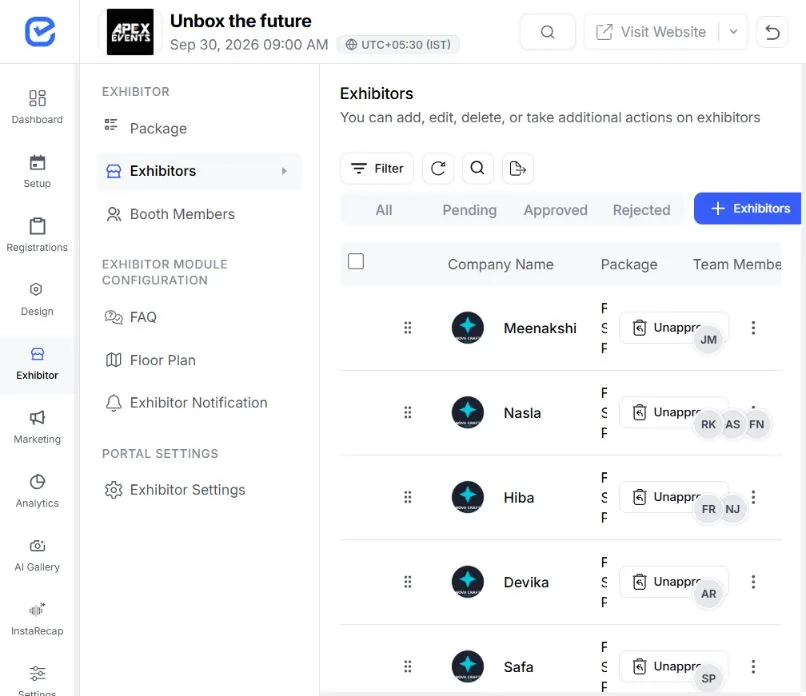
The sponsor form includes a LinkedIn company-profile lookup that can map returned company details into the EventHex fields.
Use a company profile URL to request available title, website, description, email, and social details. Treat returned data as a starting point.
Returned values are a draft, not a saved record.Confirm the brand name, contact details, description, category, and logo before saving. Organizer review remains the approval step.
Nothing publishes without an organizer confirming it.This is profile assistance, not automated sponsorship sales, package fulfillment, or ROI analysis.
Create category names and descriptions, then control the order in which those groups appear.
Use Platinum, Gold, Community Partner, Media Partner, or the structure your event already sells.
Add context when a tier or partner group needs explanation.
Use the category order field to define presentation sequence.
Attach each sponsor or partner to the right category.
The sponsor service supports the everyday record operations an event team needs.
Find sponsors by name, description, or email.
Update brand, contact, website, description, category, and logo fields.
Save a position for each sponsor when presentation order matters.
Delete a sponsor and refresh event counts when a relationship no longer belongs to the event.
Create, update, reorder, and delete operations write activity-log entries.
Add a sponsors module to the event website and let the renderer use the event's current category and logo data.
Use a tier-grid treatment when category structure should lead the presentation. Useful for tiered sponsorship programs.
Category order carries into the website section.Use a logo wall, cards, rows, or marquee-style presentation when the brands should read as one set. Useful for partner collections and compact layouts.
Useful for partner collections and compact layouts.The website section reads live sponsor data. Updating the sponsor record or category keeps the source of truth inside EventHex.
The event website can include a sponsor directory page with an event heading and category-grouped sponsor cards.
Book a DemoAttendees enter the dedicated sponsor page from the event website.
 Directory linked Open Sponsors
 Use the configured sponsors heading and subtitle.
Heading applied Event context Move through sponsor groups in their saved order.
4 categories Category order Show the sponsor logo and name in a responsive card grid.
Cards rendered Sponsor cards Keep the sponsor directory inside the same event website and theme.
Same theme Back to event Use responsive grids and image containment so each logo stays recognizable without distorting the asset.
Pair the logo with the sponsor name when the selected treatment uses it.
Explore MoreUse the website's theme variables rather than a separate sponsor microsite style.
Explore MoreUse the same profile, category, and website mechanisms across different event formats.
Group presenting partners and sponsors separately from the exhibitor directory.
Sponsor focus Show tiered sponsors near the agenda, speakers, and registration journey.
Sponsor focus Present annual partners and event-specific sponsors with clear category labels.
Sponsor focus Use a concise partner wall or dedicated sponsor page that fits the brand system.
Sponsor focus Sponsor Management owns profiles, categories, ordering, and website presentation. Related pages handle the surrounding jobs.
Design the sponsor section and dedicated event pages.
Manage exhibitor companies, booth teams, lead capture, and floor-plan workflows.
Build planned campaigns that may acknowledge event partners.
Help attendees discover stored sponsors inside an event-aware conversation.
A sponsor or partner profile can include the brand name, logo, contact details, website, description, event relationship, and sponsor category.
Yes. Category names are custom, so you can use tiers or role-based groups. Add a description and order value, then assign sponsors to the appropriate category.
The current implementation supports sponsor sections and a dedicated sponsor directory in the EventHex event website. Automatic placement on badges, emails, signage, or every app surface is not included.
Yes. The website renderer supports several sponsor-section layouts and treatments, including grouped tiers, logo collections, color or monochrome presentation, and responsive column choices.
Sponsor-package inventory, checkout, benefit automation, and sponsor self-service are not part of the current workflow described here.
Sponsor impression, click-through, comparison, and PDF ROI reports are not included in the current sponsor workflow.
