Programme-led event
Build submissions, speakers, sessions, registration, and the attendee agenda around one programme.
Run academic conferences, university open days, graduation-related events, and student hackathons with submissions, sessions, registration, communication, engagement, badges, and check-in.
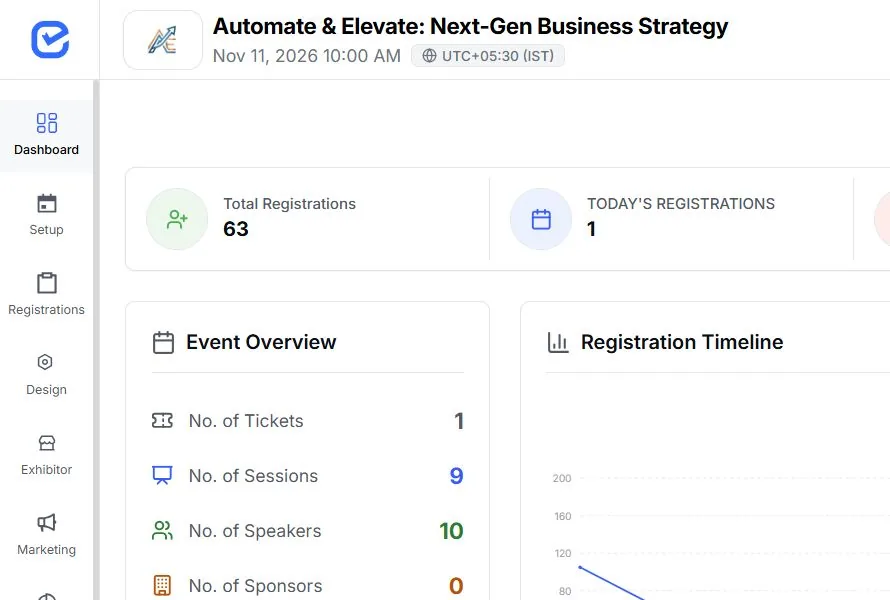
See the operating sequence before choosing modules
Choose the path that matches how your team needs to run this event.
Build submissions, speakers, sessions, registration, and the attendee agenda around one programme.
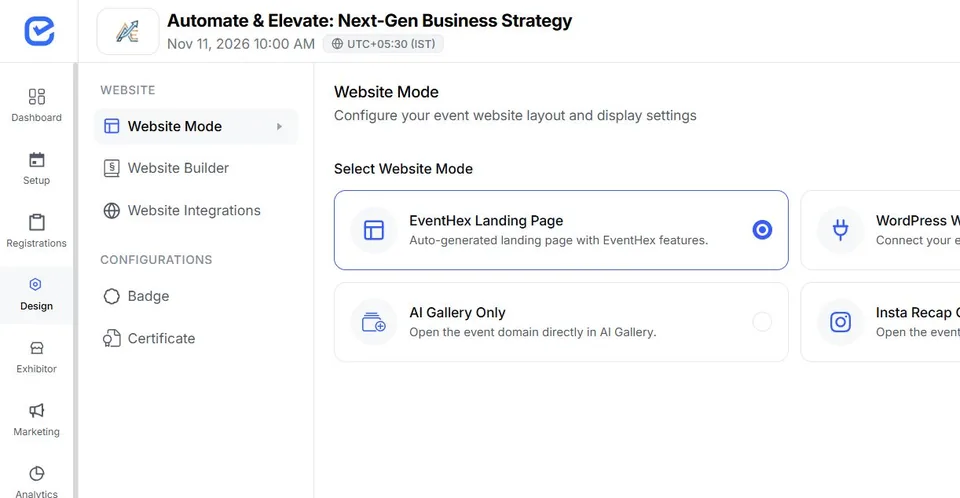
Lead with registration, the event website, communication, arrival, and attendee participation.
Start with one model, then add only the modules the event actually needs.
Connect the content, people, and access decisions that usually end up in separate files.
Configure calls, reviewer assignments, rubrics, decisions, and programme handoff.
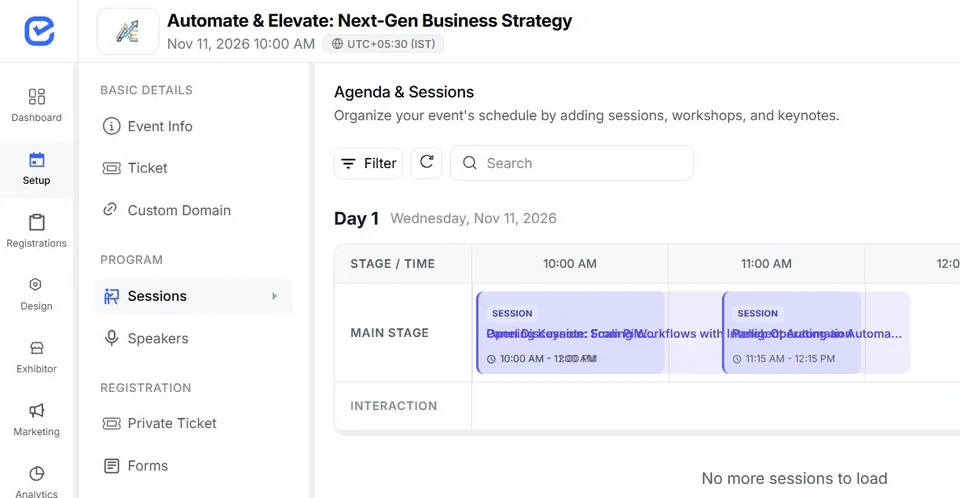
Build sessions and speaker participation for multi-track academic events.
Choose a focused single-ticket form or multi-ticket checkout and collect configured fields.
Add supported live polling, app-action gamification, notifications, badges, and check-in.
Give each team a clear job while keeping the attendee and event record connected.
Book a DemoSets the event, audience, access, programme, and reporting decisions.
 Accountable
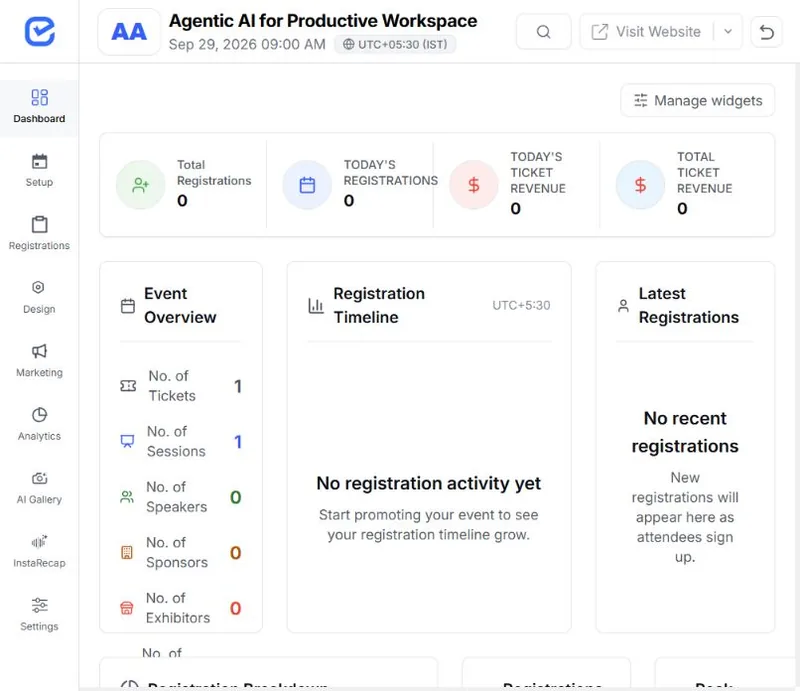
Work in focused registration, programme, exhibitor, marketing, check-in, or analytics areas.
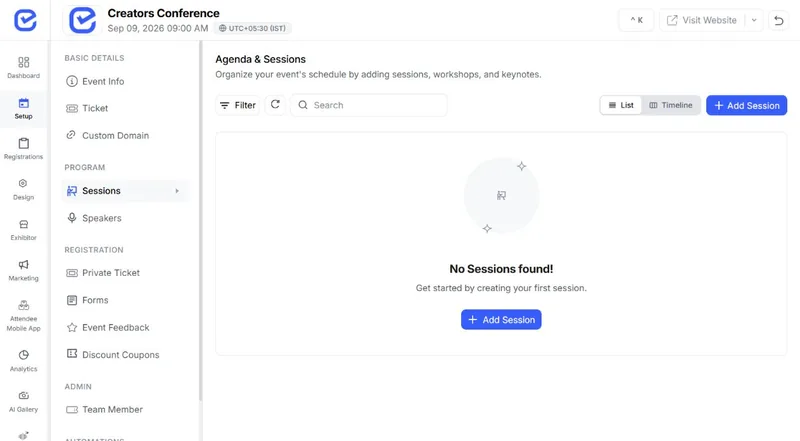 Operational
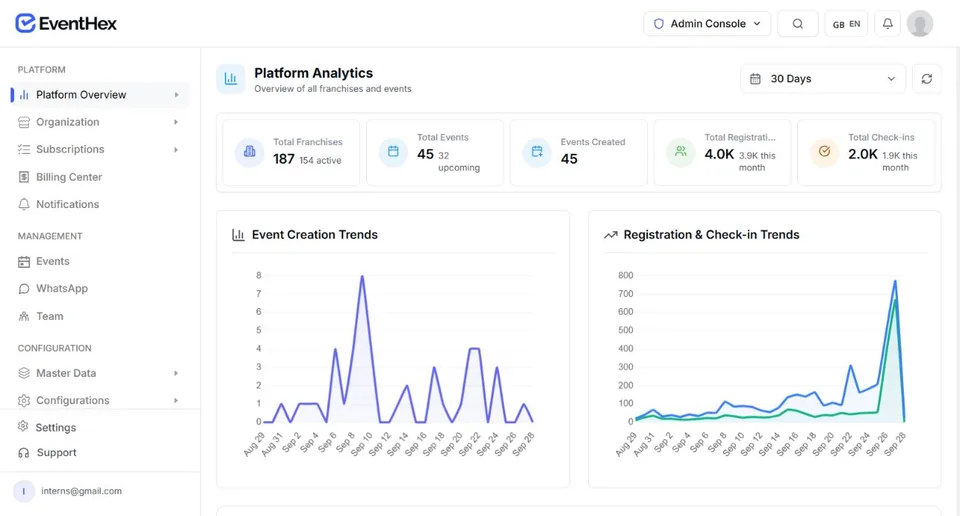
Reviews event and portfolio signals for the next operating decision.
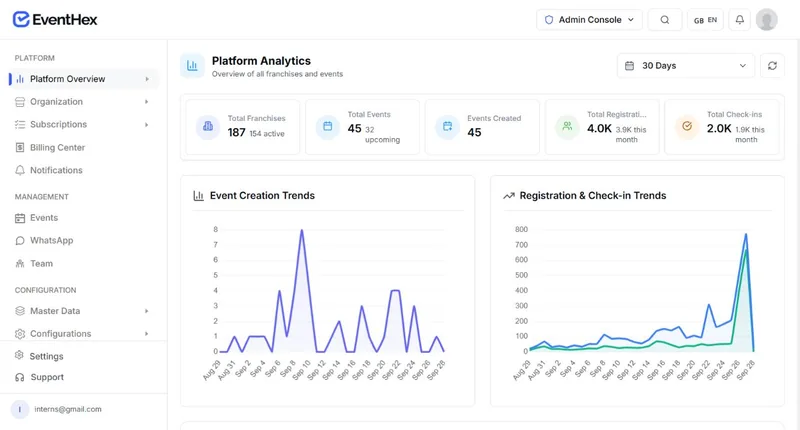 Decision
A keynote moves to a different stage. A panellist drops out two days before. A workshop fills up. EventHex keeps the speaker record, the session, the published agenda, and the attendee's phone as one connected thing — change it once and everywhere it appears updates with it.
Explore More
Keep rich speaker profiles with name, bio, designation, company, photo and social links, then use AI LinkedIn autofill to fill details from a profile URL. Add categories, speaker settings, badges, delivery logs and bulk operations from one place.
Explore More
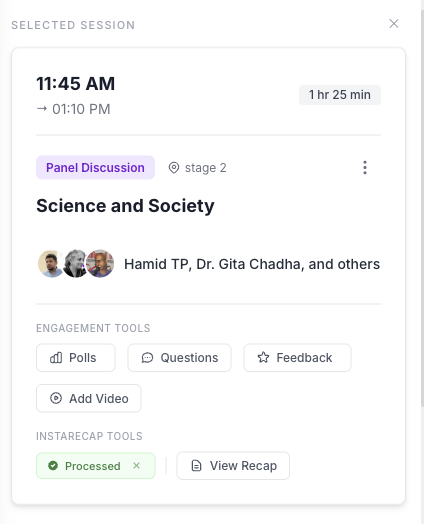
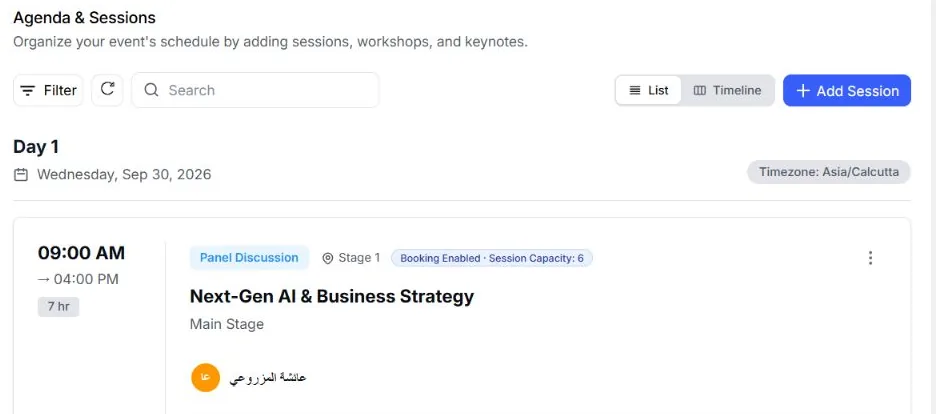
See every session on a colour-coded grid by day and stage, drag sessions into new slots, nest breakouts under parent sessions, assign moderator and panellist roles, and restrict sessions to specific ticket types when needed.
Explore More The schedule and speaker list stay cached in the attendee mobile app, so they keep working when the venue wifi does not. Attendees save the sessions they want and get a reminder by push and WhatsApp before each one starts. Live transcription and translation run during the talk, while live polls and Q&A open from a QR code with no app or account required.
Explore More
After a session, AI session recap turns the recording into a summary with key takeaways, drafts a LinkedIn and an X post, and generates a shareable poster. Send it to your speakers and they promote the event for you while it is still fresh. Recordings can come from a live capture, an uploaded file, or a YouTube link.
Explore More
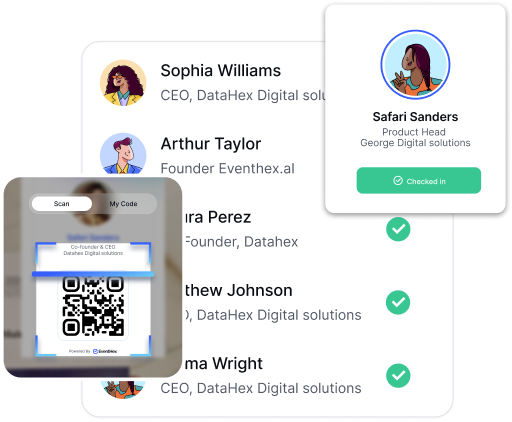
Use the scanner workflow at the event's arrival points.
Keep the current programme and attendee agenda accessible.
Send operational app announcements to selected attendees.
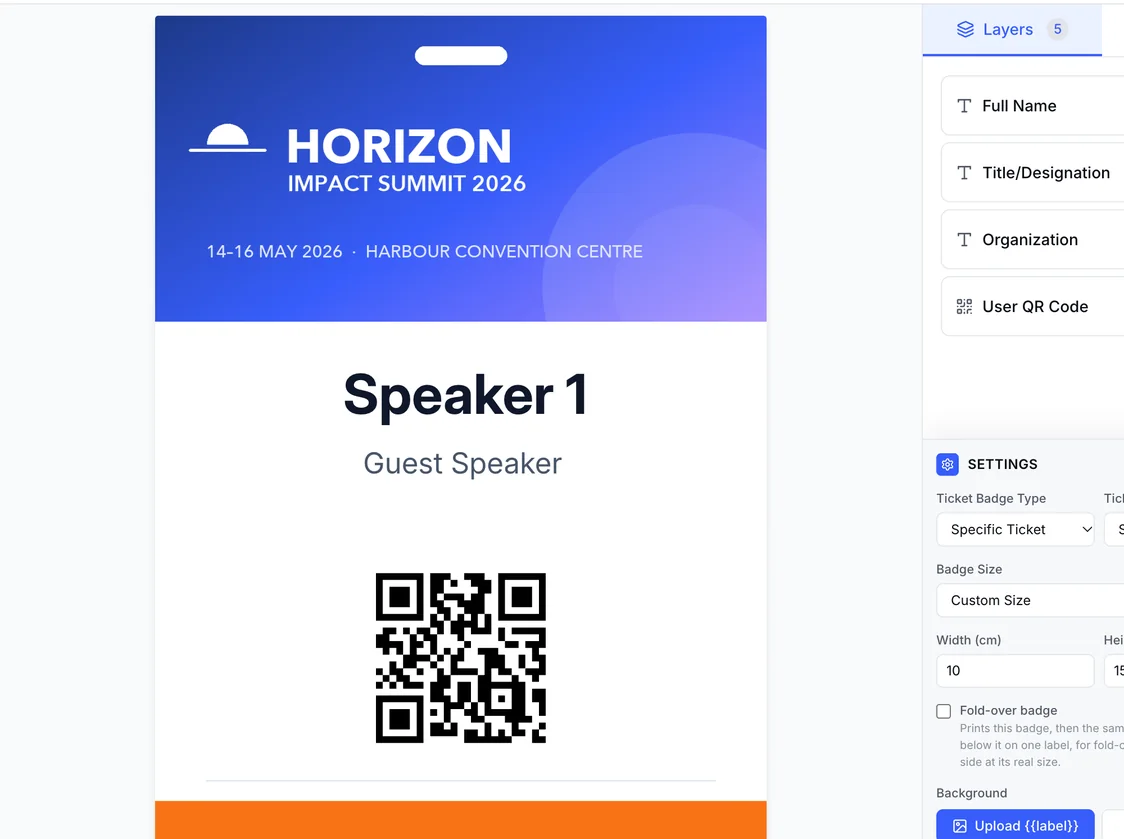
Use the designer and output workflow for the event's approved output.
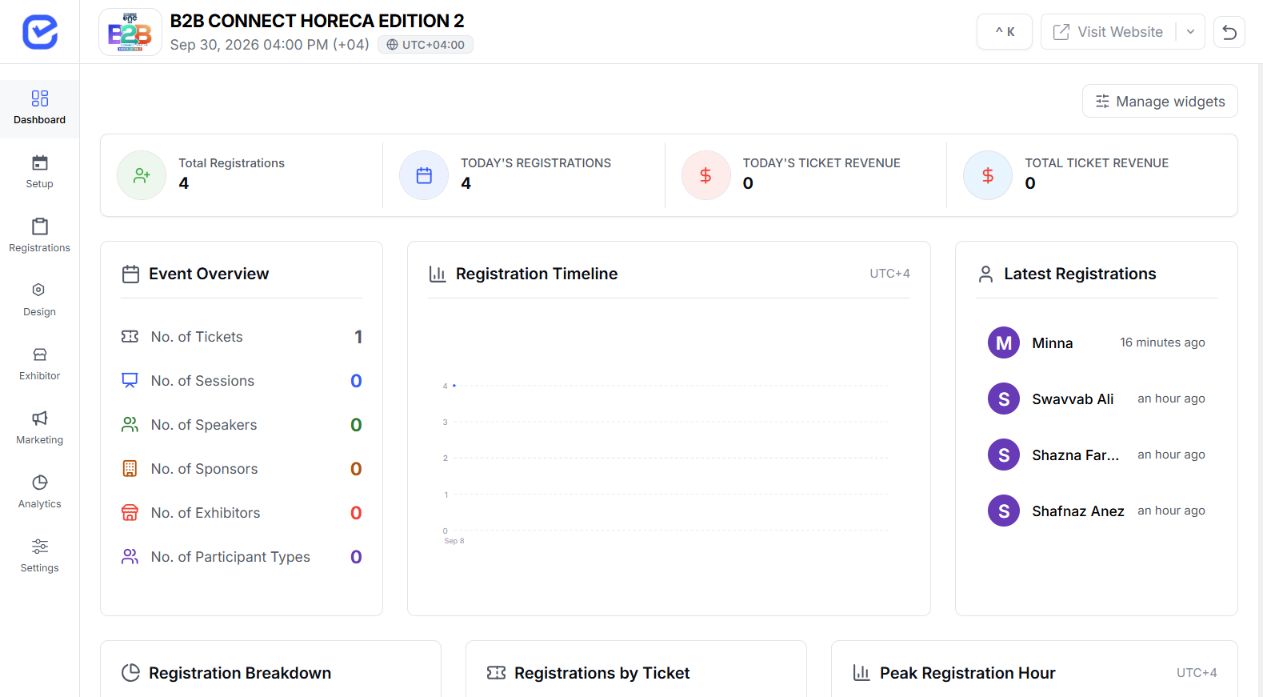 ✓ ConfiguredSupported workflow Event record connected
Configure the supported event, audience, access, content, communication, engagement, and event-day mechanisms.
Map legal, regulatory, accreditation, identity, accessibility, venue, payment-provider, and industry-specific obligations to the teams and systems responsible for them.
 Review requiredSpecialist obligations Owner assigned
Confirm every specialist obligation before implementation and record how it will be handled.
Choose the education event model that best matches the workflow your team needs to coordinate.
Connect submissions, review, programme, registration, and event day.
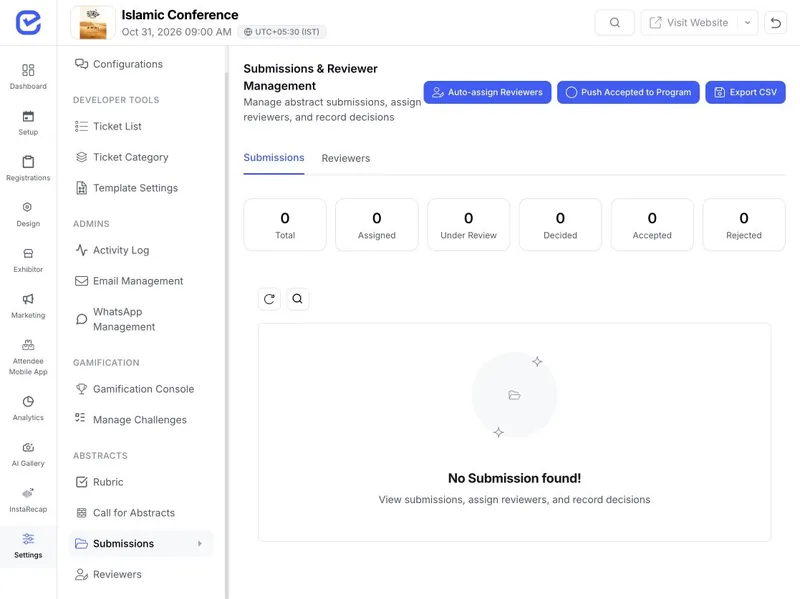 Submissions workspace
Publish activities, register prospects, communicate updates, and scan arrival.
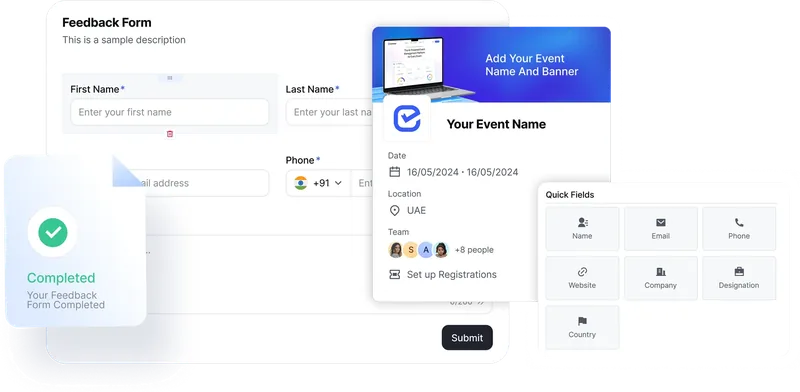 Prospect registration
Manage invitations and event access; keep seating and academic records in the system responsible for it.
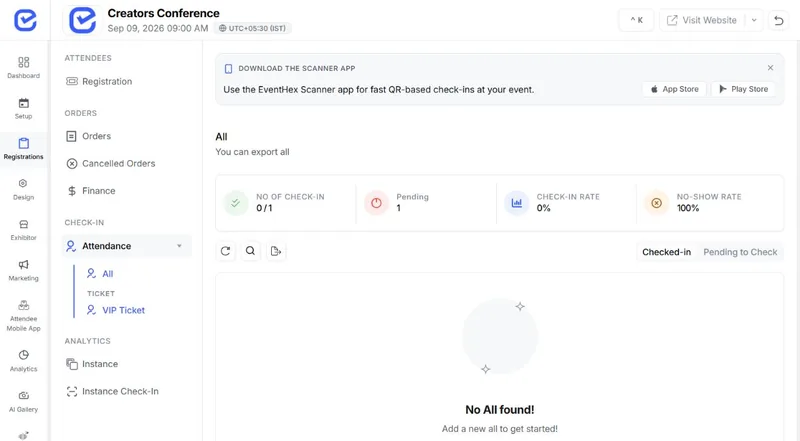 Attendance visible
Register teams or participants using configured fields and publish sessions, mentors, and updates.
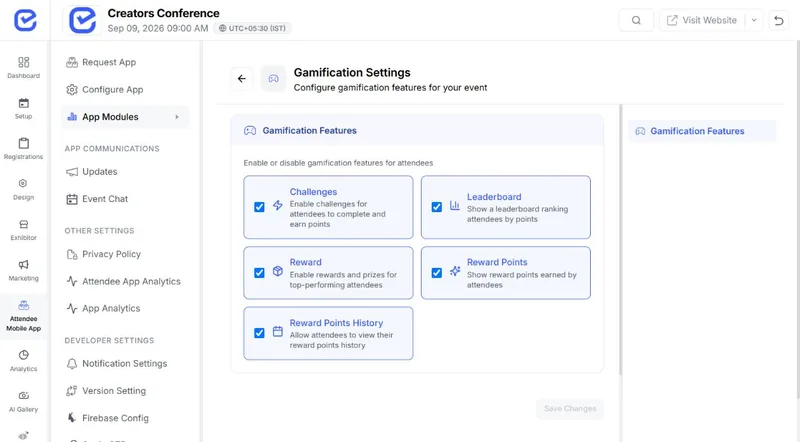 Challenges enabled
Explore the dedicated workflow for submissions, programme planning, live participation, or event outputs.
Use the event format, audience groups, access rules, programme, communication channels, event-day plan, and required integrations to review the supported configuration.
Yes. Use the Call for Papers workflow for configured submissions, reviewer assignment, rubric scoring, decisions, and programme handoff.
Use ticket types, custom or ticket-specific fields, approvals, and access rules to configure the event journey.
No. EventHex does not manage academic credits; event certificates should not be used as evidence of credit or accreditation.
Yes. Use the multiple-choice polling, anonymous access where configured, spotlight, and feedback mechanisms.
No. EventHex does not provide a graduation seating-plan workflow.