
The Friction Point in Your Event Funnel
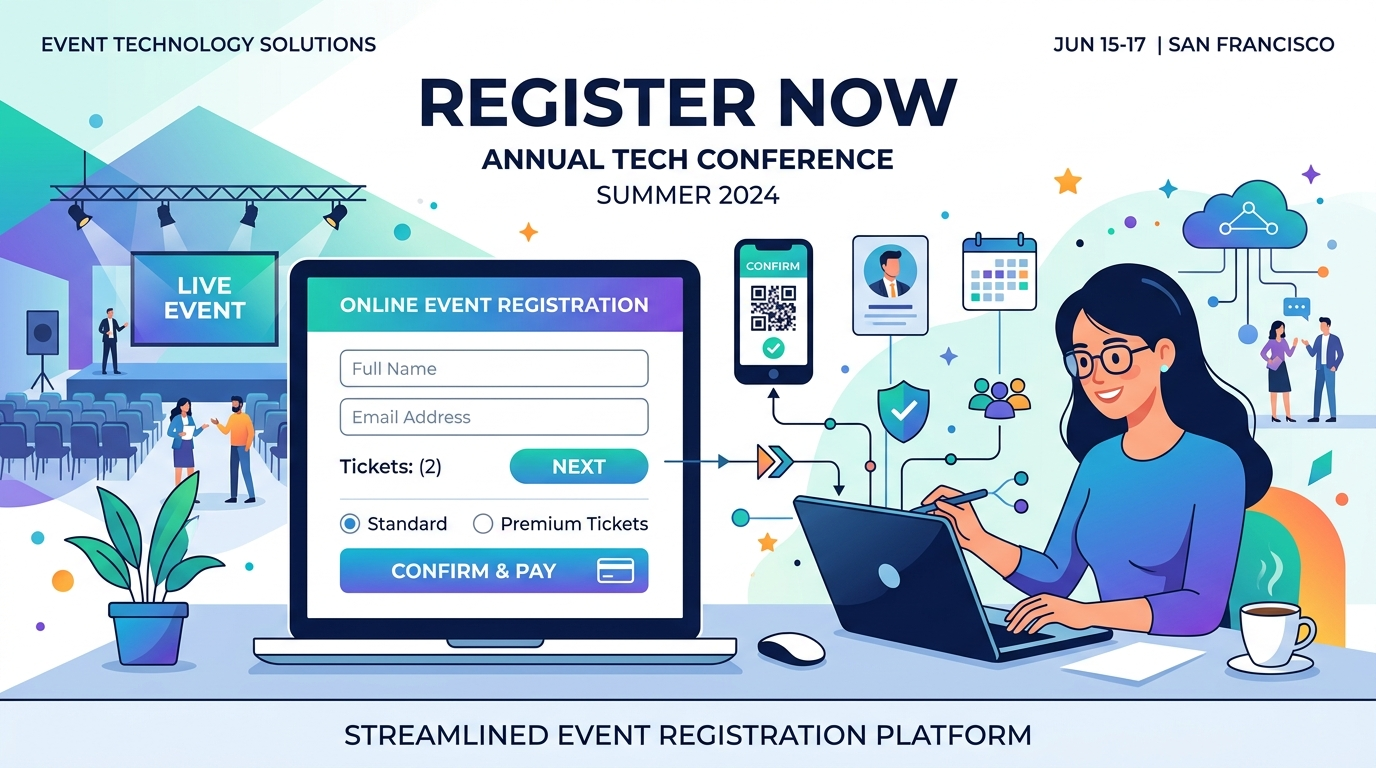
Your event page gets steady traffic, yet registration totals barely move. Where is the disconnect? This article explains why attendees abandon event registration forms: what the drop-off looks like, the four causes behind it and what the available data says about each.
The answer is hidden in a silent funnel leak: form abandonment. Across the event industry, a staggering 40% (or more) of potential attendees who land on registration forms drop off before completion. According to extensive user research, up to 81% of web users have abandoned an online form at least once, with 67% leaving permanently if they encounter even minor friction. When potential attendees click “Register Now,” they make a rapid, subconscious cost-benefit calculation based on form length, complexity, and security. If the administrative cost of filling out your form outweighs the perceived value of your event, they close the tab—often permanently.
If you are looking for the fixes rather than the causes, see our guide on how to fix registration form drop-off. Here we stay on the diagnosis, so you can see which friction points apply to your own form.
Why Potential Attendees Abandon Registration Forms
Before you can fix form abandonment, you must understand exactly where the friction lies. Form drop-off is rarely caused by a single issue; it is a cumulative effect of multiple design flaws that frustrate the user. Let us examine the four major roadblocks that trigger abandonment:
1. Excessive Form Length and the “Cognitive Tax”
Many organizers design their forms based on the question, “What data would be nice to have?” rather than “What data do I absolutely need right now?” This mindset results in long, exhausting forms requesting job titles, department names, company sizes, billing details, and personal phone numbers. This creates a high “cognitive tax.” Users don’t just see fields; they see effort. Studies show that conversion rates drop significantly as field counts increase. If a user feels that a form is going to take several minutes of their time, they will postpone it or abandon it entirely.
2. Unnecessary or Intrusive Personal Questions
Asking for sensitive or irrelevant data instantly damages user trust. For example, requiring a home address or billing details for a free community webinar triggers immediate skepticism: “Why do they need this?” A notable industry friction point is requiring a phone number. Requiring a phone number on standard forms can drop registration conversion rates by roughly 5%, and can lead to up to 37% of users abandoning the form entirely. Unless you have an immediate operational need for a phone number (such as sending check-in SMS alerts), making it optional or removing it altogether is one of the easiest ways to recover lost conversions.
3. Poor Mobile UX and Complex Touch Controls
Over 60% of modern event traffic originates on mobile devices. If your form is not completely optimized for mobile viewports, you are actively driving away potential registrants. Typing long strings of text, scrolling through long dropdown lists, and manually inputting dates on a small touch screen is highly frustrating. Standard desktop form controls—like complex radio button grids or multi-select menus—become literal mobile traps when squeezed onto a 6-inch phone screen.
4. Lack of Inline Validation and Clear Error Reporting
There is nothing more frustrating than filling out a long form, hitting “Submit,” only for the page to refresh and delete half of your entered details with a vague error message saying “Invalid format.” Without inline validation—which provides real-time visual feedback as the user types (e.g., a green checkmark or a clear, instant error message)—the form completion process becomes stressful and error-prone. Real-time feedback has been proven to reduce completion time by up to 42% and decrease overall errors by 22%.
Five Proven Strategies for Event Registration Optimization
To systematically eliminate form abandonment, organizers must shift their perspective from data collection to user experience. Here are five actionable, industry-standard strategies to optimize your event sign-ups:
1. Enforce Progressive Data Collection
Instead of demanding every piece of attendee data at the initial signup, split the collection process. Collect only the absolute essentials—name and email address—during the initial registration. Once the registration is locked in, use automated follow-up emails or localized survey campaigns to gather secondary data, such as t-shirt sizes, session preferences, or meal choices. This reduces the initial cognitive burden and secures the primary registration first.
2. Implement Conversational Form Flow
If you must ask multiple questions, do not show them all at once. Transitioning your registration form to a “one-question-at-a-time” conversational flow changes the user’s perception of effort. By chunking information into interactive, progressive steps, you can achieve significantly higher completion rates for long or complex sign-up processes.
3. Leverage AI-Powered Field Mapping and Pre-Filling
For corporate events, VIP lists, or returning attendees, never ask users to re-enter information you already possess. By using intelligent links that pre-fill fields like Name, Company, and Job Title from your CRM or database, you remove almost all data-entry friction. The user opens the link, reviews the pre-populated fields, hits a single button, and is instantly registered.
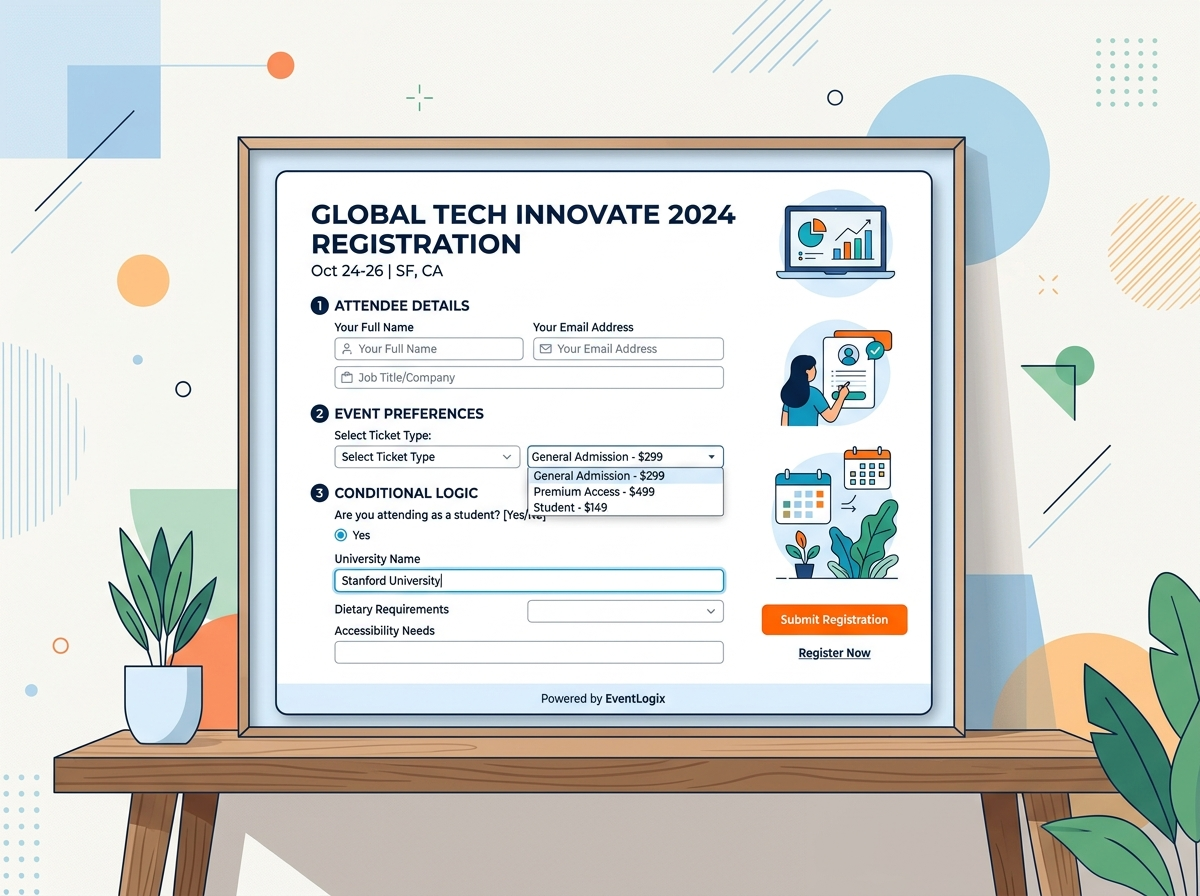
4. Dynamic Fields through Conditional Logic
Avoid showing fields that are irrelevant to specific attendee categories. For instance, if an attendee selects a “Virtual Ticket,” use conditional logic rules to instantly hide billing address, dietary restriction, or workshop selection fields. Keeping forms clean and dynamic makes them feel highly personalized and significantly shorter.
5. Ensure Automatic Inventory and Capacity Safeguards
Never let an attendee put effort into completing a registration form only to find out the ticket is sold out when they click the final submit button. Ensure your forms integrate real-time inventory limits that instantly gray out or disable sold-out ticket tiers, or gracefully unpublish the registration form with a link to a secondary waitlist form once capacity is reached.
How EventHex Transforms the Registration Experience
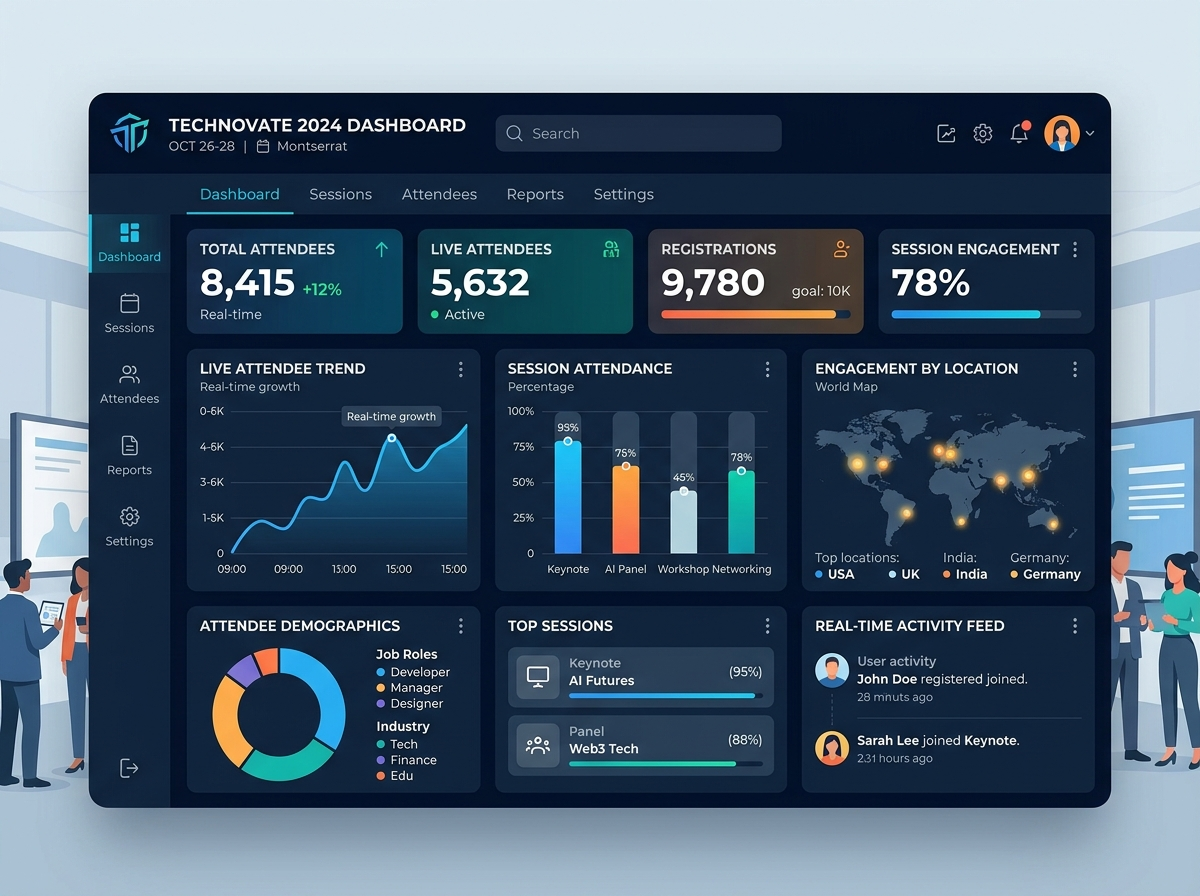
While understanding these strategies is essential, executing them manually across disjointed tools can create operational chaos. This is where EventHex provides an elegant, modern solution. EventHex is built from the ground up to solve the exact bottlenecks that drive form abandonment, combining a powerful streamlined event registration system with an intuitive centralized dashboard.
Here is how EventHex helps you eliminate registration friction and capture maximum attendee conversions:
- Drag-and-Drop Form Builder with Conditional Logic: Design beautiful, fully responsive, and GDPR-compliant forms with custom fields (dropdowns, checklists, textareas, or date pickers). Apply advanced conditional logic rules with a few clicks to show or hide fields based on ticket types or previous answers, ensuring every attendee sees a highly relevant, ultra-short form.
- Zero Platform Fees on Unlimited Tickets: Unlike traditional platforms that charge heavy transaction fees that inflate the final cost (and drive abandonment at checkout), EventHex charges 0% platform fees, allowing you to pass savings to your attendees and keep pricing perfectly clear.
- Visual CSV/Excel Import with Intelligent Deduplication: Instantly bulk-add speakers, exhibitors, or pre-registered VIPs using a smart mapping wizard. EventHex automatically flags repeated email addresses before imports complete, ensuring pristine attendee data and zero double-bookings.
- Real-Time Tracking and Monitoring: Monitor signup progress, filter registrations instantly by ticket category or payment status, and export clean CSV reports directly from your dashboard—no manual spreadsheet maintenance required.
Stop letting complex forms and high platform fees crush your attendee attendance rates. Implement proper event registration optimization today, and see how EventHex can turn your registration funnel into your strongest asset.
Frequently Asked Questions (FAQ)
How does form length affect event registration conversions?
Form length has a direct correlation with conversion rates. Every extra field you add to a registration form increases the visual and mental effort required by the user, leading to a steady drop in completions. Reducing fields to absolute essentials (like name and email) is the most effective way to instantly increase registration rates.
Why is a required phone number field bad for event forms?
Required phone number fields are a primary driver of registration form abandonment. It triggers privacy concerns and user hesitation, dropping conversion rates by up to 5%, with up to 37% of users closing the form completely. Keep phone number collection optional unless it is operationally required.
What is progressive registration?
Progressive registration (or progressive profiling) is the practice of splitting data collection. You capture the attendee’s basic info (name and email) to secure the initial ticket registration, and then use secondary, targeted surveys later to capture secondary data such as workshop choices or dietary preferences.
Can EventHex forms handle custom questions and logic?
Yes. EventHex features a flexible drag-and-drop registration form builder that allows organizers to create custom fields (text, dropdowns, checkboxes, files, etc.) and apply conditional logic rules. This ensures fields dynamically show or hide based on the selected ticket type or user response.