
EVENTRegistration completedEvent + attendee context
Ready Event webhooks and Zapier
Send selected EventHex events to the systems that need them
Choose a verified event trigger, configure the endpoint and payload, add authentication or an optional signature, and use delivery logs and retries when another system does not respond.
6 verified trigger typesConfigurable payload and authSigned delivery and retries
e
Webhook automationRegistration handoff
ActivePAYLOADMap destination fieldsemail · ticket · event_id · source
4 fieldsSECURITYSign request bodyHMAC-SHA256 · timestamp
SignedDELIVERYEndpoint respondedPOST · 342 ms · delivery_024
200 OK✓
Webhook deliveredResponse stored in execution log
Define what EventHex should call
and when
Name the automation
Give the trigger a label the event team can recognize.
Choose the event and trigger
Bind it to the correct EventHex event and one verified trigger type.
Add the destination
Enter the receiving URL and select GET, POST, PUT, or PATCH.
Activate and order
Enable the trigger and use execution order when multiple actions share the same event.
Choose the event that should start the workflow
Use one of the trigger types present in the current EventHex automation model
Post-registration
Run after a supported registration completes.
EventHex payload
attendee.email
ticket.type
delivery Delivered
Failed registration
Send a failure event to the configured workflow.
Attempt 1 of 5
failure.reason
retry backoff Retrying
Attendee checked in
React when an attendee check-in is recorded.
Check-in record
attendee.name
Main entrance Checked in 09:42
Order completed
Send the supported completed-order event.
Order
order.total
payment.status
destination Sent
Lead captured
Route a captured exhibitor or event lead into another system.
Lead
lead.source
Exhibitor booth Sales queue
Form submitted
React to a supported EventHex form submission.
Form fields
field.label
field.type
+ Map another field
Limit the automation when the event needs it
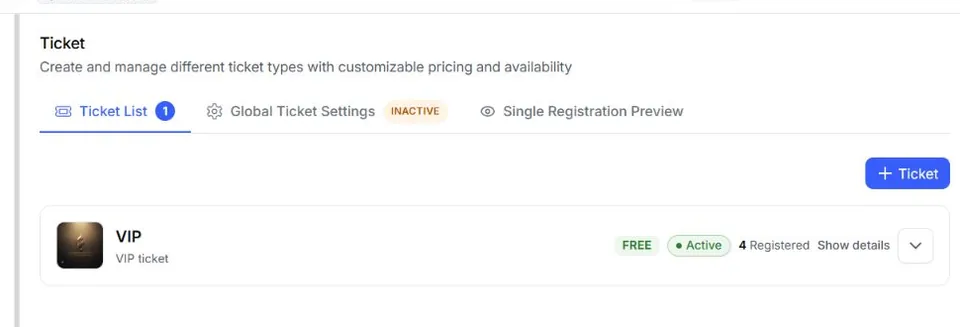
Apply a webhook to selected ticket types or leave it open to all
Choose the audience for each trigger. Keep sensitive workflows narrow, or let an event-wide automation run without an eligibility list.
Selected tickets
Run only when the registration or order belongs to one of the eligible ticket types.
Narrow scopeTICKET ELIGIBILITYOnly these tickets
✓ Scoped to 2 ticketsSave trigger ✓VIP DelegateSelected
✓Workshop PassSelected
General AdmissionExcluded
TICKET ELIGIBILITYEvery ticket in this event
✓ Event-wideApply to all ◎
Event-wide triggerEligibility list is empty
ONNew ticket types are included automatically.
All tickets
Leave the eligibility list empty when the trigger should apply across the event.
Event-wideTicket eligibility is evaluated when the triggering data includes a registration and ticket context.
Match the receiving system’s endpoint contract
Webhook trigger
REQUEST CONFIGURATION Outbound request
Method POST
Custom headers Content-Typeapplication/json X-Event-Key
Request shape
Choose the method and headers
Method. Choose GET, POST, PUT, or PATCH for the outbound request.
Custom headers. Add the headers required by the destination.
Endpoint access
Authenticate and target the right URL
Authentication. Use no auth, header, query parameter, API key, or bearer-style credentials.
Destination URL. Send to the endpoint owned by your integration or automation platform.
Webhook trigger
ENDPOINT CONTRACT Authentication
Auth type Bearer token
Destination URL https://api.yourservice.com/hooks
Keep every delivery visible and recover failures on schedule
Record each response, then retry failed webhook deliveries on a defined backoff schedule.
Execution log
Record trigger, event, action, status, timing, response, or error context.
- trigger
- event
- action
- status
- timing
- response
- error context
Statistics
Maintain execution, success, failure, and last-executed counts on the trigger.
- executions
- success
- failure
- last executed
Retry schedule
Use the shipped 1-minute, 5-minute, 15-minute, 1-hour, and 6-hour backoff sequence.
- 1 minute
- 5 minutes
- 15 minutes
- 1 hour
- 6 hours
Delivery ID
Reuse the delivery identifier across retries so the receiver can recognize the same delivery.
- delivery identifier
- reused across retries
Zapier path
Use the current EventHex Zapier surface when a REST-hook workflow fits
The API can subscribe and unsubscribe a Zapier hook by creating the corresponding EventHex webhook trigger, and can return recent or static sample data for the supported trigger setup.
Book a Demo01
Connect
Use the authenticated EventHex connection for the Zapier workflow.
Zapier connection
CONNECTED ACCOUNT EventHex
EventHex accountConnected
Zapier workspaceLinked
02
Choose event
Load the events available to the connected organization.
Select event
EVENT Choose the event
Annual Summit 2026Selected
Product LaunchAvailable
03
Subscribe
Create the REST-hook trigger for the selected EventHex event and trigger type.
REST hook
SUBSCRIPTION Trigger created
Trigger typeChecked in
SubscriptionActive
04
Test
Use shaped sample data so the Zap can configure downstream steps.
Sample data
TEST PAYLOAD Shaped sample
{
  "event": "attendee.checked_in",
  "deliveryId": "del_01HZX8Q4W7",
  "eventId": "evt_annual_summit_2026",
  "attendee": {
    "id": "att_12345",
    "email": "attendee@example.com"
  },
  "occurredAt": "2026-09-28T10:30:00Z"
} Bring attendees into the workflow
Use the supported attendee actions alongside trigger subscriptions.
Create attendee
Create a minimal attendee record through the Zapier action, then run the same post-registration trigger path used by the product.
ActionATTENDEE ACTIONCreate a record
NameNew attendee
Emailattendee@example.com
Attendee createdATTENDEE SEARCHFind a matching record
attendee@example.com⌕
AAttendee foundAnnual Summit 2026Matched
Find attendee
Search for an attendee by email and event through the supported endpoint.
SearchThe current evidence does not support promising every EventHex action or every Zapier-connected app as a native integration.
Build from verified triggers, then choose the destination your workflow owns
01 · Registration handoff
Registration handoff
Send selected attendee and event fields to an operations or data workflow.
Included in the post-registration payload
POST /hooks/registration
- Event Post-registration
- Payload email · ticket · event_id
- Delivery 200 OK · 342 ms
02 · Order completion
Order completion
Notify a finance or fulfilment process after the supported order event.
Included in the order-completed payload
POST /hooks/orders
- Event Order completed
- Payload order_id · amount · currency
- Delivery 200 OK · 418 ms
03 · Check-in signal
Check-in signal
React to an attendee check-in in another authorized system.
Included in the checked-in payload
POST /hooks/check-in
- Event Attendee checked in
- Payload attendee_id · gate · event_id
- Delivery 200 OK · 286 ms
04 · Lead routing
Lead routing
Send captured lead fields to the destination chosen for exhibitor follow-up.
Included in the lead-captured payload
POST /hooks/leads
- Event Lead captured
- Payload email · booth · owner
- Delivery 200 OK · 305 ms
05 · Form workflow
Form workflow
Move a supported form submission into the next operational step.
Included in the form-submitted payload
POST /hooks/forms
- Event Form submitted
- Payload form_id · answers · event_id
- Delivery 200 OK · 371 ms
06 · Failure alert
Failure alert
Notify a monitoring or support workflow when registration fails.
Included in the failed-registration payload
POST /hooks/registration-failed
- Event Registration failed
- Payload error · ticket · event_id
- Delivery Retry scheduled · 5 min
Outbound event triggers here; the broader API on Developers
Keep this page focused on event-driven delivery, and move to Developers when the wider EventHex API surface is the better fit.
Outbound delivery,
end to end
Trigger types, endpoint configuration, payload mapping, authentication, signature, logs, retries, and the current Zapier hook/actions.
- Six verified event trigger types
- Configurable method, headers, and endpoint auth
- Mapped JSON payload with an optional HMAC-SHA256 signature
- Execution logs and automatic retry backoff
Webhook trigger
OUTBOUND TRIGGER Post-registration
EventTech Summit 2026
MethodPOST
Payload6 mapped fields
SignatureHMAC-SHA256
Delivered 200 OK1.2s
The wider API
surface
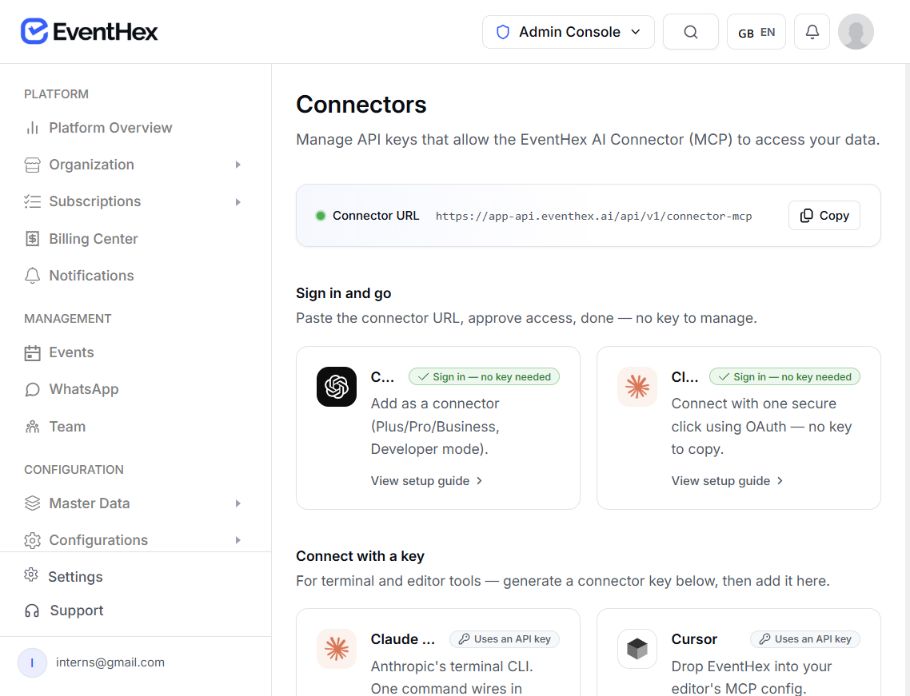
The wider EventHex API surface, authentication, data resources, SDK examples, and custom application architecture.
- Programmatic access beyond event triggers
- Authentication and data resources
- Connector URL and API key management
- SDK examples for custom applications
 Platform API
 Choose the integration that already owns the job
Developers
Explore the broader EventHex API and technical integration surface.
HubSpot Integration
Map EventHex contacts and event context into HubSpot through the dedicated connector.
Event Registration
Configure the forms and checkout flows that create registration triggers.
Event Check-In
Operate the attendee-arrival workflow behind the checked-in trigger.
Which EventHex events can trigger a webhook?
The current model supports post-registration, failed registration, attendee checked in, order completed, lead captured, and form submitted.
Can we control the HTTP request?
Yes. The trigger supports GET, POST, PUT, or PATCH, custom headers, several authentication styles, and a mapped JSON payload.
How can the receiver verify EventHex?
Configure a webhook secret to receive EventHex event, delivery, timestamp, and HMAC-SHA256 signature headers, then verify the timestamp-plus-raw-body value in the receiving system.
What happens when our endpoint fails?
The delivery is logged and can enter the automatic backoff schedule at 1 minute, 5 minutes, 15 minutes, 1 hour, and 6 hours.
Is there a Zapier path?
The API contains a REST-hook subscription flow, event selection, shaped samples, and create/find attendee actions. Confirm availability for the target Zapier connection before rollout.
Can we connect any destination?
Use an endpoint that accepts the configured method, authentication, headers, and mapped payload. Validate that destination’s availability, security, and idempotency before rollout.
