
Event audience
Send to registered event attendees with push notifications enabled. Best for event-wide updates and reminders.
Create scheduled or immediate push announcements, control the audience, and configure attendee-app alerts for messages, connections, meetings, and sessions. EventHex keeps each notification tied to the event workflow that created it.
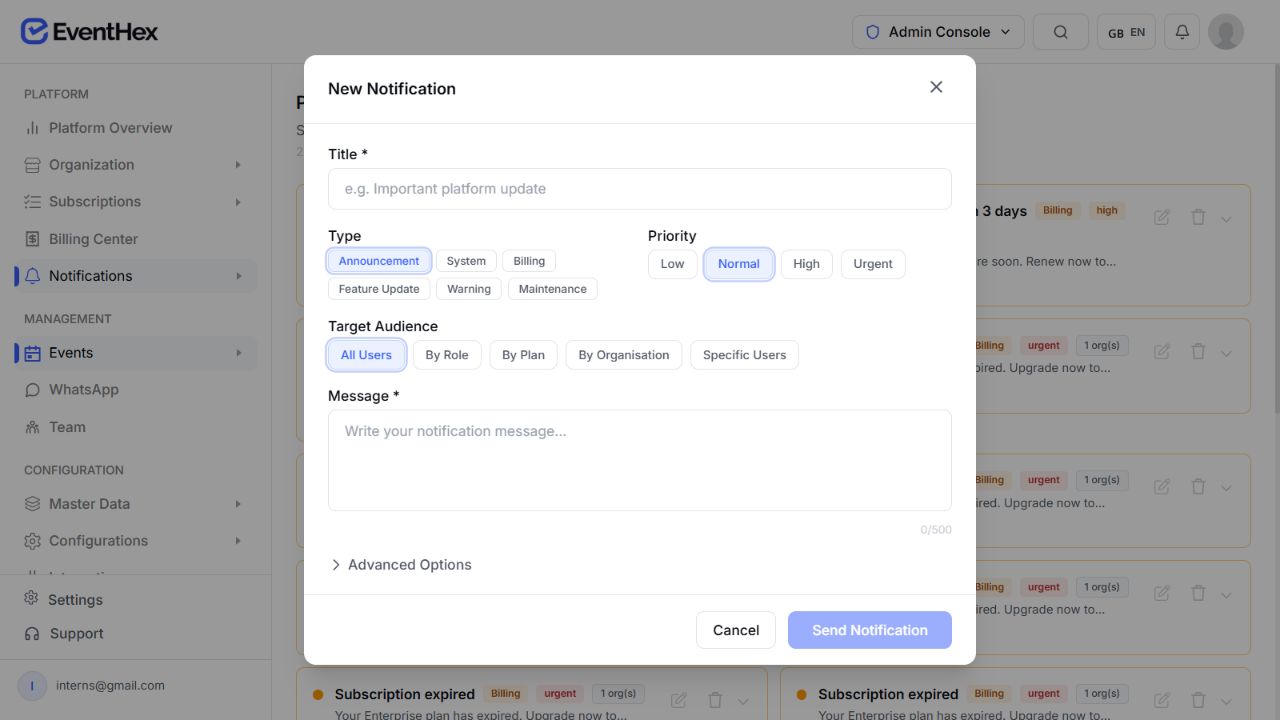
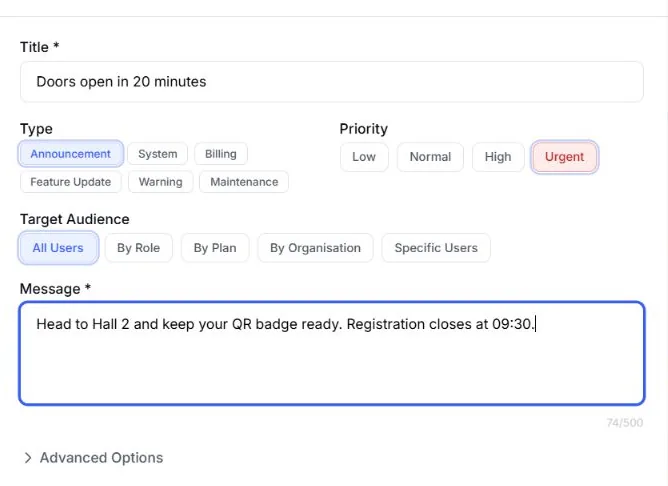
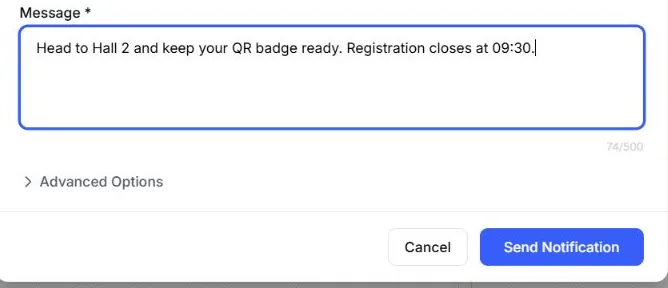
Give each notification a clear title and message, then add the operational context the delivery service needs.
Target the alert from the attendee records available to the notification service.
Send to registered event attendees with push notifications enabled. Best for event-wide updates and reminders.
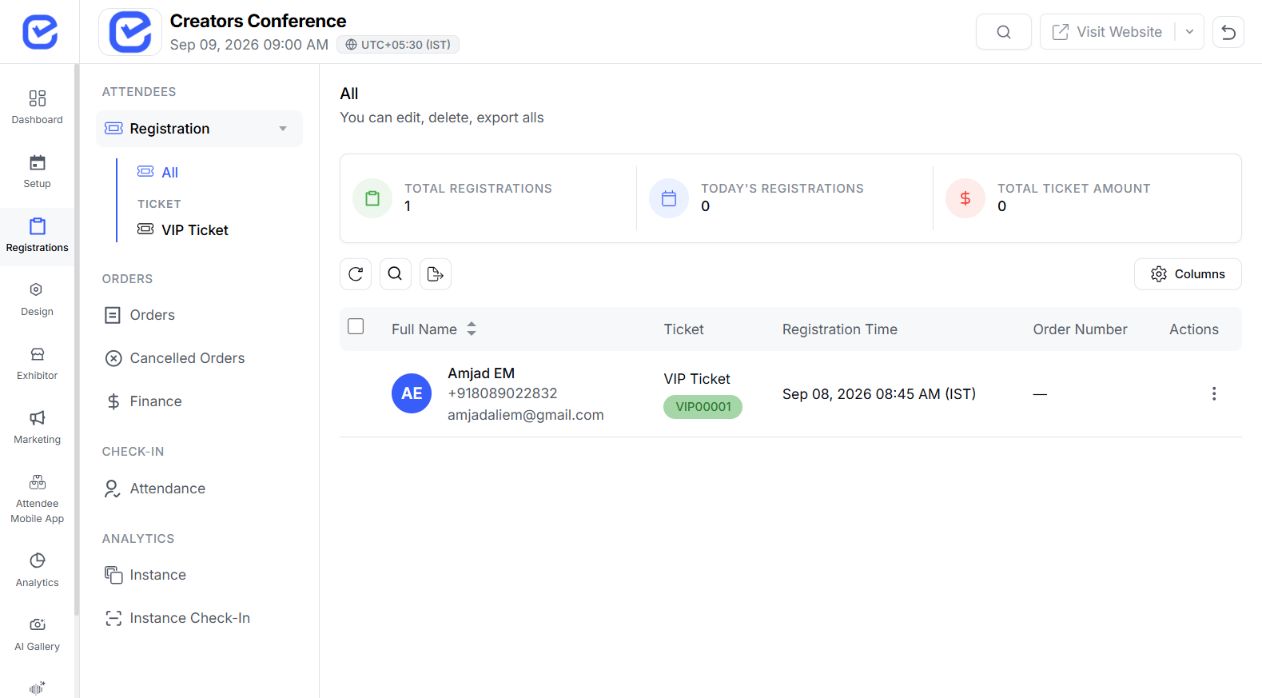 Registered attendees
All attendees
Registered attendees
All attendees 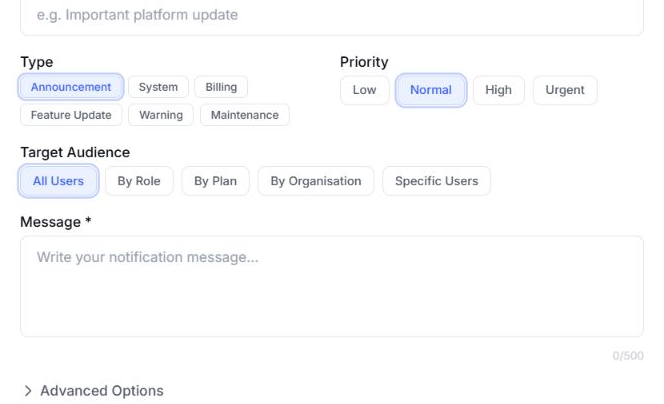 Segment selected
Specific users
Segment selected
Specific users Choose specific users or an available user segment when the alert is not for everyone. Push delivery still requires a valid device token and attendee permission.
The broader All audience option also exists. For event operations, keep each message scoped to the relevant event or explicit user set.
Keep the message in draft, schedule it for a future time, or send an eligible notification immediately.
The processor checks ready scheduled notifications and moves them through sending to sent or failed.
Prepare the copy and audience before the notification enters the send queue.
Send an eligible saved notification when the event team needs to act now.
Cancel a notification that has not already been sent.
EventHex resolves the target records, uses active FCM tokens, and records the push send result.
Book a DemoFind matching users or ticket registrations with push enabled.
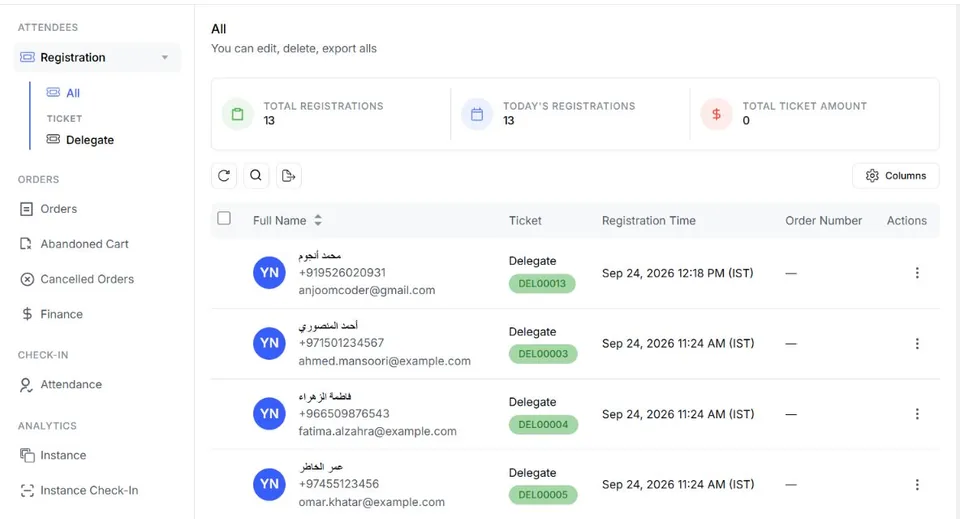
Use the device tokens stored for those recipients.
Pass the title, body, image, type, priority, and data to Firebase.
Remove invalid FCM tokens returned by the delivery service.
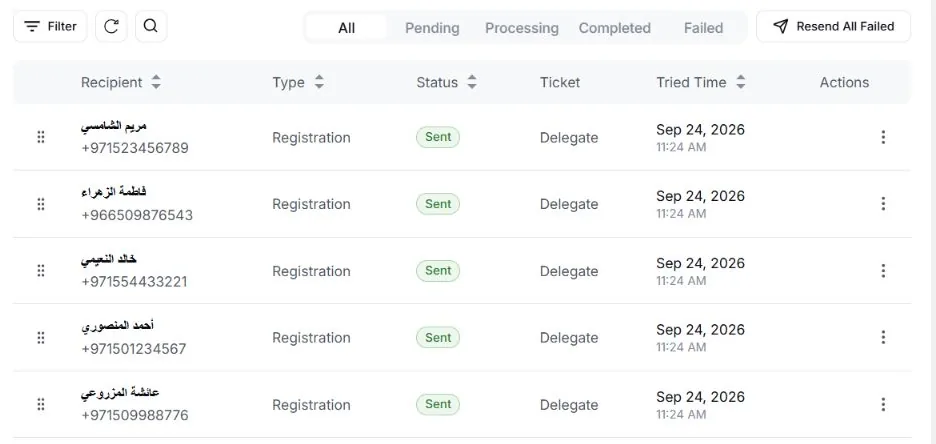
Record targeted, sent, failed, delivery-rate, and status fields from the push attempt.
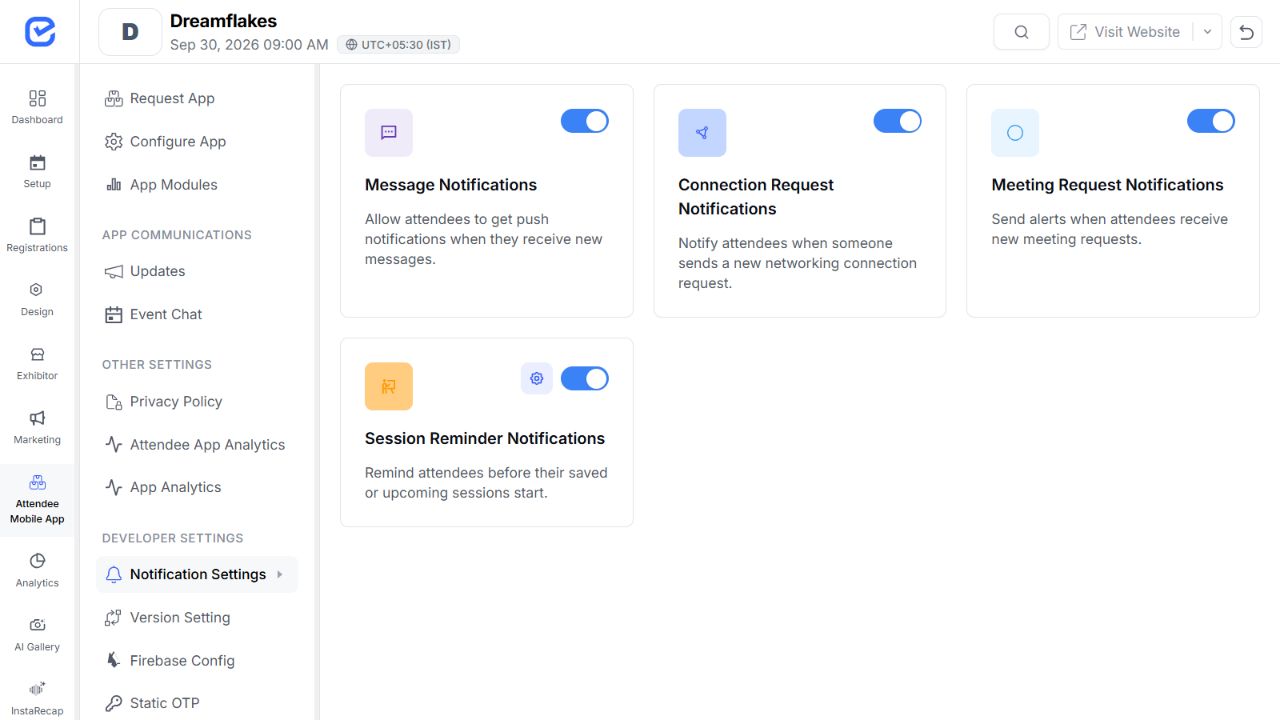
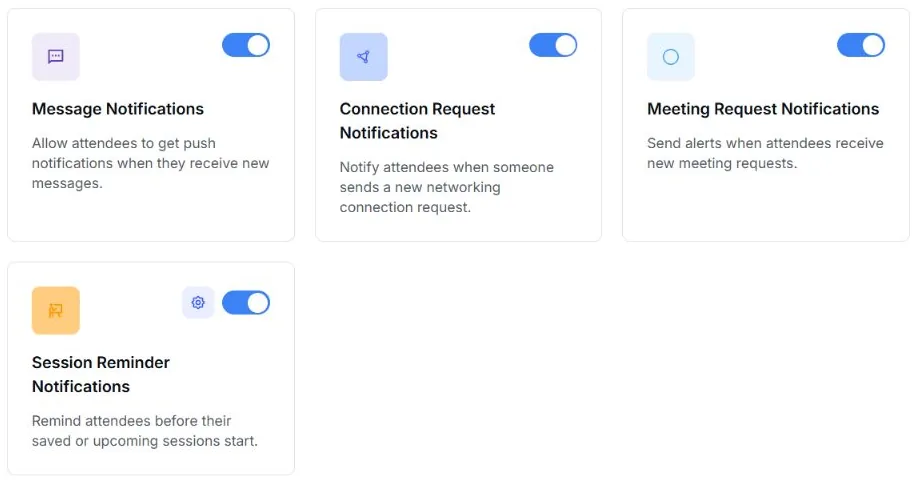
Turn individual notification categories on or off for the attendee app at the event level.
Notify an attendee when a new direct message arrives.
Alert an attendee to a new networking request.
Send an alert when a meeting request arrives.
Notify attendees before a saved or upcoming session starts.
Use attendee-app notification categories to support the networking workflow around the event.
Surface new requests without forcing attendees to keep the app open.
Book a Demo
Alert participants when a meeting request needs attention.
Book a Demo
The meeting lifecycle processor can send a reminder shortly before an accepted meeting.
Book a Demo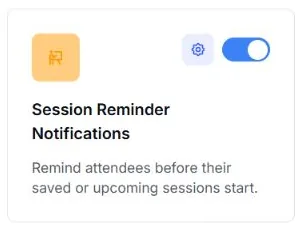
The EventHex reminder service can find event registrations and send reminder messages at configured lead times.
Use an event-aware subject and body with attendee and event variables. Available through the configured event-reminder service.
Use the selected WhatsApp template for a configured reminder time. Requires the corresponding WhatsApp template and channel setup.
EventHex verifies the reminder service and its reminder fields in the API. The organizer configuration screen for email and WhatsApp event reminders is still being confirmed, so confirm the current setup path with the EventHex team.
Use notifications for operational clarity, not as a duplicate marketing broadcast tool.
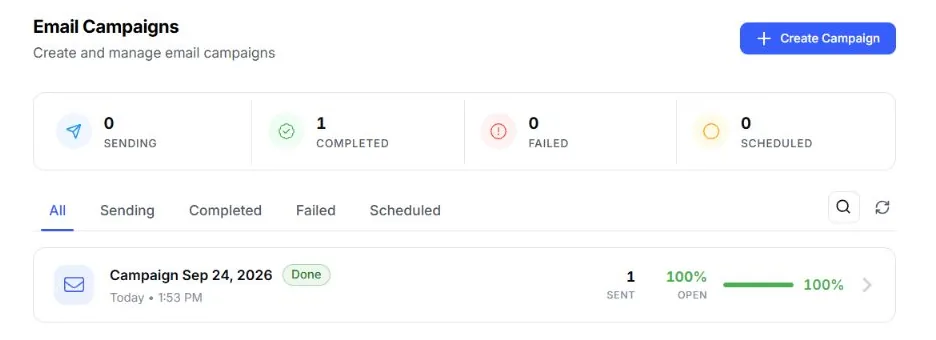
Prepare event-start reminders and essential arrival information for registered attendees.
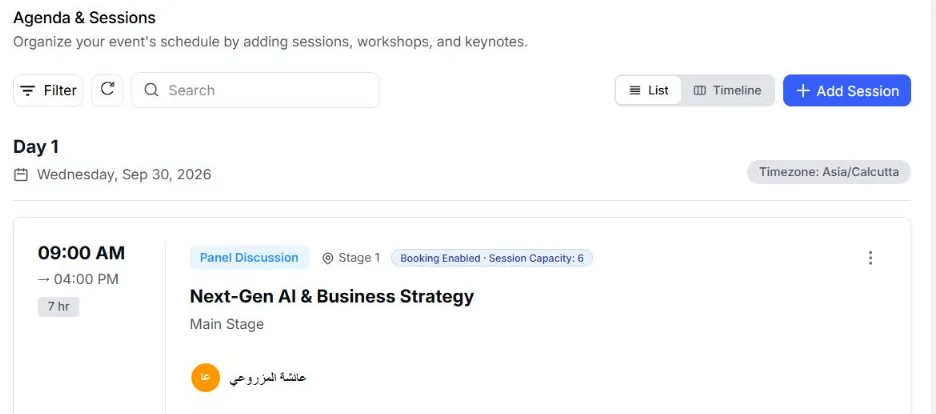
Push a clear update when a time, room, or session detail changes.
Surface new messages, connection requests, meeting requests, and meeting reminders.
Send a focused announcement or urgent operational alert to the relevant audience.
Notifications handle operational alerts. Connected pages cover planned campaigns, conversational help, registration, and the attendee app.
Build planned email and WhatsApp promotion campaigns.
Give attendees event-aware help inside a conversation.
Configure the attendee records and confirmations that feed event operations.
Explore the attendee surface that receives push and in-app alerts.
It covers organizer-created push announcements, attendee-app notification controls, and configured reminder services tied to event records. Planned promotional campaigns and conversational WhatsApp help have separate EventHex pages.
Yes. Create the notification, choose its audience and future send time, and set it to scheduled. The processor sends eligible scheduled notifications when they become due.
Push delivery depends on the attendee having notifications enabled and an active device token. Event-level controls also enable or disable message, connection, meeting, and session-reminder categories.
Yes. The event notification settings offer lead times from five minutes to one day before a saved or upcoming session.
The verified notification model records targeted, sent, failed, status, and error data for push jobs. This page does not claim open or read tracking.
The inspected builder displays email and SMS controls, but its verified processor sends push only. Email/WhatsApp event reminders use a separate service; SMS is not claimed on this page.

