Keep the operational path dependable
Use the platform's operational path for supported OTP, registration, ticket, approval, and certificate messages.
Create a dedicated sending subdomain, let EventHex provision and verify the SES identity, set the from name and reply-to address, and review delivery events without mixing marketing with transactional email.
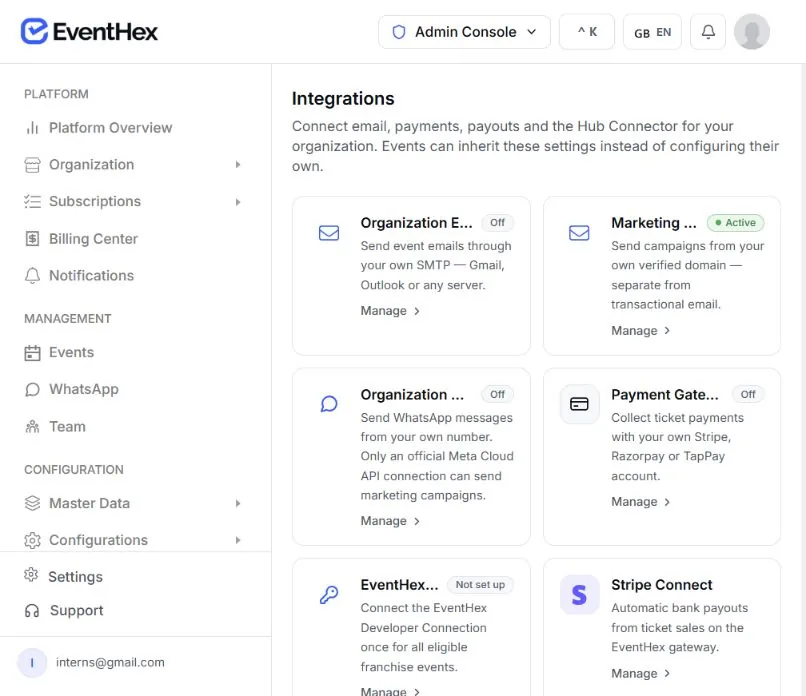
Separate the messages that operate your event from the campaigns that represent your organization.
Use the platform's operational path for supported OTP, registration, ticket, approval, and certificate messages.
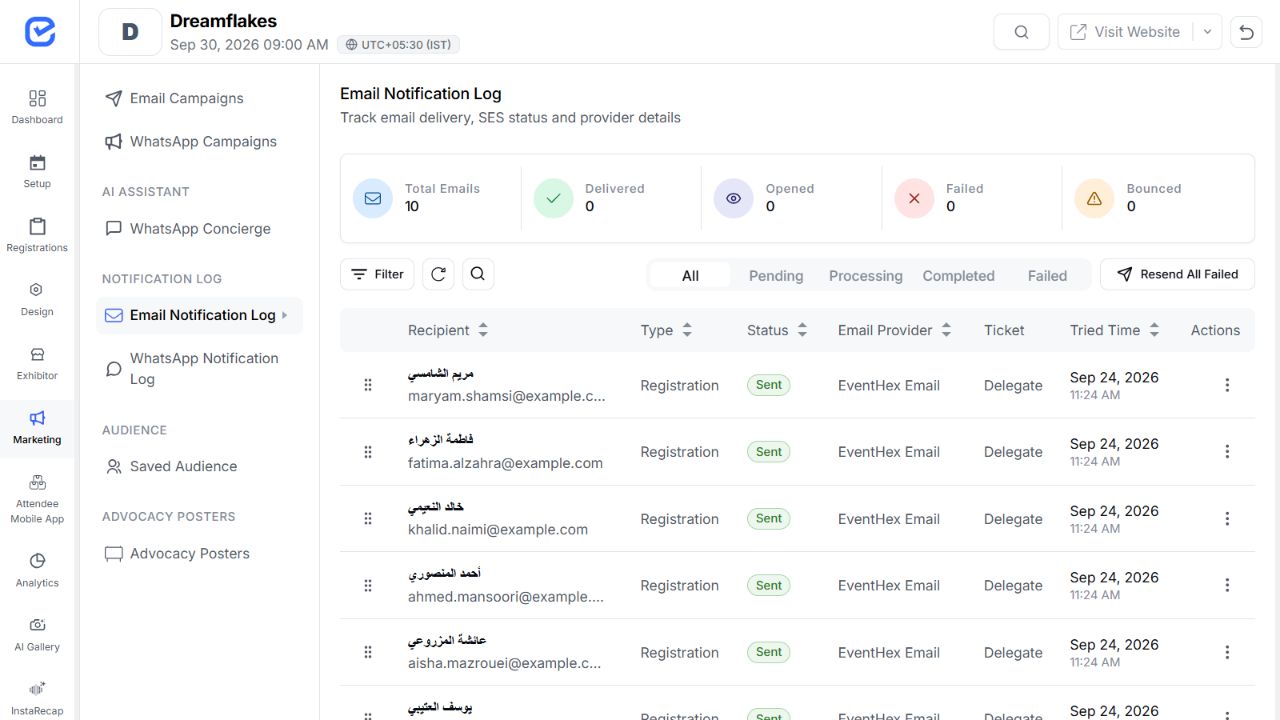 ✓ Operational path
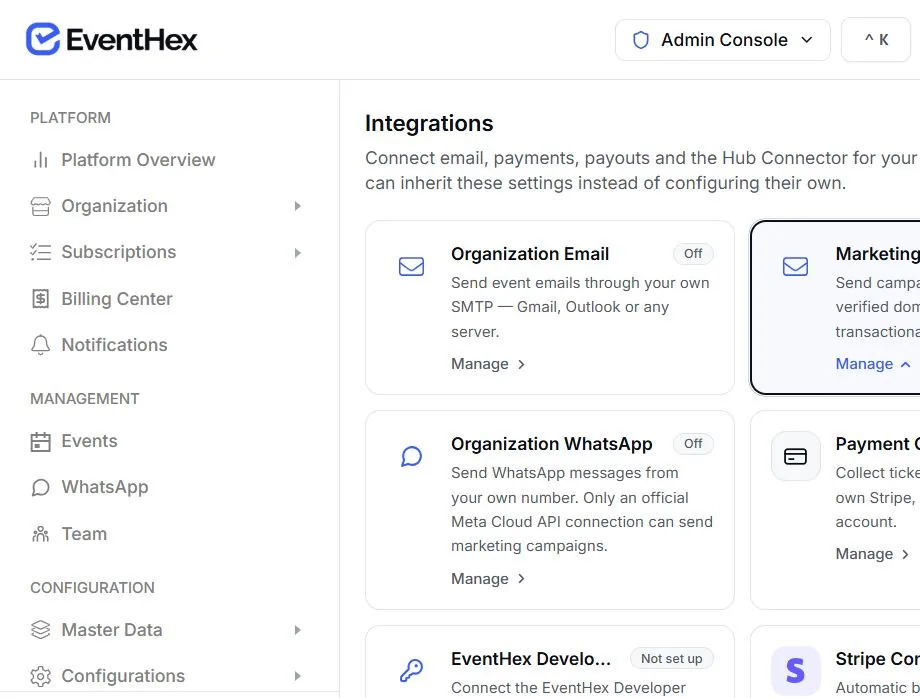 ✓ Verified sender
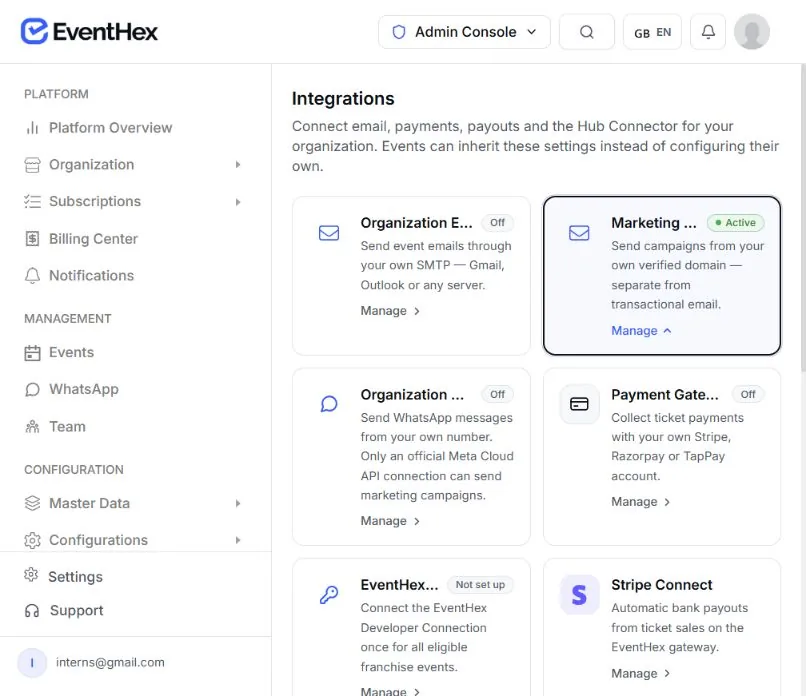
Use the organization's dedicated verified sender for campaigns and apply marketing suppression and unsubscribe handling.
One managed flow takes a sending subdomain from selection to a tenant-associated identity.
Book a DemoSelect the organization label used under the EventHex-managed sending root.
 ✓ Label selected
EventHex creates or reuses the sending identity and records the sender address.
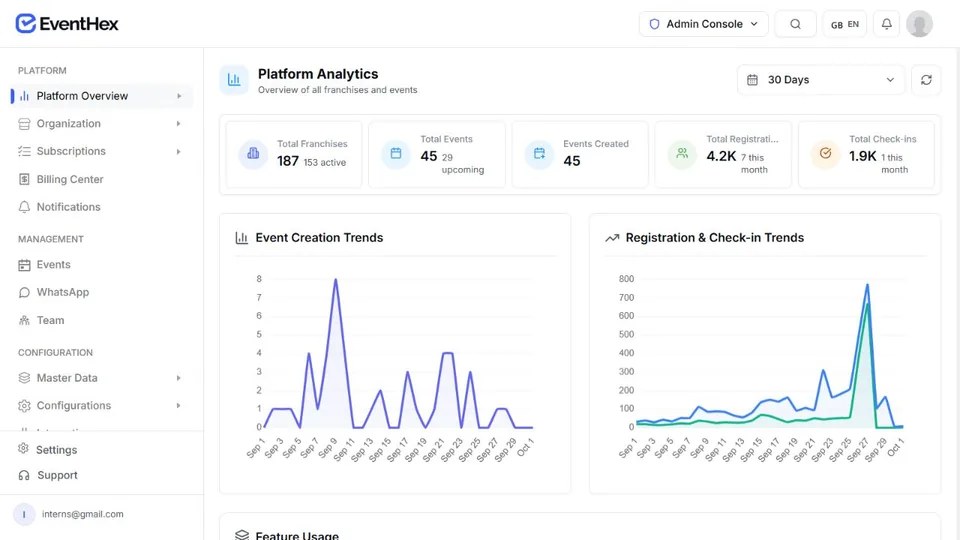 ✓ Identity created
Provision the required DKIM and MAIL FROM records for verification.
 ✓ Verification updates
Connect the identity and configuration set before the sender is marked ready.
 ✓ Tenant connected
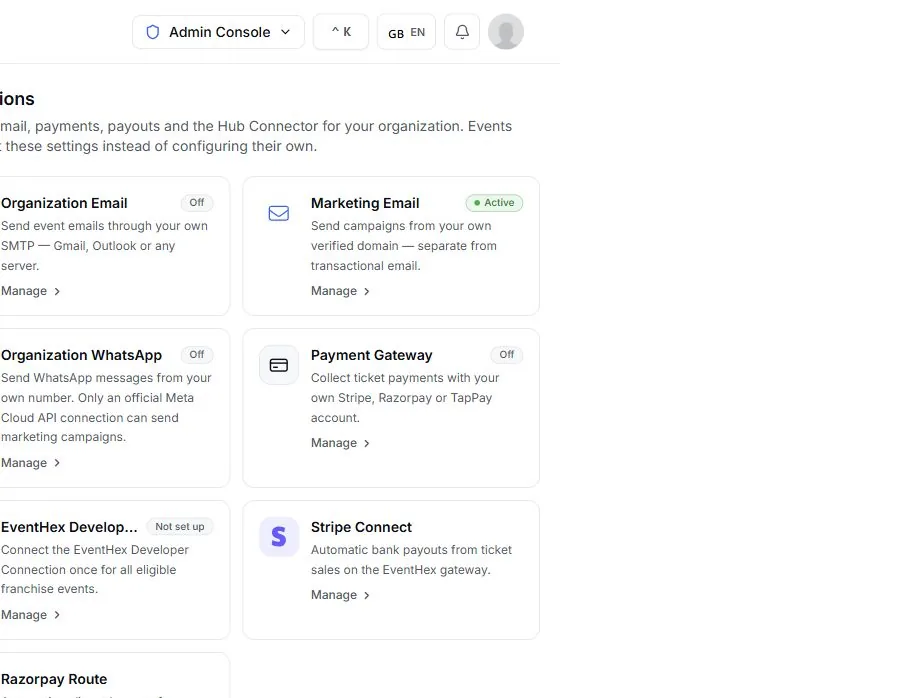
Confirm which integrations are active before a campaign leaves EventHex. Marketing Email stays separate from the operational email path.
Explore sender setup Once the dedicated domain is active, keep the sender defaults visible and editable for the team running event campaigns.
Review sender defaults ✓ Sender verifiedOrganization identity Ready to send Use the dedicated sender only when its identity and tenant association are ready, so every delivery event stays attached to the right event workspace.
Apply the configured reply-to address and the MIME/SES path when attachments, unsubscribe headers, or tenant attribution are required.
 Reply-to preservedHeaders stay attached Event-aware message ✓ No identity leakTenant sender enforced Operational path separate
Marketing campaigns stay on the verified organization sender instead of leaking a platform account into tenant communications.
Keep accepted, delivered, bounce, complaint, delay, and rendering events connected to the original campaign and recipient context.
✓ Event recordedMessage context retained Delivery status available OTP and password-reset types are not blocked by the EventHex suppression list; the provider still handles invalid delivery.
Suppress verified permanent hard bounces while allowing the operational policy for other reasons.
Suppress active bounce, complaint, unsubscribe, or manual records before campaign sending.
Suppression rules reduce harmful sends; they do not guarantee inbox placement.
Choose the sender setup that fits the way your organization communicates.
Create a recognizable sender for each client workflow and event portfolio.
✓ Verified senderReuse a verified sender across recurring member campaigns while keeping transactional mail separate.
✓ Verified senderConnect registration-aware audiences to a sender that has completed readiness checks.
✓ Verified senderSend exhibitor and visitor campaigns from the organization identity used for the programme.
✓ Verified senderSubdomain, SES identity, DNS, tenant association, readiness, sender defaults, delivery events, and suppression.
✓ Identity verified↗ Explore campaign toolsAudience building, campaign content, scheduling, recipient workflow, and campaign performance review.
Explore Event Marketing →Build targeted email and WhatsApp campaigns from EventHex audience data.
Learn moreOrchestrate operational reminders and delivery status across channels.
Learn moreCollect the attendee data used by transactional and campaign messages.
Learn moreConnect the account and approved template behind WhatsApp delivery.
Learn moreOnboarding provisions an EventHex-managed SES sending identity and DNS path for the organization. Confirm any account-specific deployment model during the demo.
The current managed flow creates a dedicated subdomain under the configured EventHex sending root and lets you set the from name and reply-to address.
The connection report shows identity and tenant-association status. Campaign sending is enabled only after the required resources are verified.
Yes. The organization can disable and re-enable the verified sender while keeping the provisioned identity.
Message quality, audience consent, sender reputation, provider conditions, and recipient systems all affect delivery. Review the available delivery events instead of relying on one universal rate.
SES delivery events feed EventHex records, and suppression behavior is applied according to whether the message is critical, transactional, or marketing.