Exhibition-led event
Connect exhibitor setup, passes, lead capture, attendee access, and event reporting.
Event management software for property events
Run property expos, developer launches, broker conferences, and investment summits with exhibitor operations, registration, tickets, badges, QR arrival, lead capture, meetings, and reporting.
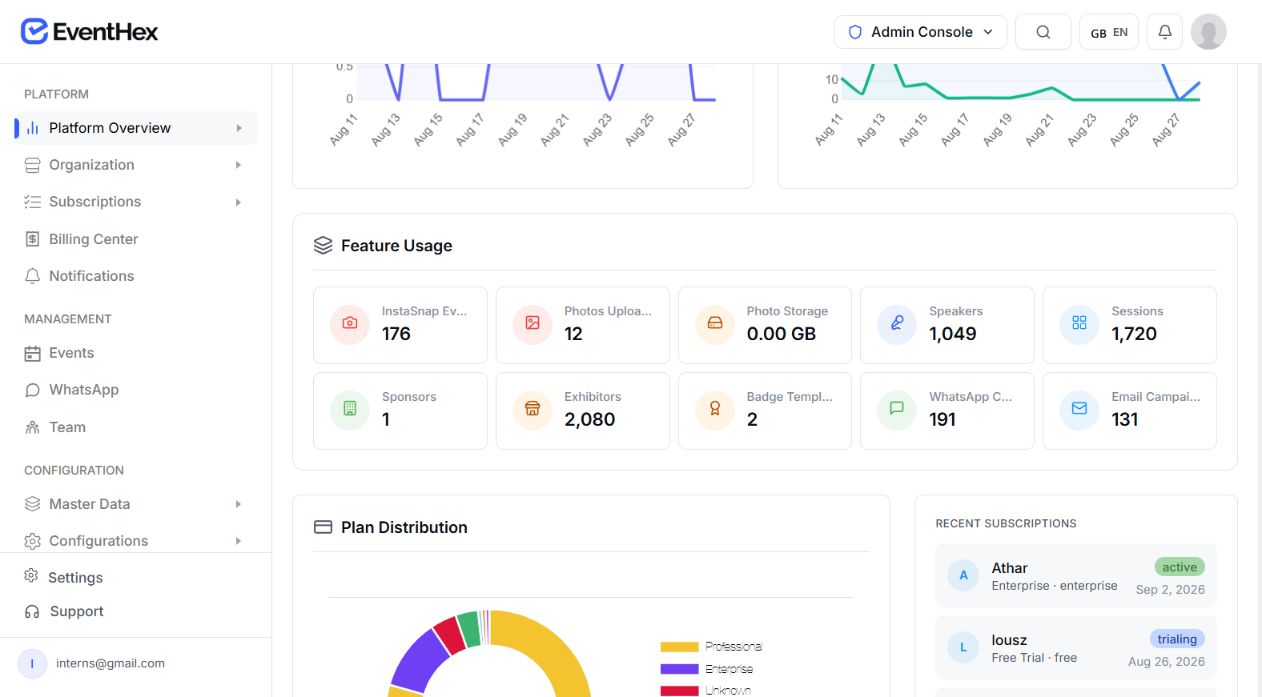
Choose the right event model
Pick the event model that matches how your property audience moves through the day. Add only the modules the event actually needs.
Connect exhibitor setup, passes, lead capture, attendee access, and event reporting.
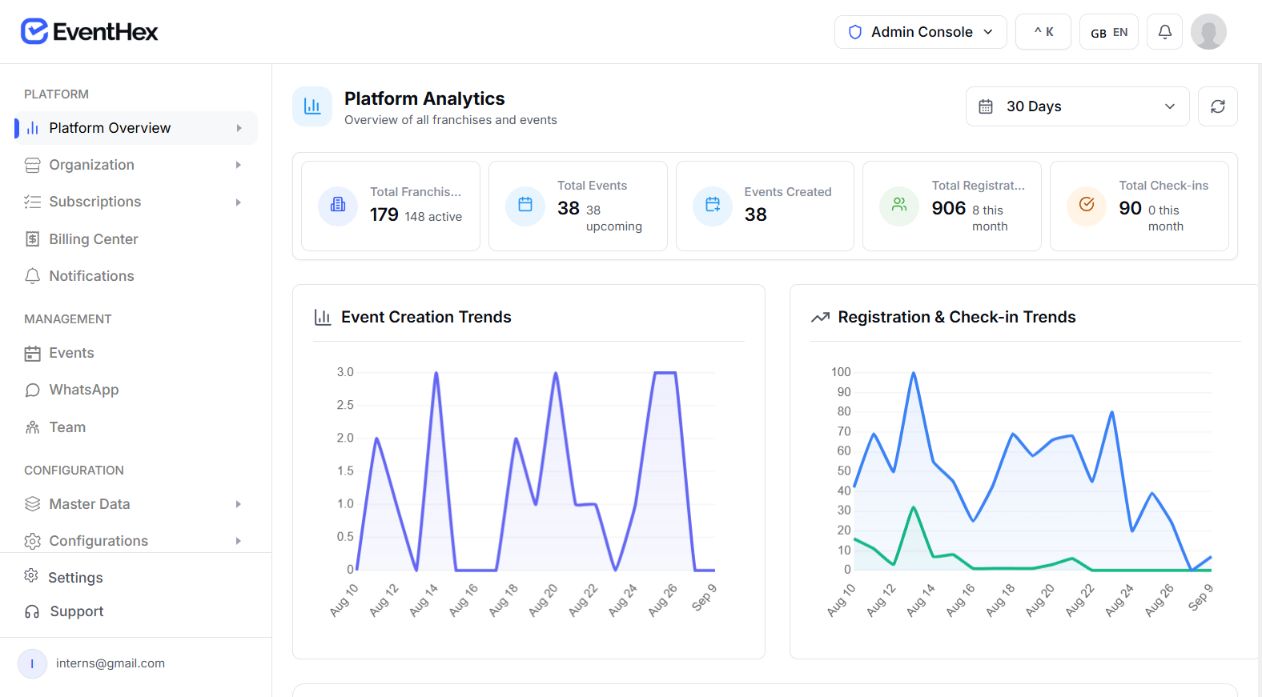
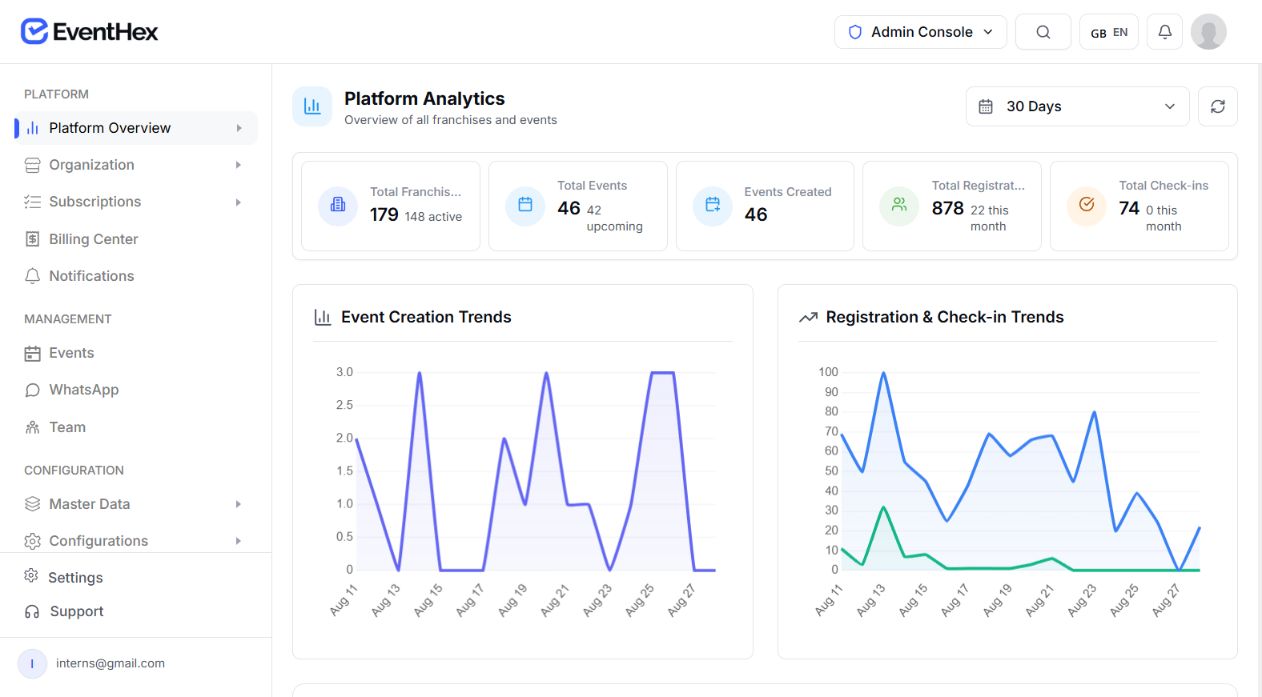 Exhibitor operations Review event data
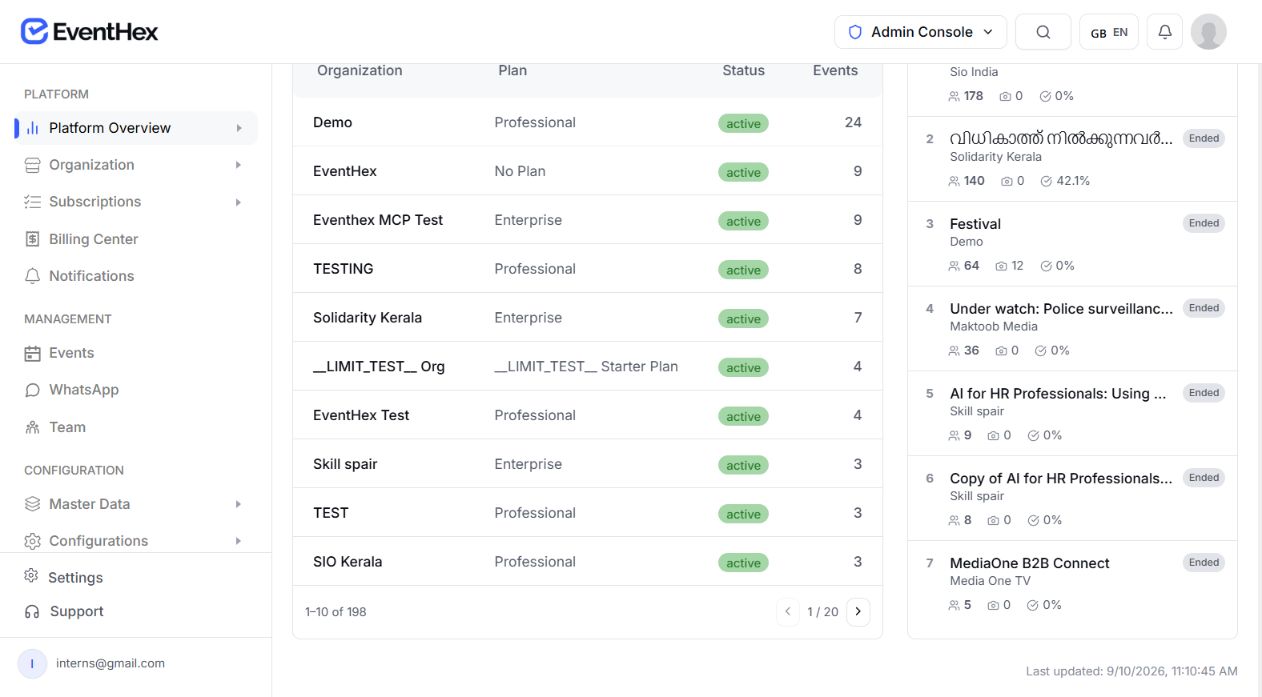
 Conference operations Review event data
Use registration, programme, speakers, meetings, and communications without adding expo complexity.
Exhibition operations
Keep exhibitor records, team access, leads, and event-day activity attached to the same event.
Move approved exhibitors into a portal for company, product, resource, team, pass, and badge details.
Learn about exhibitor managementUse custom and ticket-specific fields to configure buyer, broker, investor, or guest intake.
Let exhibitor teams capture QR or manual leads, qualify them, and export CSV.
Connect attendee discovery and meeting operations; use optional best-effort CRM handoff only where configured.
Team coordination
Give each team a clear job while keeping the attendee and event record connected.
Sets the event, audience, access, programme, and reporting decisions.
Work in focused registration, programme, exhibitor, marketing, check-in, or analytics areas.
Reviews event and portfolio signals for the next operating decision.
Keep discovery, registration, arrival, engagement, and exhibitor follow-up connected to one event record.
Book a DemoPublish the expo, exhibitors, programme, and registration entry points.
Audience signalReview event dataCollect the event-specific visitor and ticket information.
 Registration activeOpen registration
Send tickets, campaigns, and operational updates.
 Campaign readyView preparation
Validate event QR access and issue the configured badge.
 Entry verifiedReview check-in
Use exhibitor discovery, sessions, app, and meetings.
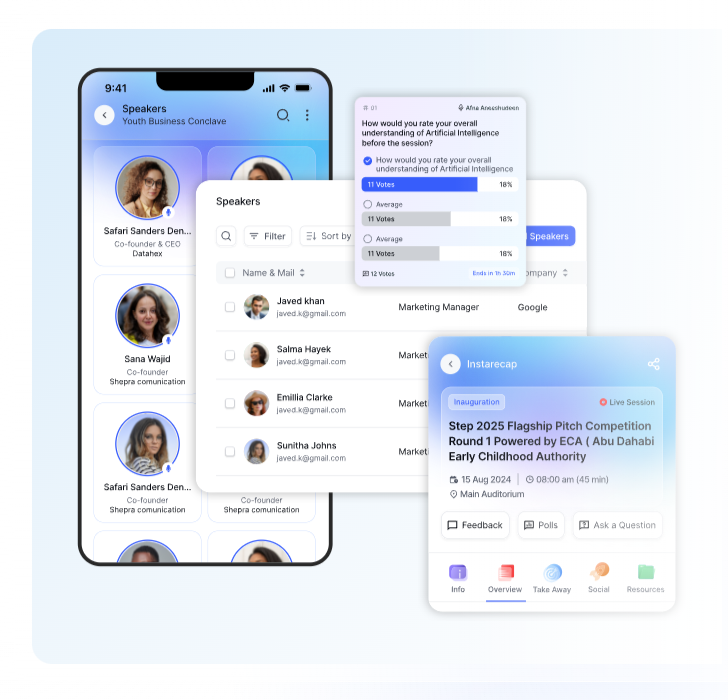 Discovery viewExplore attendees
Capture and export exhibitor leads for the team's next workflow.
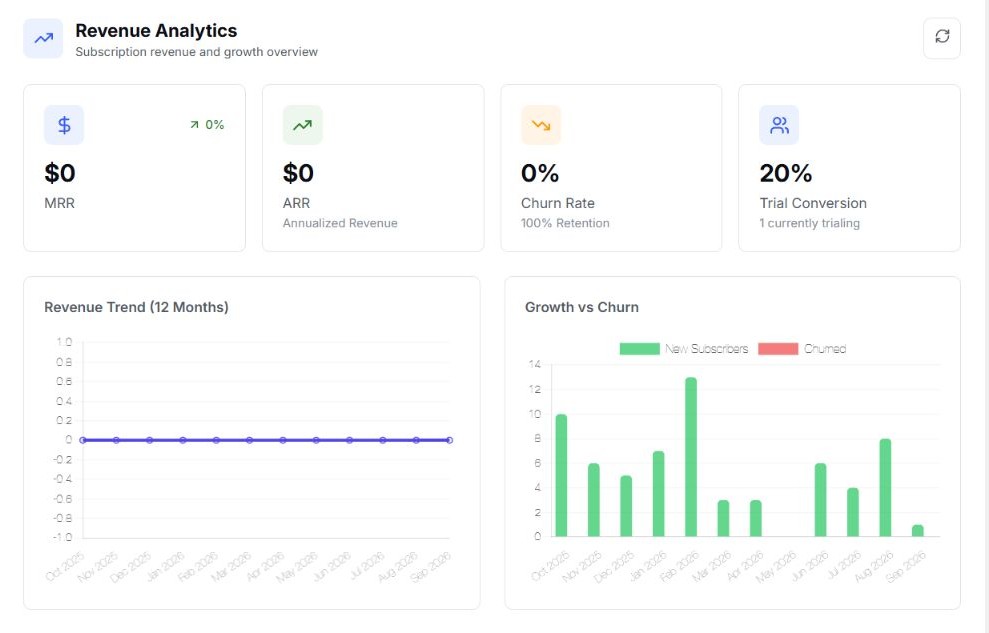 Follow-up readyReview leads
During the event
 QR verifiedOpen check-in
Scan the issued event ticket at the entrance.
 Access readyReview passes
Use allocated passes and badge workflows for booth teams.
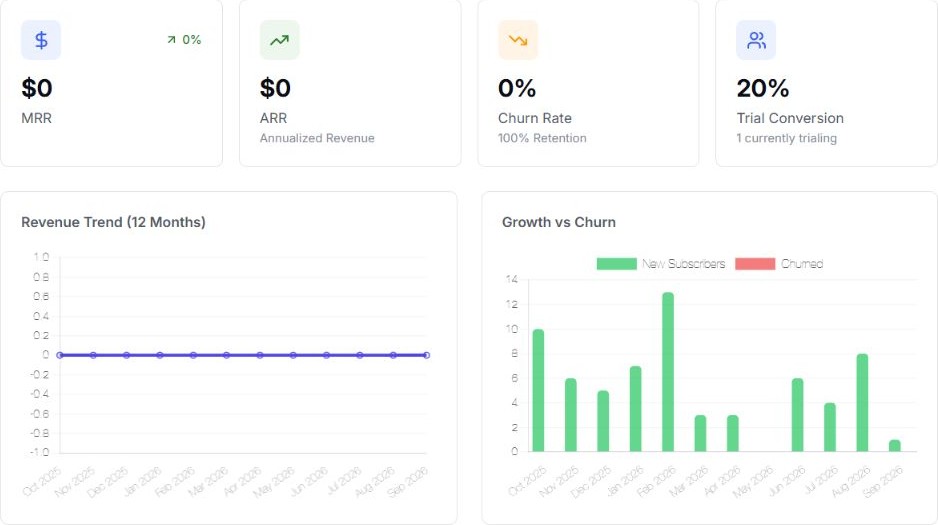 Lead capturedQualify contact
Record QR or manual leads and add the supported qualification detail.
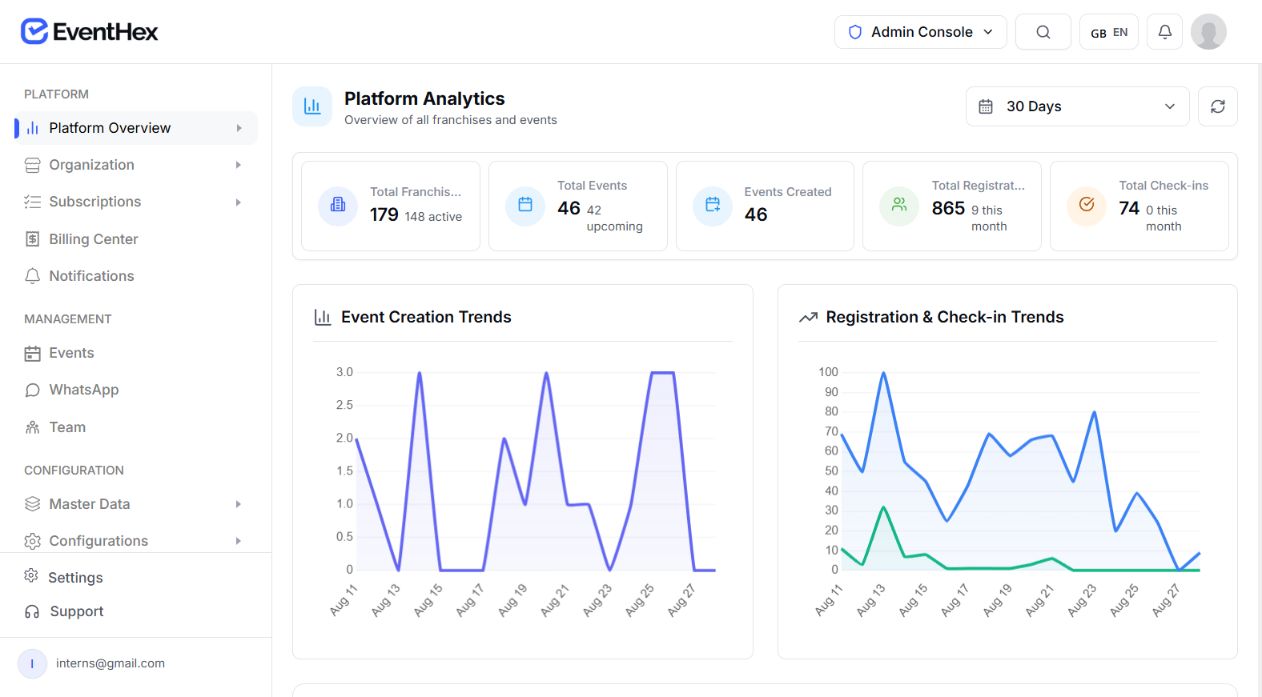 Signals liveView overview
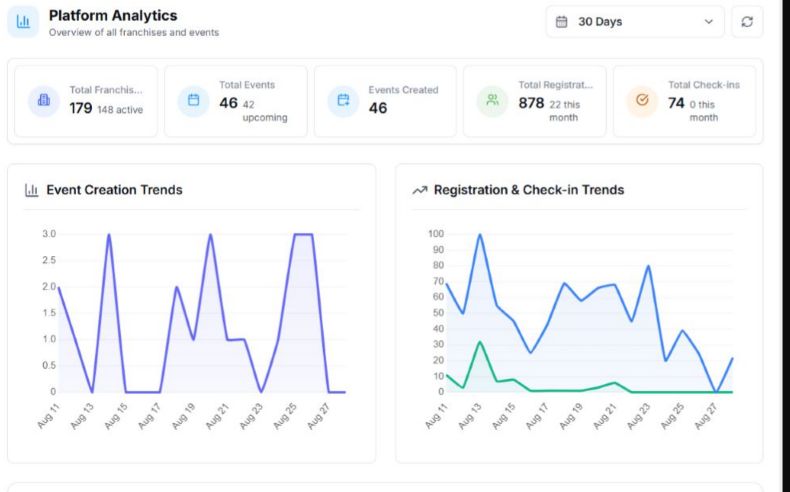
Review attendance, exhibitor, and other event signals.
Build the right scope
Your specialist requirements Map legal, regulatory, accreditation, identity, accessibility, venue, payment-provider, and industry-specific obligations to the teams and systems responsible for them. Confirm every specialist obligation before implementation and record how it will be handled.
Connect exhibitors, attendees, passes, leads, meetings, and reporting.
Explore More Exhibitor operations Review event data ↗ Build a branded event, invite audiences, configure access, and capture interest.
Explore More Launch ready Open event data ↗ Combine programme, registration, networking, and follow-up-ready contacts.
Explore More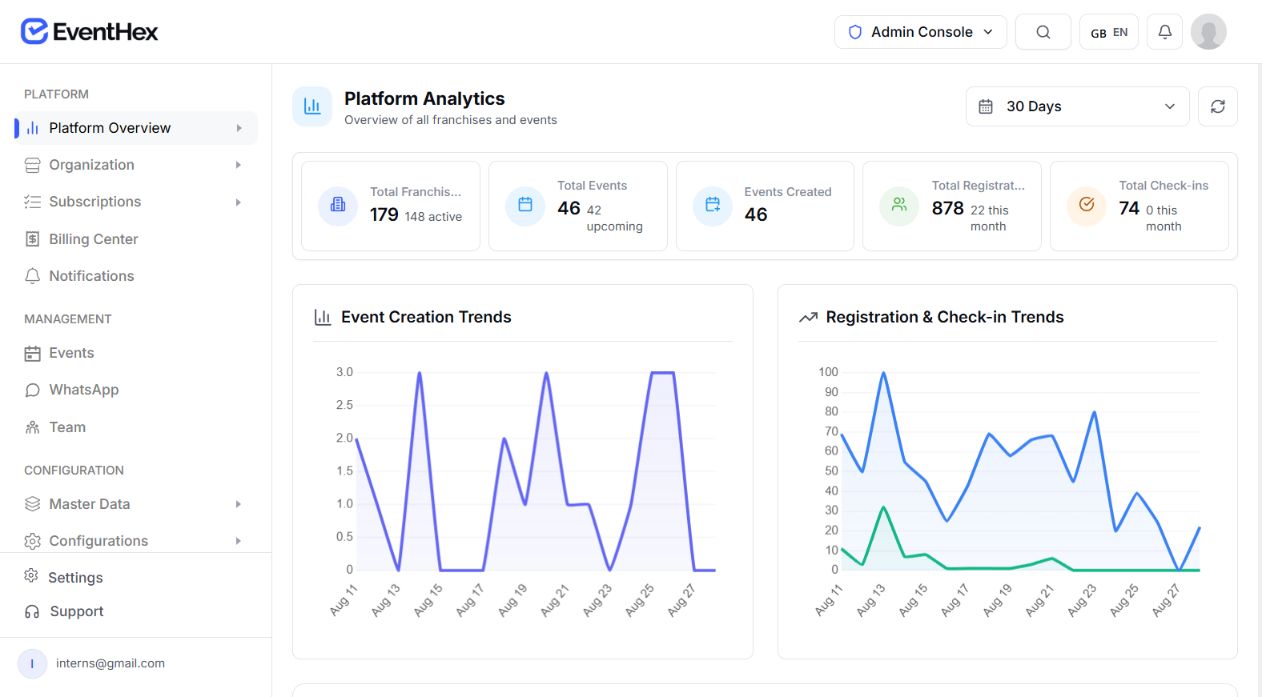 Conference live Review registrations ↗
Use configured approval, ticket, programme, and event-day workflows.
Explore More Summit overview View event signals ↗ Go deeper
Explore the connected EventHex pages behind each part of the property-event workflow.
Exhibitor Management
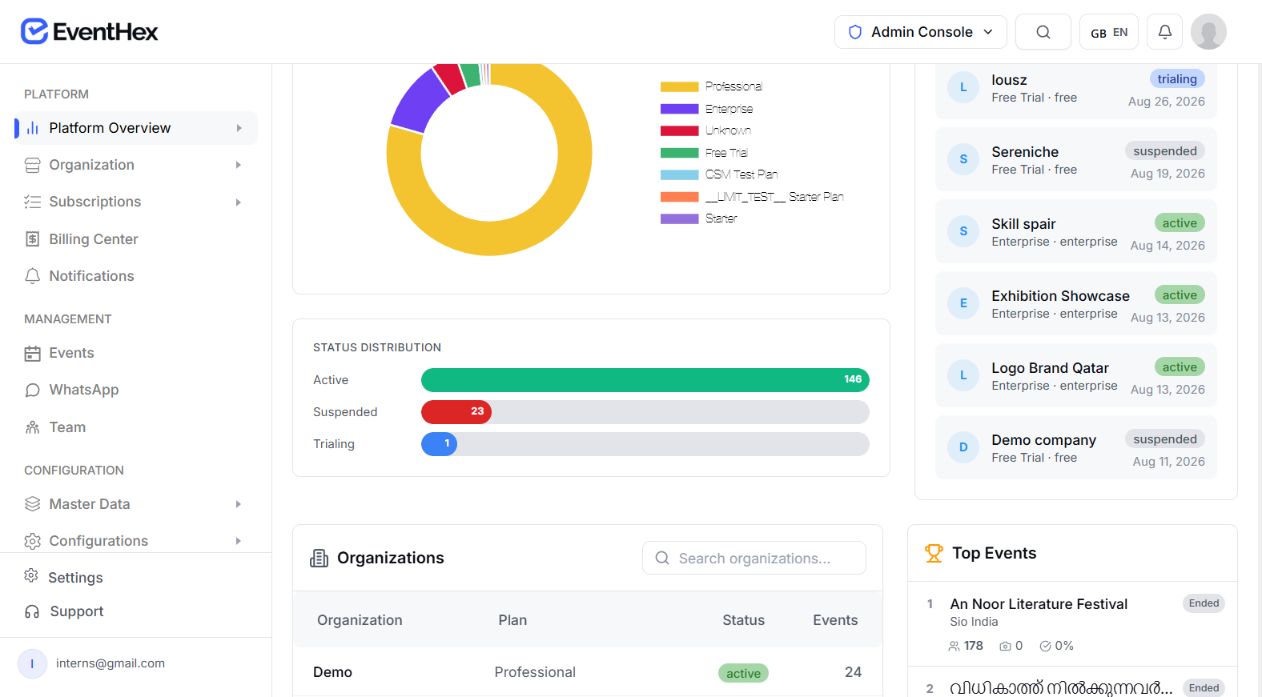
Run exhibitor, company, product, pass, badge, and lead workflows from the same connected event record.
Exhibitor records linked Event Registration
Configure the registration flow, collect the event-specific fields, and keep ticket and access details tied to the attendee record.
Registration flow ready Appointments & Meetings
Give attendees and exhibitors a clear path to discover one another and manage the meetings configured for the event.
Meetings in context Event Analytics
Use the event record to review attendance, registration, exhibitor, and lead signals without treating them as sales attribution.
Event signals visible Plan the configuration
Use the event format, audience groups, access rules, programme, communication channels, event-day plan, and required integrations to review the supported configuration.
Choose the smallest workflow that matches this event.
Use the connected feature pages to understand each mechanism.
Bring market, event, audience, access, communication, and onsite requirements.
Yes. The exhibitor portal supports company, product, resource, team, pass, and badge workflows.
Yes. They can use supported QR or manual lead capture, add qualification detail, and export CSV.
No. EventHex does not include a floor-plan editor.
An optional best-effort exhibitor CRM handoff exists where configured. It is not a guaranteed bidirectional sync or sales workflow.
No. Attendance, exhibitor, and lead data must not be presented as property-sales attribution or ROI.