WhatsApp integration for events

Connect the WhatsApp account behind your event messages

Choose the configured sending route, use approved templates for the messages your event needs, and keep marketing sends on an organization-owned official account.
Account routingTemplate controlsTransactional and campaign separation
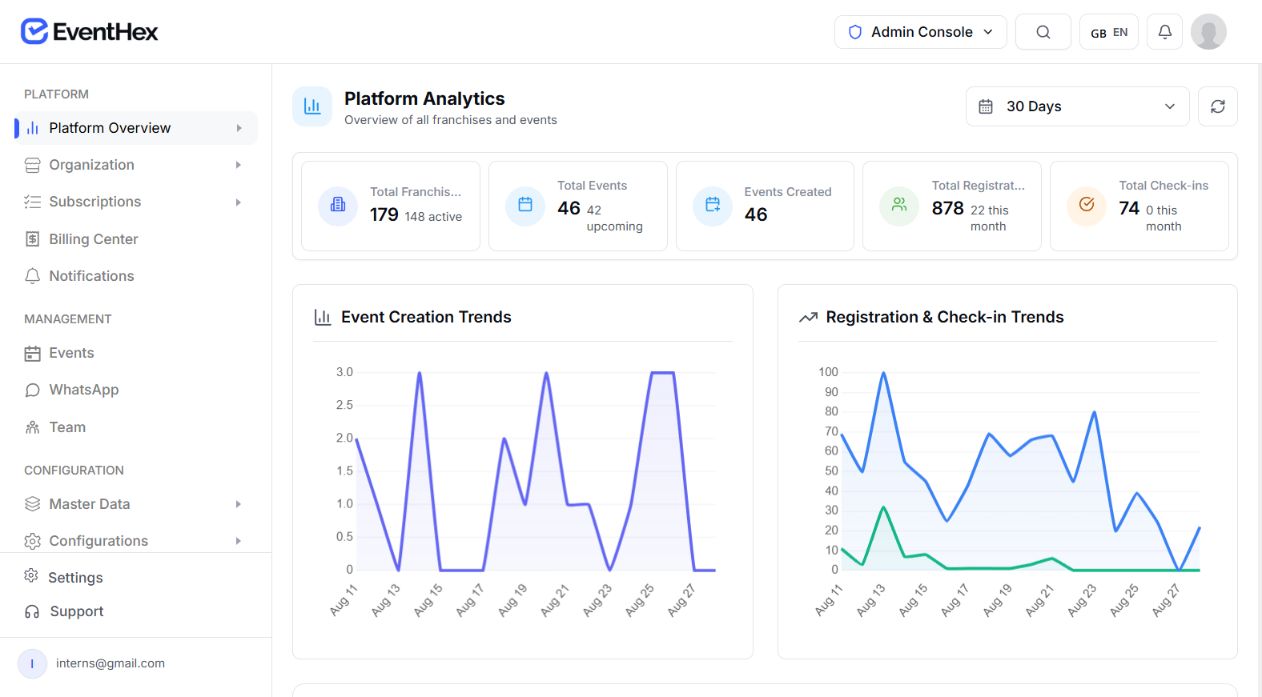
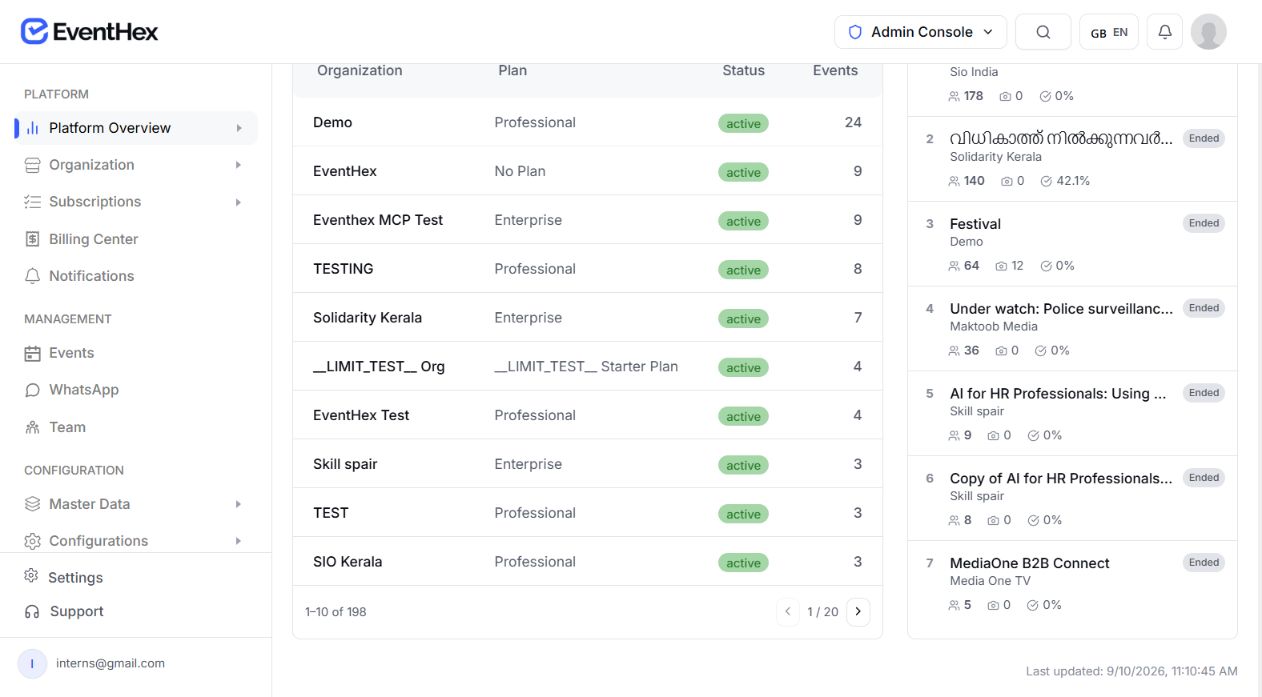
EventHex Platform Analytics organizations view showing organization-owned account routes and event activity
WhatsApp setup coverage3 Account routesApproved Template controlsEvent-level OverridesSeparate Campaign identity
WhatsApp account routing choices

Match the WhatsApp setup to who owns the number

The available route depends on organization and event configuration; one option is not presented as universally best.

Platform WhatsApp

Use the centrally managed EventHex route for supported transactional purposes when that setup applies.

Platform-managed
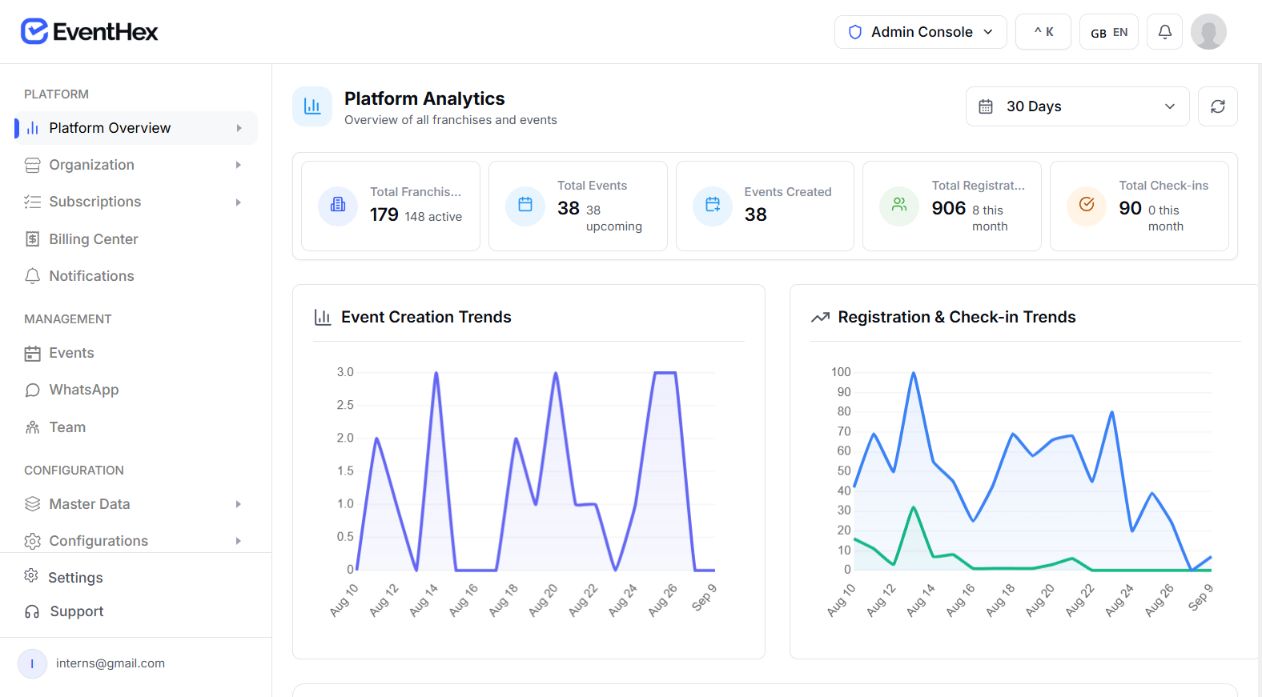
EventHex Platform Analytics dashboard showing platform-level event messaging context✓ Platform routeView platform route
EventHex Platform Analytics dashboard showing organization-level event messaging context✓ Organization routeReview organization route

Organization WhatsApp

Reuse the organization's configured WhatsApp account across eligible events.

Portfolio-level

Custom event WhatsApp

Use event-specific provider credentials and template overrides when the event owns its setup.

Event-level
EventHex Platform Analytics dashboard showing event-level configuration context✓ Event routeReview event route
Provider credential panel

Route each message through the provider configured for the event

EventHex resolves the selected event or organization account before dispatch. Provider fields vary, and saved access tokens remain a credential—not customer-facing copy.

Provider

Choose the supported provider used by the account.

Account or phone ID

Identify the sending account or device according to that provider.

Access credential

Store the provider token or API key used for delivery.

Fallback

Use only where the configured provider path supports it and the organizer has enabled it.

Transactional / marketing account boundary

Keep campaigns on an organization-owned official WhatsApp account

Separate operational event delivery from the organization-owned identity required for campaign sends.

Transactional event messages

Use the event's configured route for supported OTP, registration, ticket, certificate, exhibitor, and system messages.

EventHex Platform Analytics dashboard showing the operational event messaging route✓ Transactional routeEvent messages
EventHex Platform Analytics dashboard showing an organization-owned campaign identity✓ Organization-ownedCampaigns only

Marketing campaigns

Use a tenant-owned official Meta Cloud API account with complete credentials before campaign sending is considered ready.

Unofficial provider routes are deliberately blocked for marketing campaigns; the platform number is not used for a tenant's marketing send.

Cover the event moments that need a structured WhatsApp message

The organizer workspace groups templates by purpose and lets teams preview the default message and variables before use.

Approved message purpose

Verify the right person at the right moment

OTP and checkout verification templates help the configured account support an intentional event journey.

  • OTP templates
  • Checkout verification
  • Purpose-specific preview
Authentication
EventHex Platform Analytics dashboard used as a visual reference for WhatsApp authentication message setup Authentication purpose Preview template
Approved message purpose

Keep registration outcomes clear

Use the registry's success, pending, approval, rejection, and related status message purposes for attendee updates.

  • Success and pending status
  • Approval and rejection status
  • Related registration messages
Registration
EventHex Platform Analytics dashboard used as a visual reference for WhatsApp registration status templates Registration status Preview template
Approved message purpose

Deliver the event document or media

Represent text, image, document, and certificate delivery purposes in the connected template registry.

  • Text delivery purpose
  • Image and document delivery
  • Certificate delivery purpose
Tickets and certificates
EventHex Platform Analytics dashboard used as a visual reference for WhatsApp ticket and certificate delivery templates Delivery purpose Preview template
Approved message purpose

Cover exhibitor and media workflows

Keep exhibitor, booth-member, InstaSnap, InstaRecap, campaign, and system purposes visible in one template library.

  • Exhibitor and booth-member messages
  • InstaSnap and InstaRecap purposes
  • Campaign and system purposes
Exhibitors and media
EventHex Platform Analytics dashboard used as a visual reference for WhatsApp exhibitor and media templates Workflow purpose Preview template
Template override workflow

Map your Meta-approved template to EventHex data

Review the purpose, approved name, numbered variables, and supported EventHex fields before saving an override.

Book a Demo
01

Choose the message purpose

Open the template used for that registration, ticket, exhibitor, or campaign moment.

EventHex Platform Analytics dashboard used as a visual reference for choosing a WhatsApp message purpose ✓ Purpose selected Choose purpose
02

Enter the approved template name

Use the exact Meta-approved name for the connected account.

EventHex Platform Analytics dashboard used as a visual reference for entering an approved WhatsApp template name ✓ Approved name Enter template name
03

Add variables in order

Create the numbered placeholders expected by the template.

EventHex Platform Analytics dashboard used as a visual reference for ordering WhatsApp template variables ✓ Variables ordered Add variables
04

Map each variable

Connect each position to the supported EventHex field, then save the override.

EventHex Platform Analytics dashboard used as a visual reference for saving a WhatsApp template override ✓ Override saved Save override
WhatsApp phone preview

See the message structure before the event sends it

Use the preview to confirm the purpose, approved template name, variables, and media requirement before a WhatsApp message is sent. For a custom account, review the mapped fields as a separate setup step.

EventHex Platform Analytics dashboard showing event creation, registration, and check-in trends
EventHex Platform Analytics dashboard showing a second registration and delivery view for WhatsApp review
Message structure ready Review & send

Use one account layer across multiple event workflows

  1. 01

    Verify the right person

    Send supported OTP and checkout verification messages through the configured WhatsApp route.

    • OTP verification templates
    • Checkout verification
    • Purpose-specific message preview
    EventHex Platform Analytics dashboard showing event and registration activity for WhatsApp verification
  2. 02

    Confirm registration outcomes

    Keep attendees informed about registration success, pending review, approval, or rejection.

    • Success and pending status
    • Approval and rejection status
    • Attendee outcome notifications
    EventHex Platform Analytics dashboard showing registration and check-in trends for WhatsApp outcome messages
  3. 03

    Deliver tickets and certificates

    Use the connected template registry for supported ticket, badge, certificate, and event media delivery.

    • Ticket and badge delivery
    • Certificate messages
    • Text, image, and document media
    EventHex Platform Analytics dashboard showing event delivery context for WhatsApp tickets and certificates
  4. 04

    Coordinate exhibitors and booths

    Notify exhibitors and booth members through the message purposes configured for the event.

    • Exhibitor notifications
    • Booth-member updates
    • Configured event templates
    EventHex Platform Analytics dashboard showing event operations for WhatsApp exhibitor and booth messages
  5. 05

    Promote from the right account

    Keep campaign messages on an approved organization-owned official WhatsApp account.

    • Organization-owned identity
    • Approved campaign templates
    • Separate marketing route
    EventHex Platform Analytics dashboard showing organization-level activity for WhatsApp campaign messages
  6. 06

    Support AI media notifications

    Represent the relevant InstaSnap and InstaRecap notification purposes in the connected template setup.

    • InstaSnap notifications
    • InstaRecap notifications
    • Media delivery purpose
    EventHex Platform Analytics dashboard showing event activity for WhatsApp AI media notifications
Priority buyer scenarios

Fit the WhatsApp connection to theevent operating model

Event agencies

Keep each client event on the right account

Separate client-owned accounts and approved templates where the event requires them.

Explore More
EventHex Platform Analytics dashboard showing event-level activity for agency-managed WhatsApp routes
Associations

Reuse organization-level routing

Reuse organization-level routing for a repeat event programme and its connected message purposes.

Explore More
EventHex Platform Analytics dashboard showing organization-level event activity for WhatsApp routing
Exhibitions

Coordinate exhibitor and booth messages

Coordinate exhibitor and booth-member message purposes alongside attendee delivery.

Explore More
EventHex Platform Analytics dashboard showing event operations for exhibitor WhatsApp messages
Conferences

Connect the full conference journey

Connect verification, registration status, ticket, and reminder journeys to the chosen account.

Explore More
EventHex Platform Analytics dashboard showing registration and check-in trends for conference WhatsApp journeys

Connection infrastructure here; attendee experiences on their own pages

EventHex Platform Analytics dashboard showing account routing and event messaging context Platform contextAccount routes Sending boundary
Infrastructure

Connection infrastructure here

Keep account routing, provider credentials, approved templates, variable mapping, and sending-readiness boundaries in this integration page.

Use the configured WhatsApp route for the supported event message purposes without repeating the full attendee product experience here.

Experience

Attendee experiences on their own pages

Link people to the feature page that owns the attendee or organizer task instead of duplicating its capability grid here.

Connected pages cover concierge conversations, campaigns, notifications, registration, ticket delivery, and photo or recap experiences.

EventHex Platform Analytics dashboard showing connected event experience activity Feature linkedEvent experience Attendee journey
Quick Answers

What teams ask before connecting WhatsApp

Clear answers for account owners, event operators, and teams reviewing their approved templates.

Visit Help Center
Can an event use its own WhatsApp Business account?

Yes. EventHex supports organization-level or event-specific account configuration where the required provider credentials are available.

Can we use the platform number for marketing campaigns?

No. Campaigns require a tenant-owned official Meta Cloud API account so one organization's marketing does not use the shared platform identity.

Can we customize the templates?

Custom-account events can enter their Meta-approved template names and map numbered variables to supported EventHex fields.

Which event messages are represented?

The current registry covers authentication, registration, tickets, certificates, exhibitors, media products, campaigns, and system purposes.

What affects message delivery?

Delivery depends on the connected account, approved template, recipient eligibility and consent, provider availability, and the destination device or network.

Is this the WhatsApp concierge product?

No. This page explains the account and template connection. The concierge page owns attendee conversations and event-aware assistance.