Programme-led event
Build submissions, speakers, sessions, registration, and the attendee agenda around one programme.
Build multi-track conferences, developer summits, SaaS launches, hackathons, and meetups with connected registration, sessions, networking, live engagement, and recaps.
See the operating sequence before choosing modules
Choose the path that matches how your technology event needs to run.
Build submissions, speakers, sessions, registration, and the attendee agenda around one programme.
Lead with registration, the event website, communication, arrival, and attendee participation.
Connect the content, people, and access decisions that usually end up in separate files.
Arrange sessions, speakers, rooms, time, capacity, and attendee agenda discovery.
Surface relevant attendee recommendations while participants decide whom to connect with.
Add multiple-choice polls, anonymous access where configured, spotlight, and feedback.
Connect eligible live transcription and recap outputs to the session experience.
Give each team a clear job while keeping the attendee and event record connected.
Book a Demo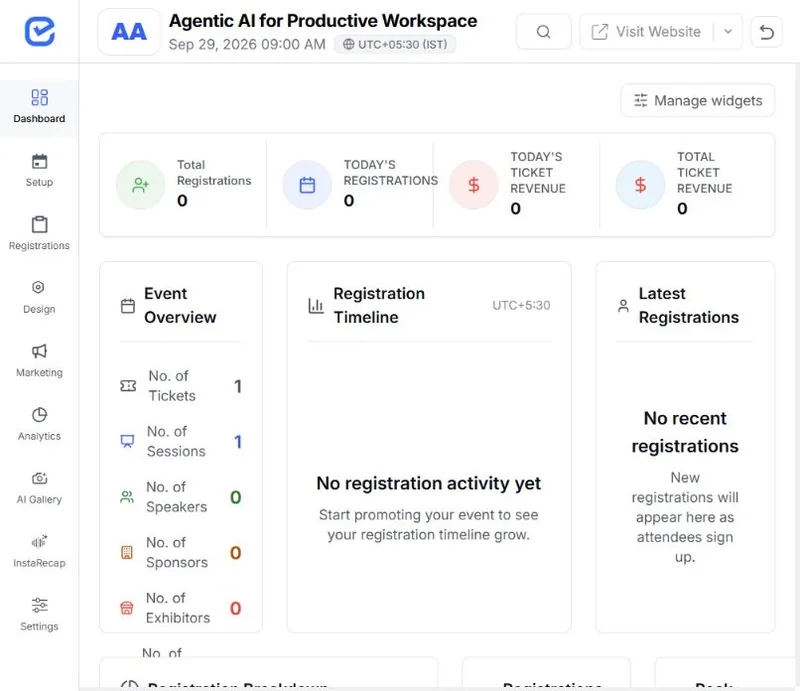
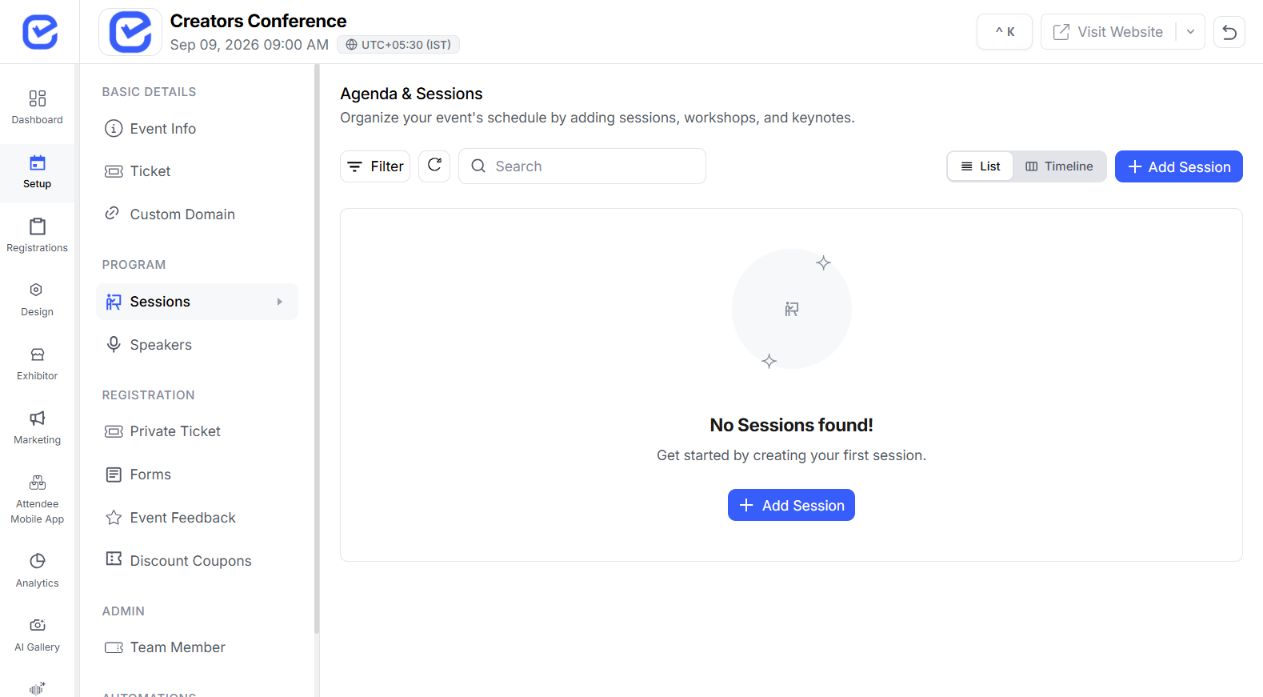
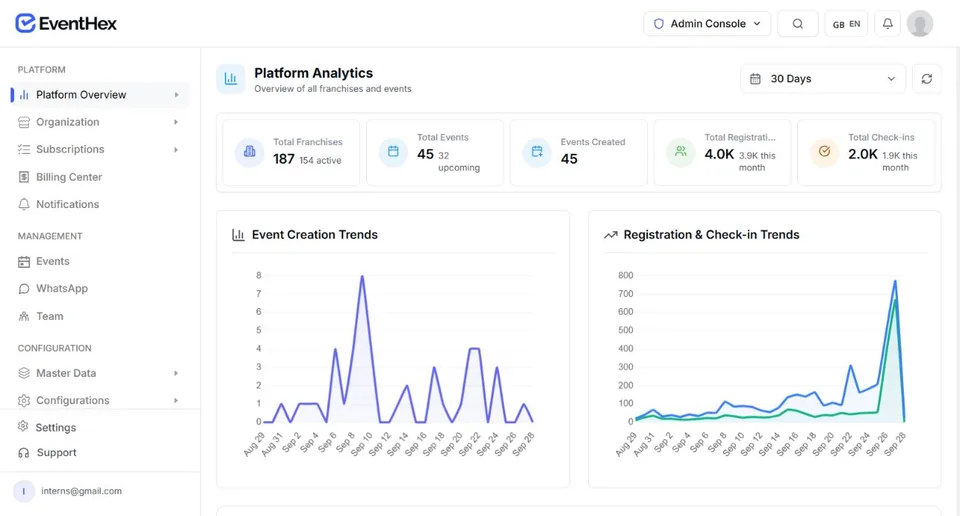
A keynote moves to a different stage. A panellist drops out two days before. A workshop fills up. EventHex keeps the speaker record, the session, the published agenda, and the attendee's phone as one connected thing — change it once and everywhere it appears updates with it.
Explore More
Keep rich speaker profiles with name, bio, designation, company, photo and social links, then use AI LinkedIn autofill to fill details from a profile URL. Add categories, speaker settings, badges, delivery logs and bulk operations from one place.
Explore More
See every session on a colour-coded grid by day and stage, drag sessions into new slots, nest breakouts under parent sessions, assign moderator and panellist roles, and restrict sessions to specific ticket types when needed.
Explore More The schedule and speaker list stay cached in the attendee mobile app, so they keep working when the venue wifi does not. Attendees save the sessions they want and get a reminder by push and WhatsApp before each one starts. Live transcription and translation run during the talk, while live polls and Q&A open from a QR code with no app or account required.
Explore More
After a session, AI session recap turns the recording into a summary with key takeaways, drafts a LinkedIn and an X post, and generates a shareable poster. Send it to your speakers and they promote the event for you while it is still fresh. Recordings can come from a live capture, an uploaded file, or a YouTube link.
Explore More
Validate event QR codes with EventHex Scanner.
Use live attendance context while the event is running.
Publish operational push announcements to selected attendees.
Use the event analytics surfaces after the event.
Configure the supported event, audience, access, content, communication, engagement, and event-day mechanisms.
Map legal, regulatory, accreditation, identity, accessibility, venue, payment-provider, and industry-specific obligations to the teams and systems responsible for them.
Confirm every specialist obligation before implementation and record how it will be handled.
Build a technical agenda and help attendees navigate tracks and connections.
Connect a branded event page, registration, live participation, and follow-up.
Register cohorts and mentors, publish the programme, and keep event updates visible.
Use a lighter registration, agenda, networking, and notification setup.
Use the event format, audience groups, access rules, programme, communication channels, event-day plan, and required integrations to review the supported configuration.
Yes. Use Session Management for speakers, time, room, capacity, and track-aware programme discovery.
No. It can surface relevant recommendations and supports participant-controlled connection and meeting handoffs.
EventHex supports polling, anonymous access where configured, spotlight, and session feedback.
Use the supported AI Session Recap workflow for eligible live transcription and recap outputs; review the exact delivery path in a demo.
Yes. Start with registration, a simple agenda, communication, and check-in, then add modules only when the format needs them.