Create the organization
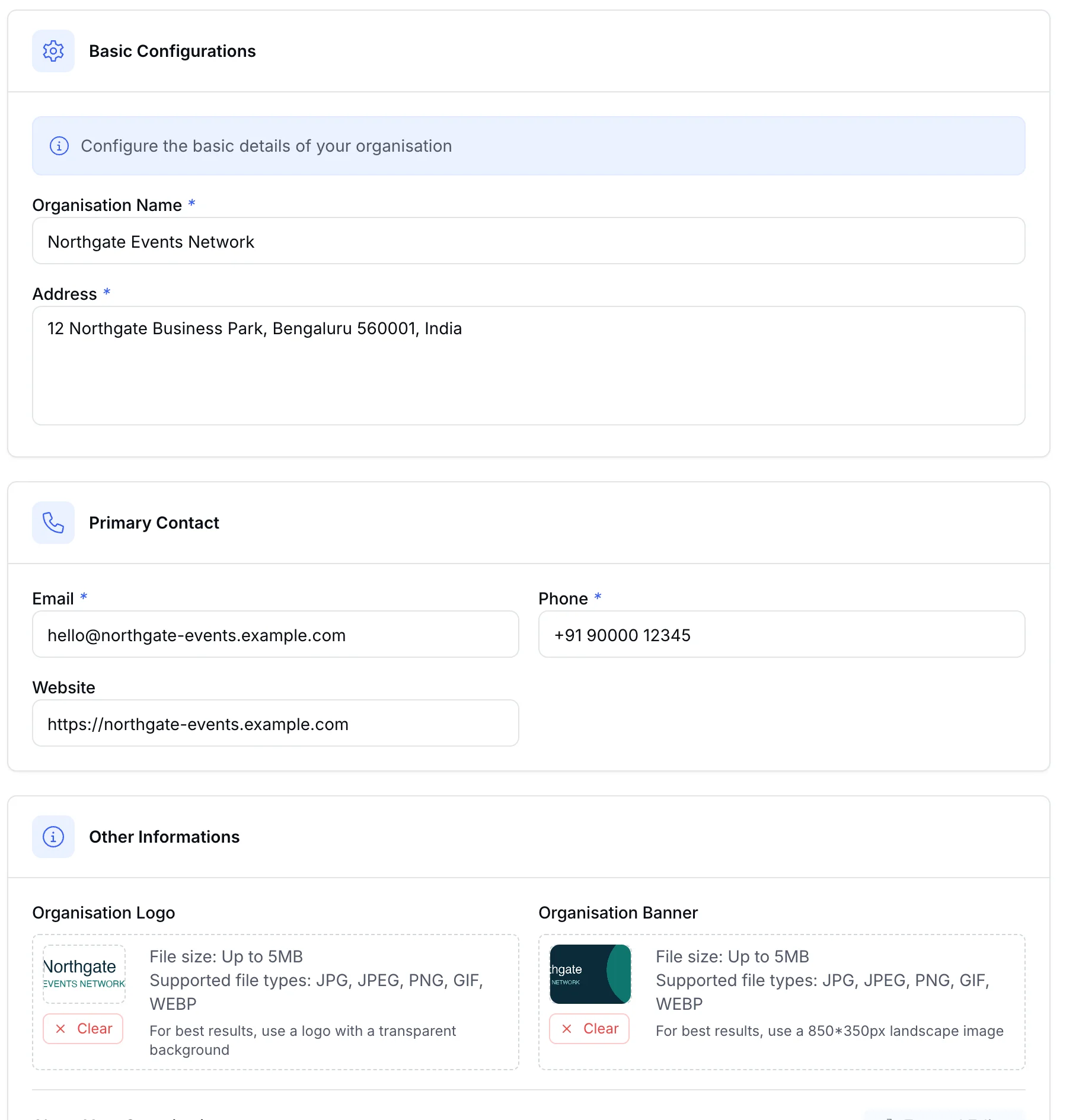
Each client, chapter, or business unit gets its own record with identity, contact, plan, and region, then one switch turns on the white-label experience.
Give clients, chapters, or business units their own organization identity and event workspace while your platform team manages access, plan controls, usage, domains, and supported payment setup.
Create the organization, switch on white label, and let the plan decide what each one can use.
Each client, chapter, or business unit gets its own record with identity, contact, plan, and region, then one switch turns on the white-label experience.
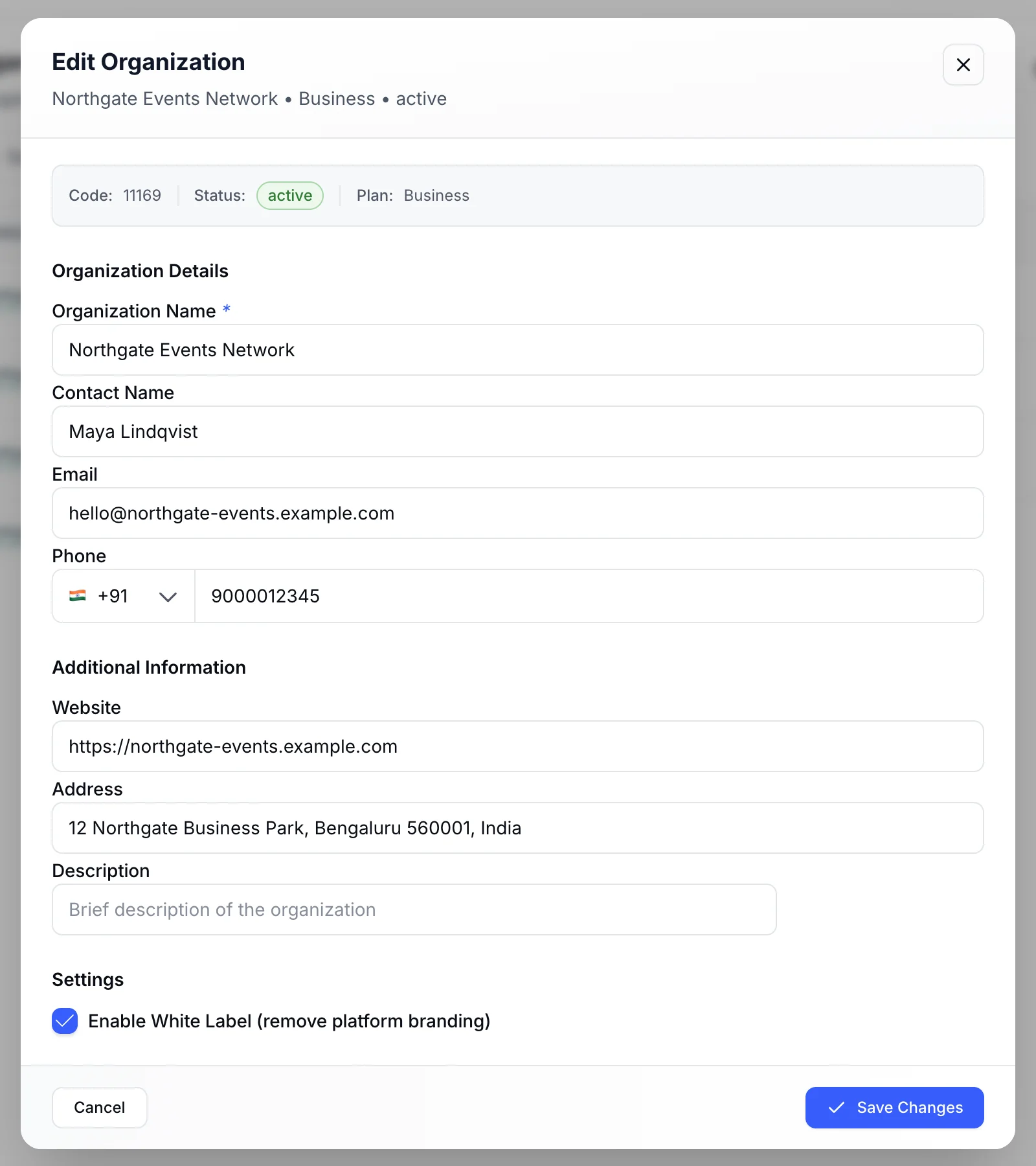
Organization created Add organization
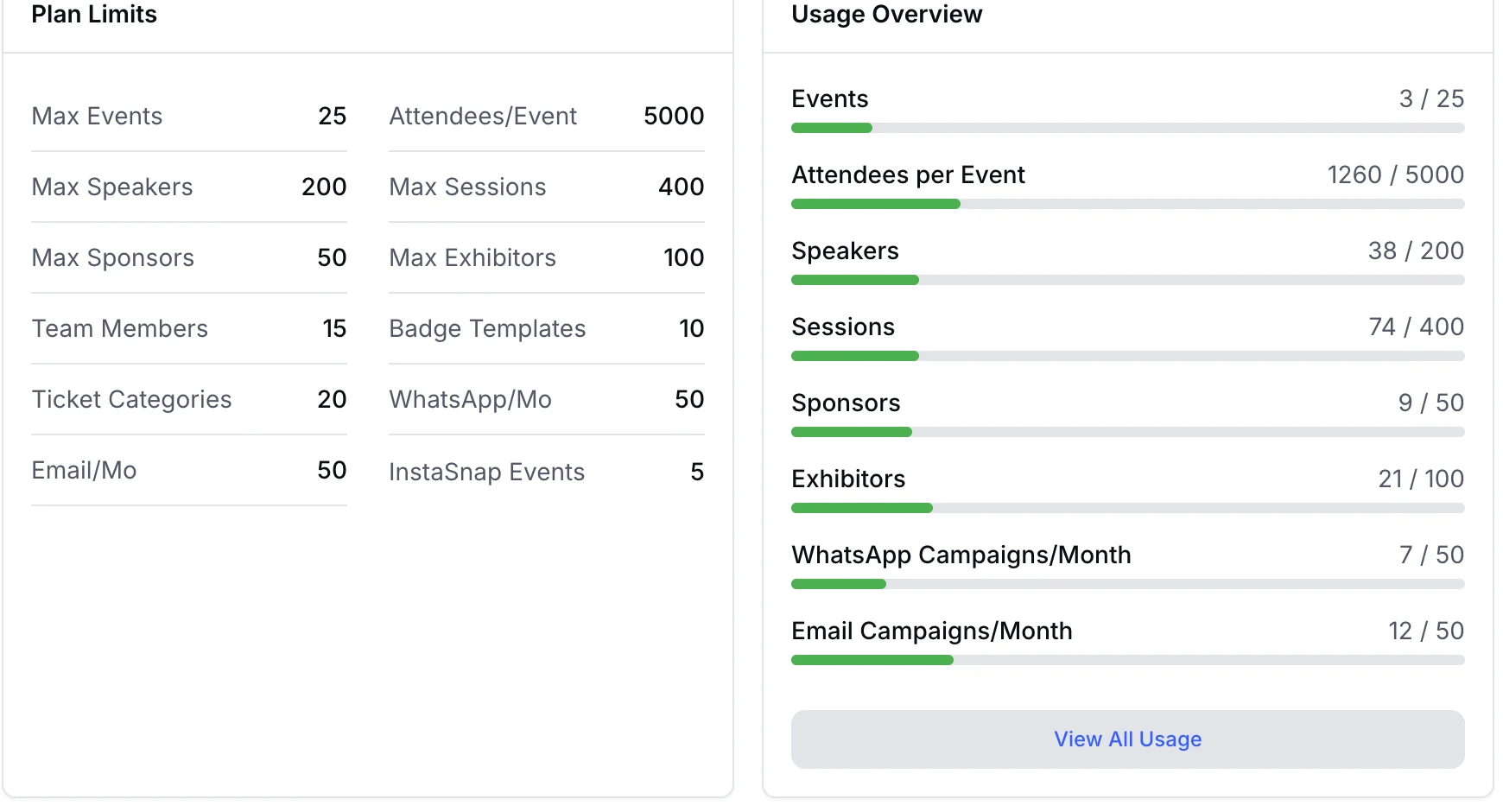
Plan-aware controls Edit plan
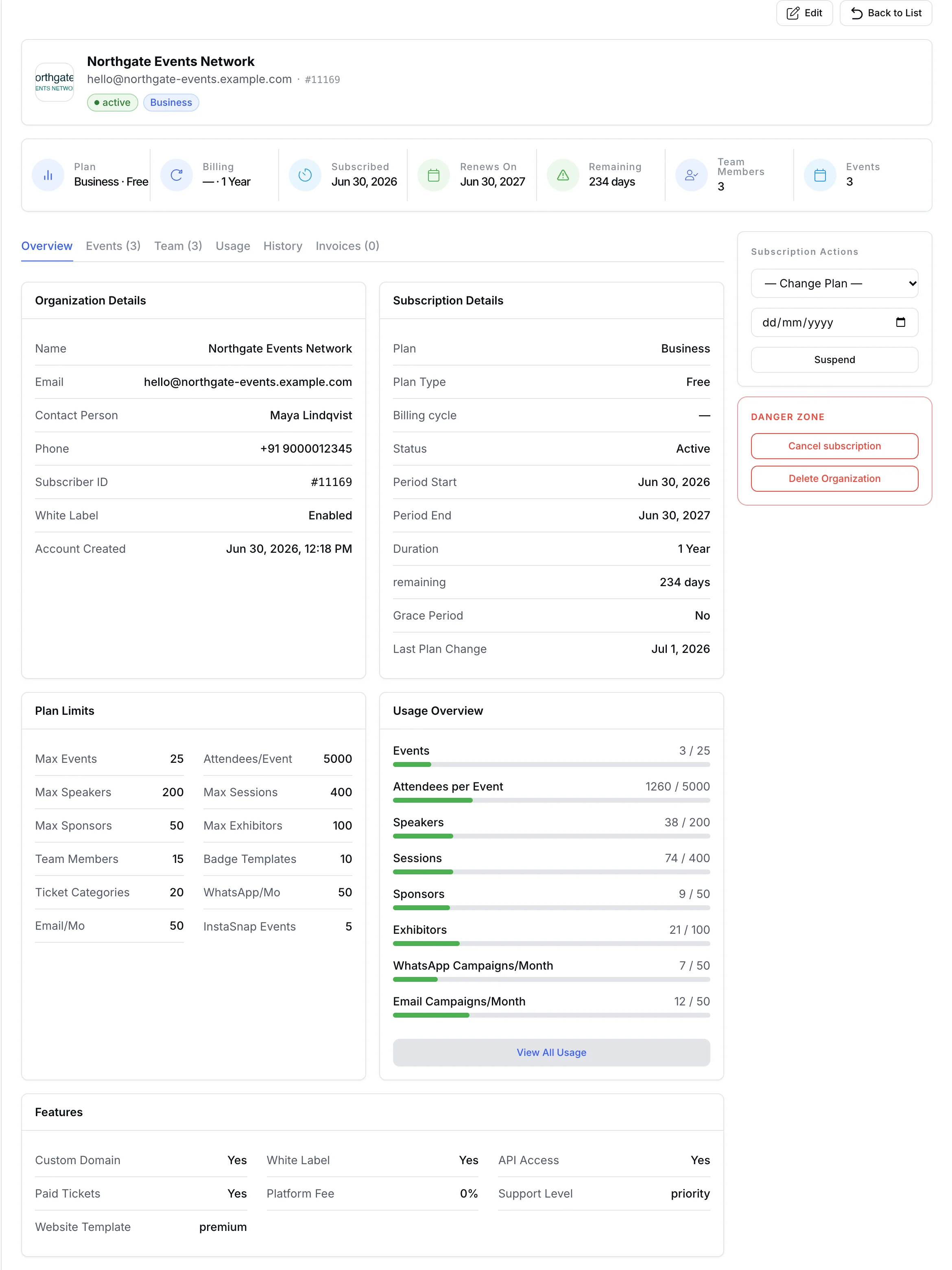
Custom domains, white label, and event limits follow the plan an organization is on, and attendee mobile app settings are managed per organization.
White label and custom domains are plan-gated. Confirm what your plan includes during the demo.
On a white-label plan, switch on branding for an event and set your own brand title and logo. They replace the EventHex footer on the event website, registration forms and tickets, and carry onto printed badges.
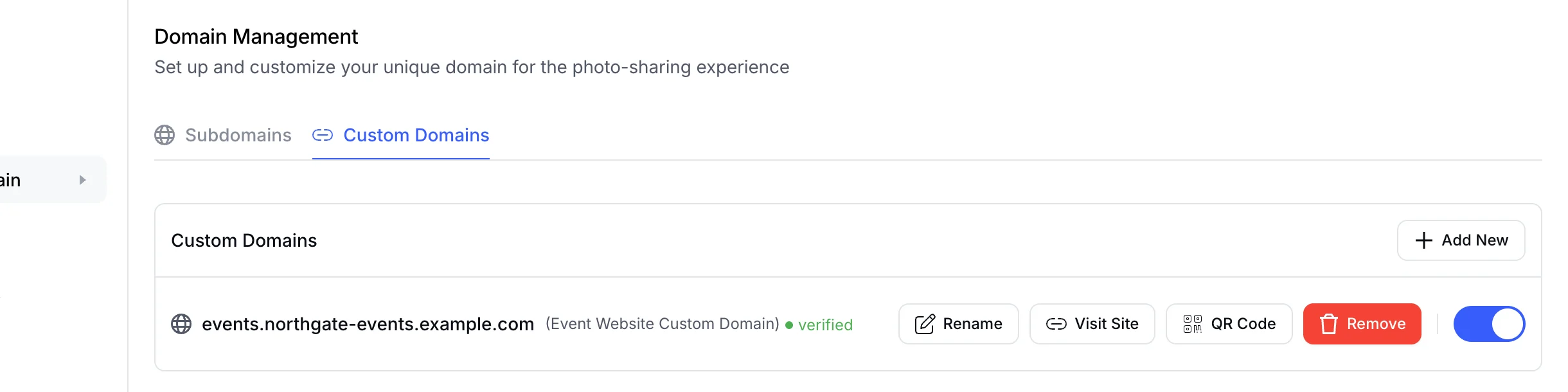
Add a custom domain to an event website, check that it is verified, and switch it on or off whenever you need to. The EventHex subdomain stays available. Custom domains depend on the organization's plan.
White label is not only a logo field. The organization boundary carries teams, events, capabilities, metering, and account context.
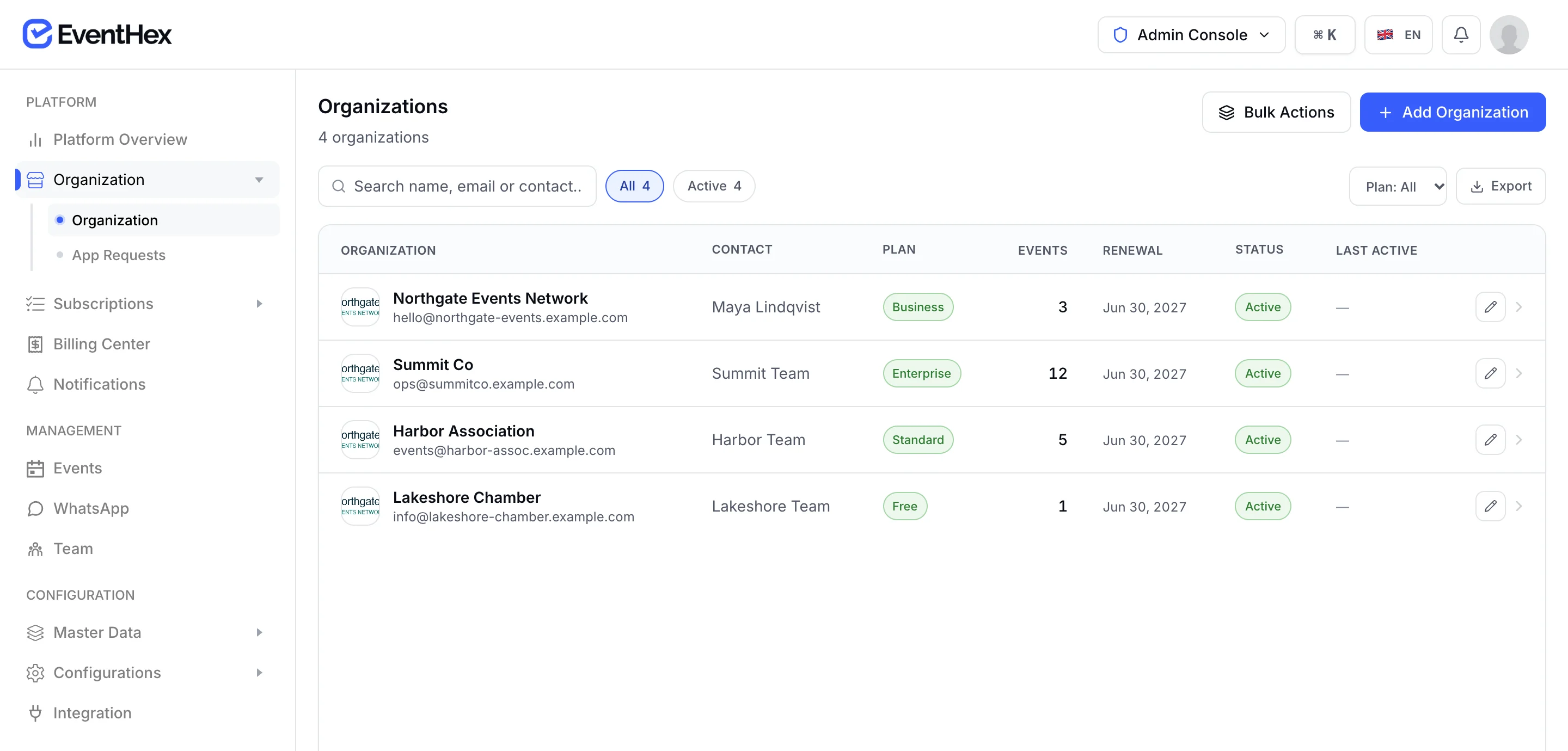
Find the client, chapter, or business unit without flattening every event into one undifferentiated list.
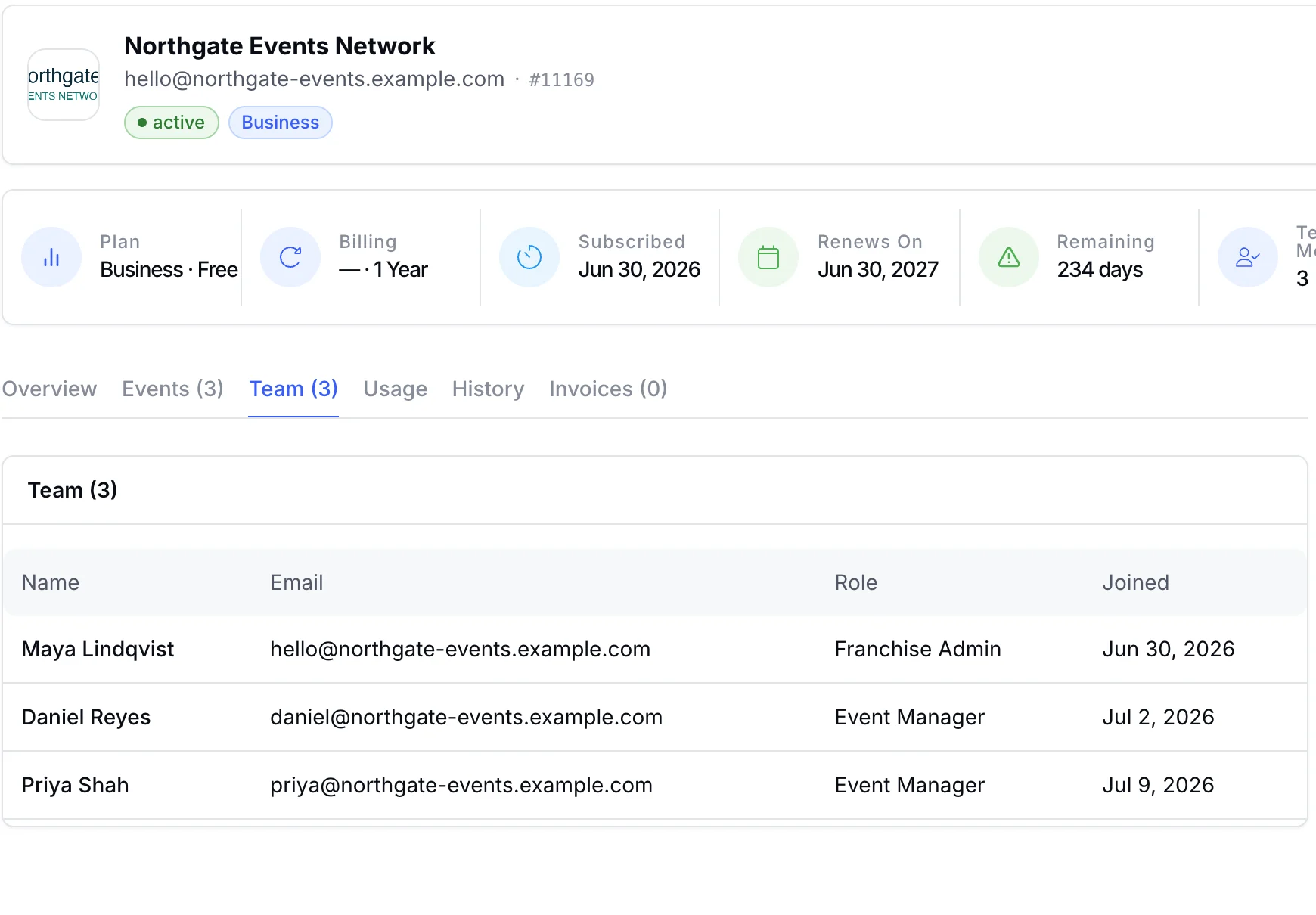
Organization admins, event teams, platform admins, and event-level roles keep responsibilities separated.
Control paid tickets, API access, white label, custom domains, and AI website generation by plan.

Apply configured limits to events, team members, attendees, campaigns, and other metered resources.
Review events, attendees, content records, campaigns, and AI or media fields tied to the organization.
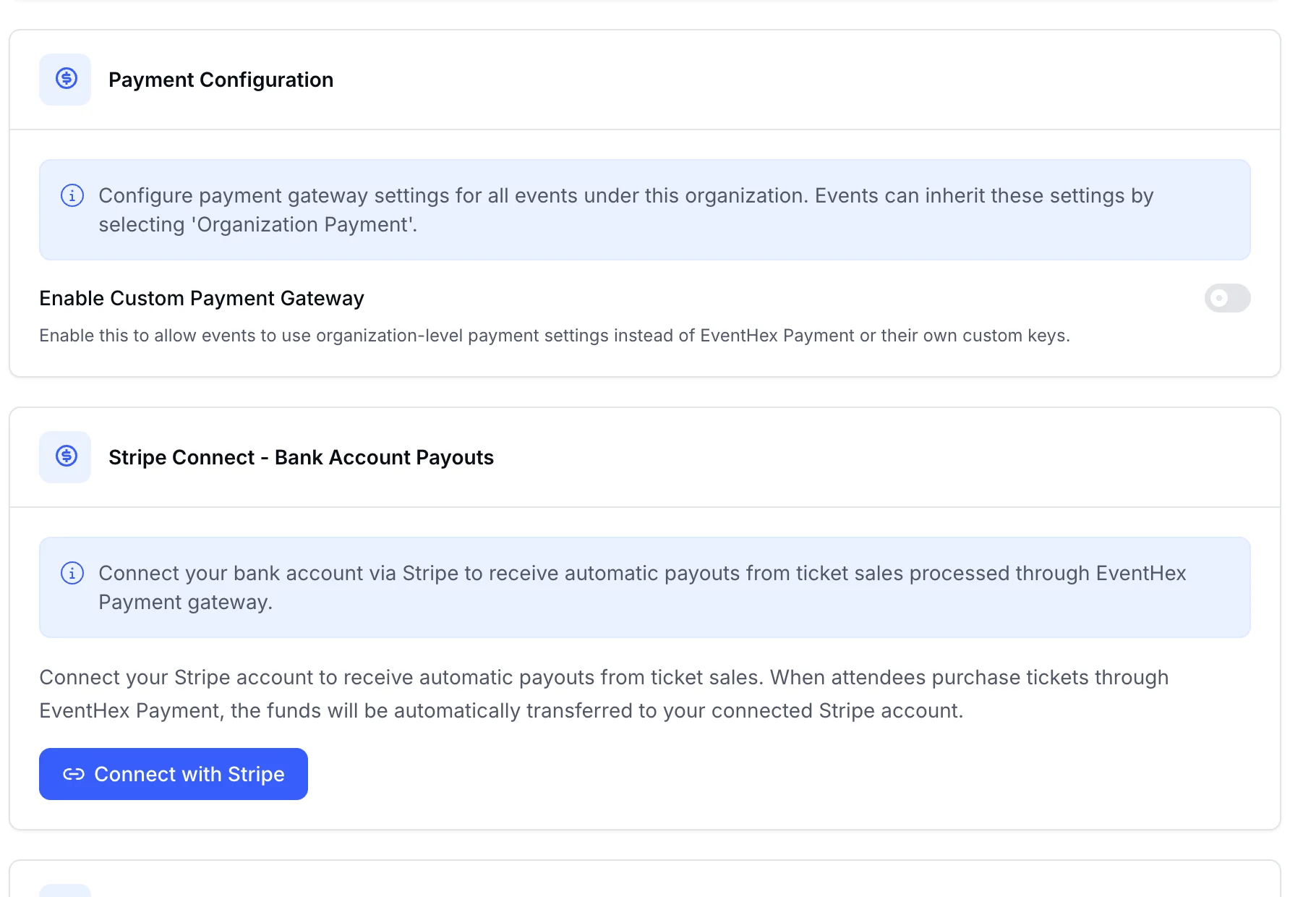
Keep supported gateway credentials and connected-account configuration attached to the owning organization.
Capture identity, contact, plan, and region before any events are created.
Invite organization admins first, then scope event teams and narrower event roles.
Apply supported brand fields, verify domain eligibility, and attach the approved payment relationship.
The organization becomes the parent context for users, events, plan rules, and supported settings.
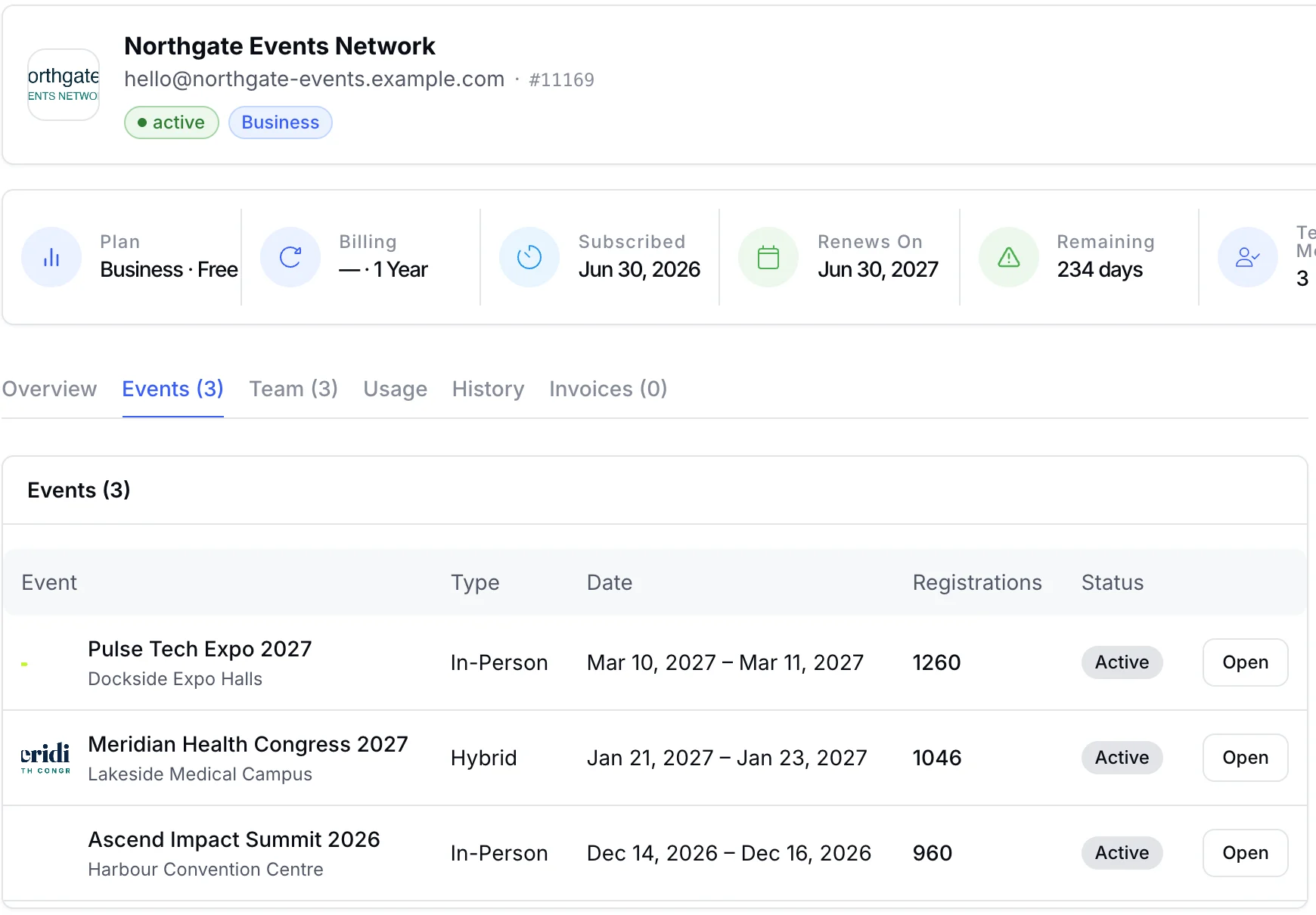
Track counters that inform capacity, plan conversations, renewals, and support context.
Each organization can connect its own Stripe account for bank payouts, set up Razorpay Route for split payments, or add its own gateway keys. Its events can then choose the organization payment option at checkout setup.
See also Payment Processing.
Manage client organizations and repeat programmes under distinct commercial relationships.
Support chapters, committees, or regional teams while keeping portfolio oversight.
Separate brands, business units, or markets without creating disconnected tooling.
Operate recurring event series where each edition or region needs its own context.
Coordinate show brands, exhibitor records, and event teams across a portfolio.
Define plan, payment, support, and capability responsibilities before launch.
Organization logo and color fields plus a white-label configuration path are supported. Exact coverage across organizer tools, event sites, emails, PDFs, apps, and domains should be demonstrated for your required journey.
EventHex supports organization records with scoped users and events. The allowed number of organizations, events, users, and capabilities follows the agreed plan.
Custom-domain entitlement and event-domain workflows exist. Availability depends on the plan, DNS setup, target surface, and verification.
Subscription plans contain feature toggles and limits, while organization usage counters track portfolio and per-event activity used by plan enforcement and operations.
Supported organization-level Stripe, Razorpay, or Tap credentials exist. Connected-account models also exist, but fees, routing, onboarding, and payout responsibilities require specific scoping.
Organization identifiers and access checks scope application behavior. Review roles, permissions, region, support access, and required controls for your operating model before launch.