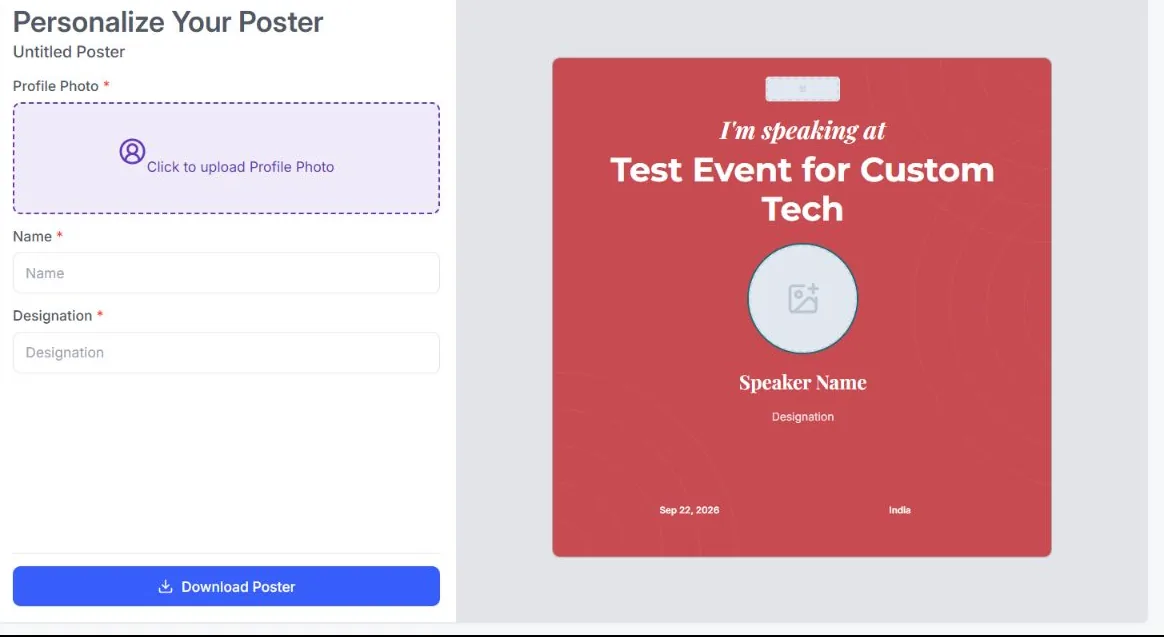
Common attendee fields
Use shared registration details such as name, designation, company, or profile photo.
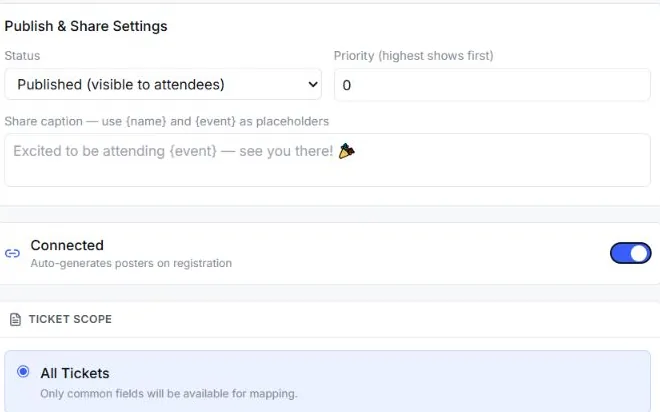
Keep the poster consistent across eligible tickets.Give attendees a personalized event poster after registration. EventHex brings your design, their approved registration details, a ready caption, and practical sharing options into one attendee advocacy flow.
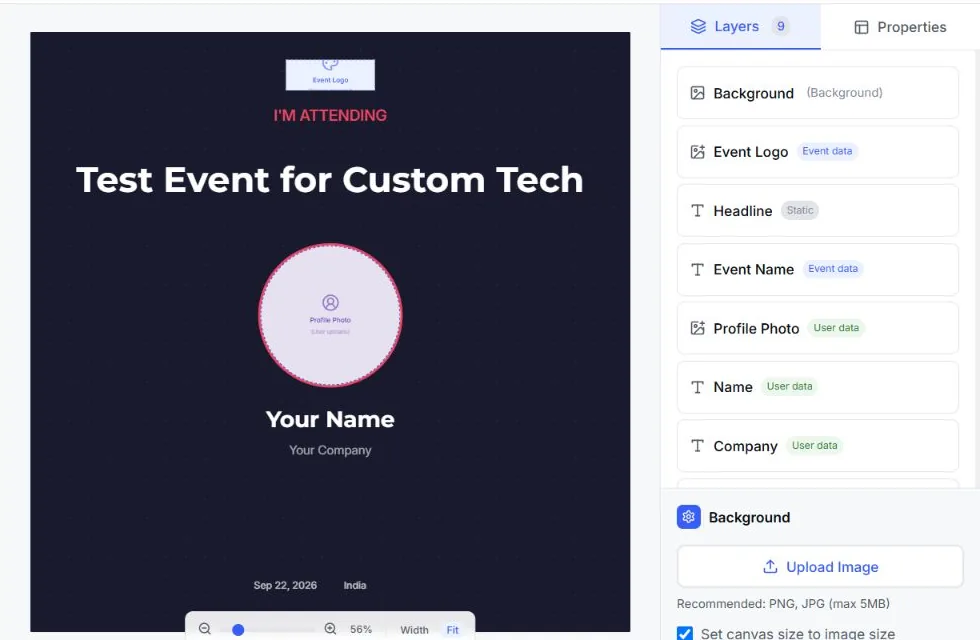
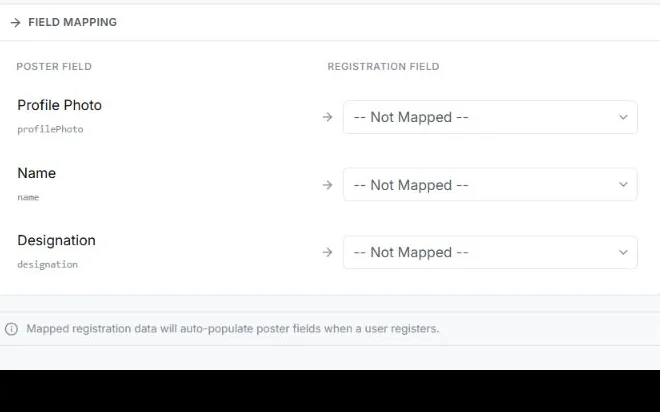
Map each poster element to a common registration field or a ticket-specific answer before the campaign goes live.
Use shared registration details such as name, designation, company, or profile photo.
Keep the poster consistent across eligible tickets.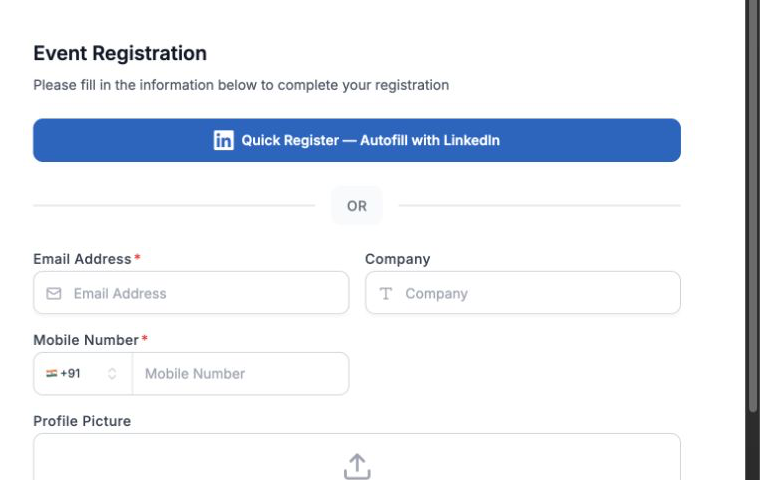
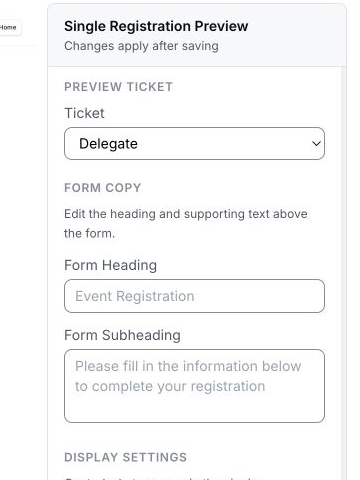 Fields mapped
Assign to poster
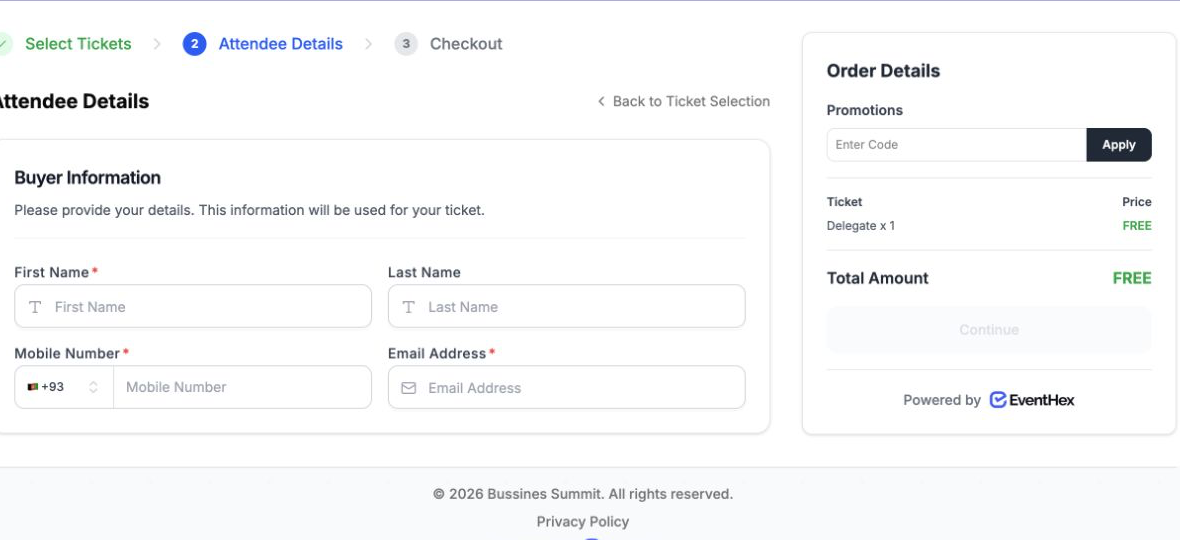
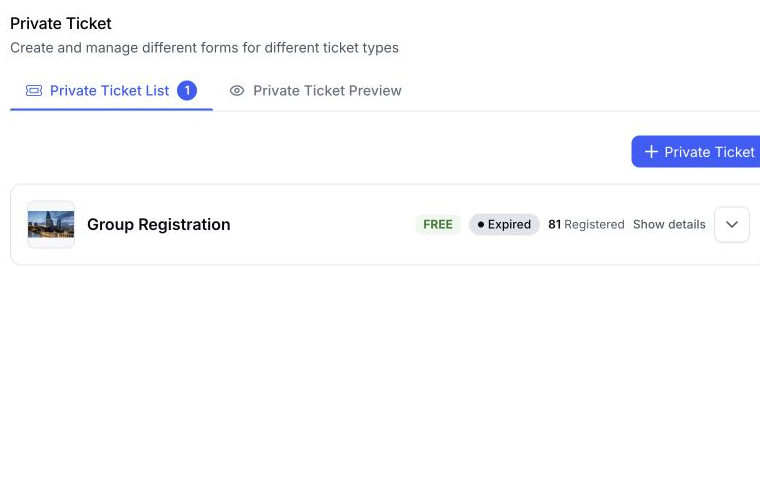 Ticket fields linked Review mapping
Map a poster element to a question collected for a selected ticket.
Use the information already captured in that registration path.The organizer controls the mapping. The attendee can complete or confirm editable fields on the campaign page before generating the poster.
Use one advocacy design across the event or limit it to selected ticket types.
Make the poster available across eligible event registrations.
Choose the ticket types that should receive this design.
Prepare a campaign without exposing it, then publish when it is ready.
Control which poster is selected when more than one published design matches.
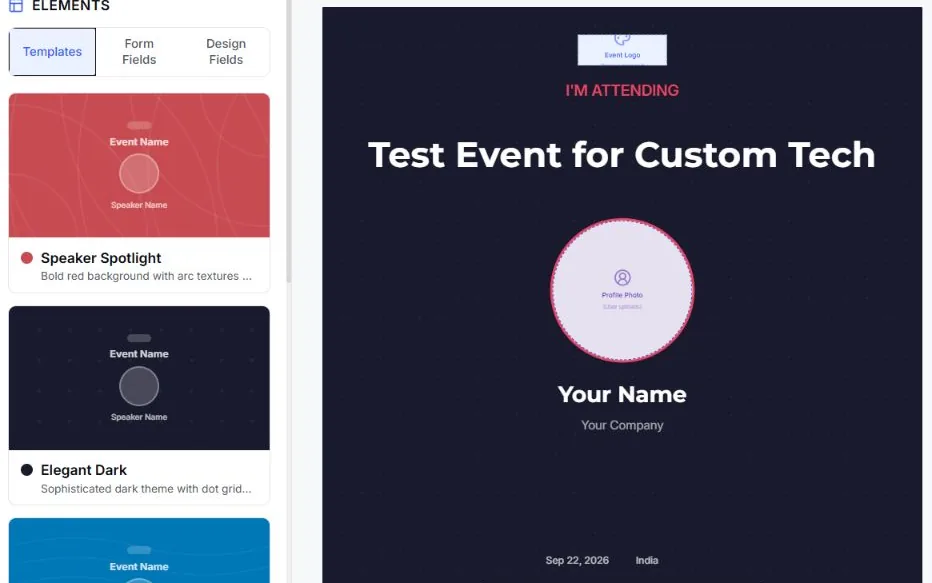
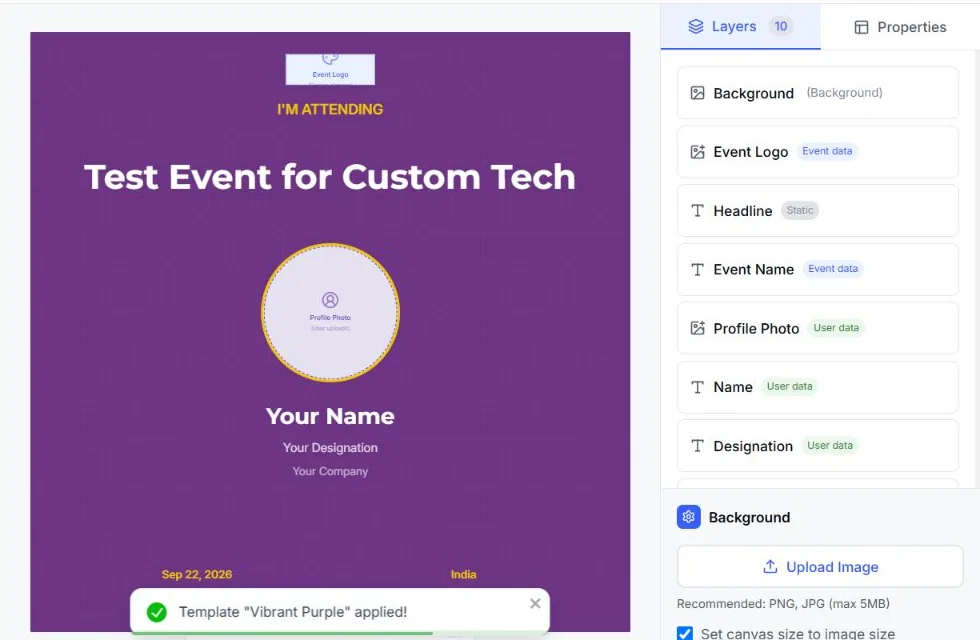
Store several designs under the same advocacy poster and let the attendee choose the version they prefer.
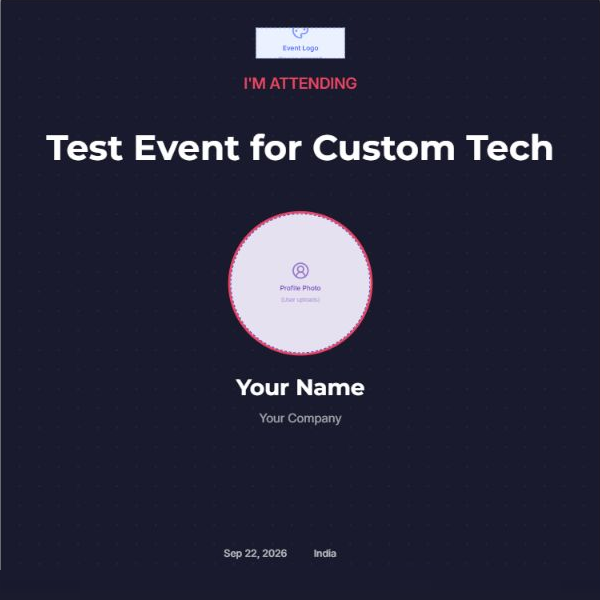
A registration-led announcement.
A role-led promotional card.
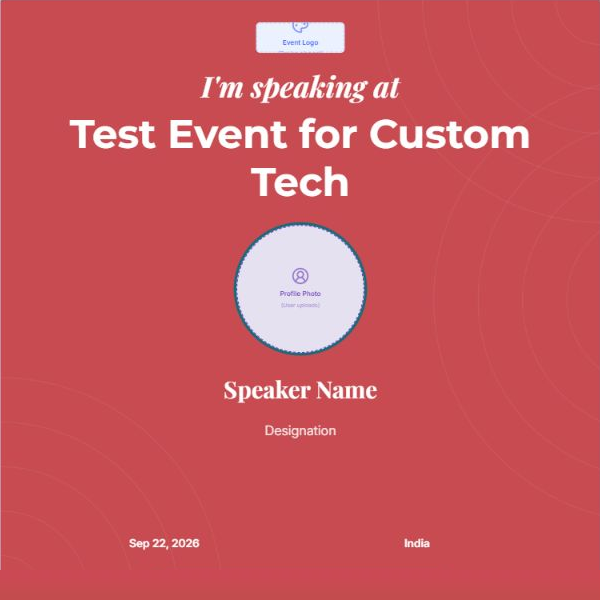
A second visual treatment for the same event.
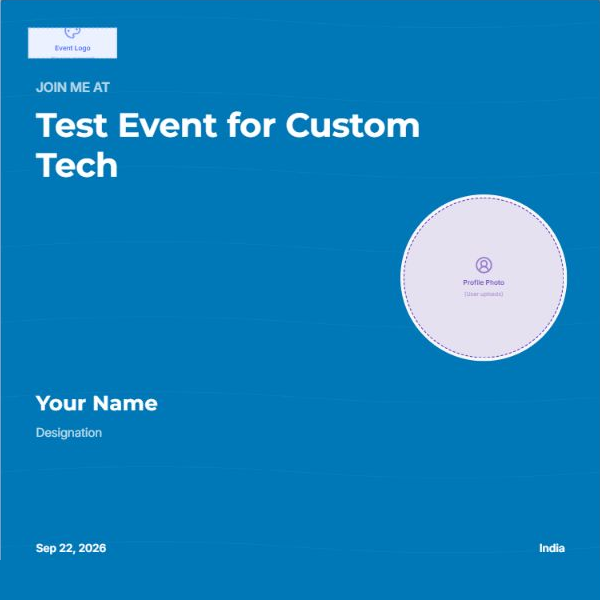
The advocacy prompt can appear in the registration-success experience and open the connected campaign page.
Book a DemoMove from the successful registration to the assigned advocacy campaign.
Confirm mapped text or choose the image required by the design.
Pick from the organizer's available poster designs.
Render the personalized artwork before taking action.
Save the image or continue through the available sharing option.
Save the finished poster as PNG or JPEG where the campaign flow supports the format.
Open a WhatsApp share with the campaign message and link.
Use the LinkedIn sharing path with the prepared message and campaign URL.
Share through another compatible app when native sharing is available.
Use the same campaign system for the audience and stakeholders that fit your event strategy.
I'm attending announcements after registration.
Campaign focus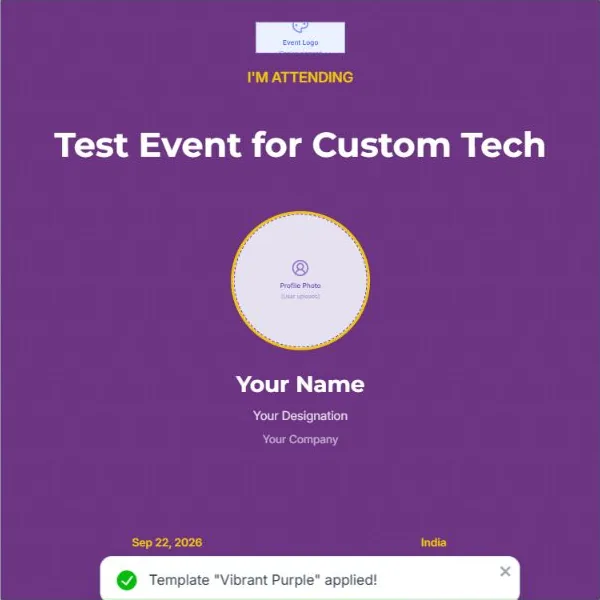 Attendee poster
Role-led cards that help promote a confirmed appearance.
Campaign focus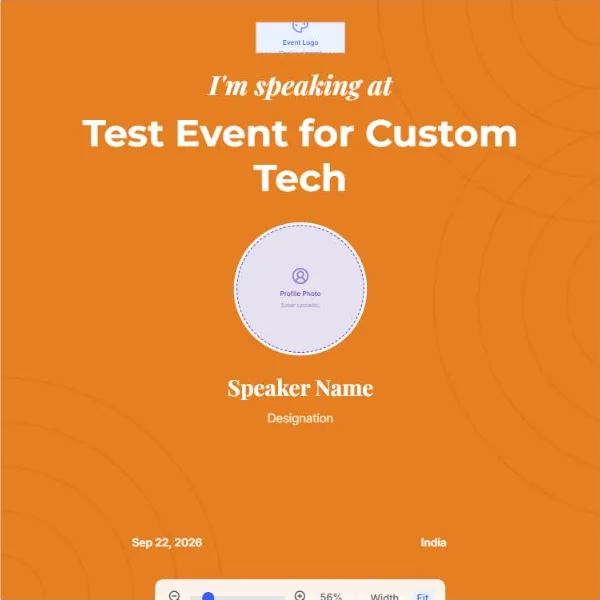 Speaker card
Campaign artwork mapped to the fields and tickets you configure.
Campaign focus Sponsor artwork Member-ready event visuals with consistent messaging.
Campaign focus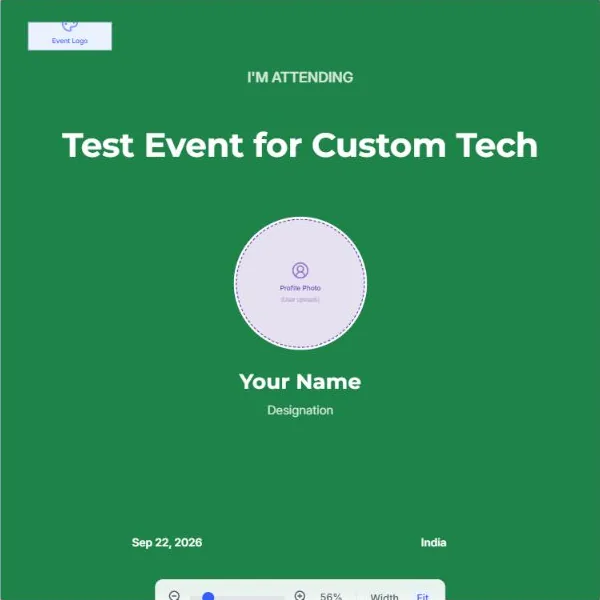 Member campaign
Keep each product job clear, then let evaluators move to the next relevant EventHex capability.
Collect the attendee and ticket data used by poster mapping.
Run planned email and WhatsApp campaigns for broader promotion.
Send operational and triggered attendee updates.
Help attendees find and share their event photos after the event.
It gives attendees branded content they can personalize and share with their own networks. EventHex connects the poster design to event and registration data so the campaign stays consistent.
The organizer publishes and assigns the campaign. The attendee opens the poster experience, completes or confirms the required details, chooses an available design, and generates the final image.
Yes. Connect a poster to all eligible tickets or selected ticket types, then control draft, published, and priority settings.
No. This workflow uses an organizer-defined caption template with attendee and event placeholders. AI caption generation is not part of this flow.
They can download the image and use the available WhatsApp, LinkedIn, or device-sharing path. The exact handoff depends on the browser and device.
Not end to end. EventHex can record clicks and hashed unique visitors when a share link is enabled, but registrations are not attributed back to the share link today.