Recognise members, speakers and contributors
Different certificates for members, speakers and volunteers from the same registration data.
BUILT WITH- Attendance and ticket eligibility
- One PDF per recipient
- Email, WhatsApp or share link
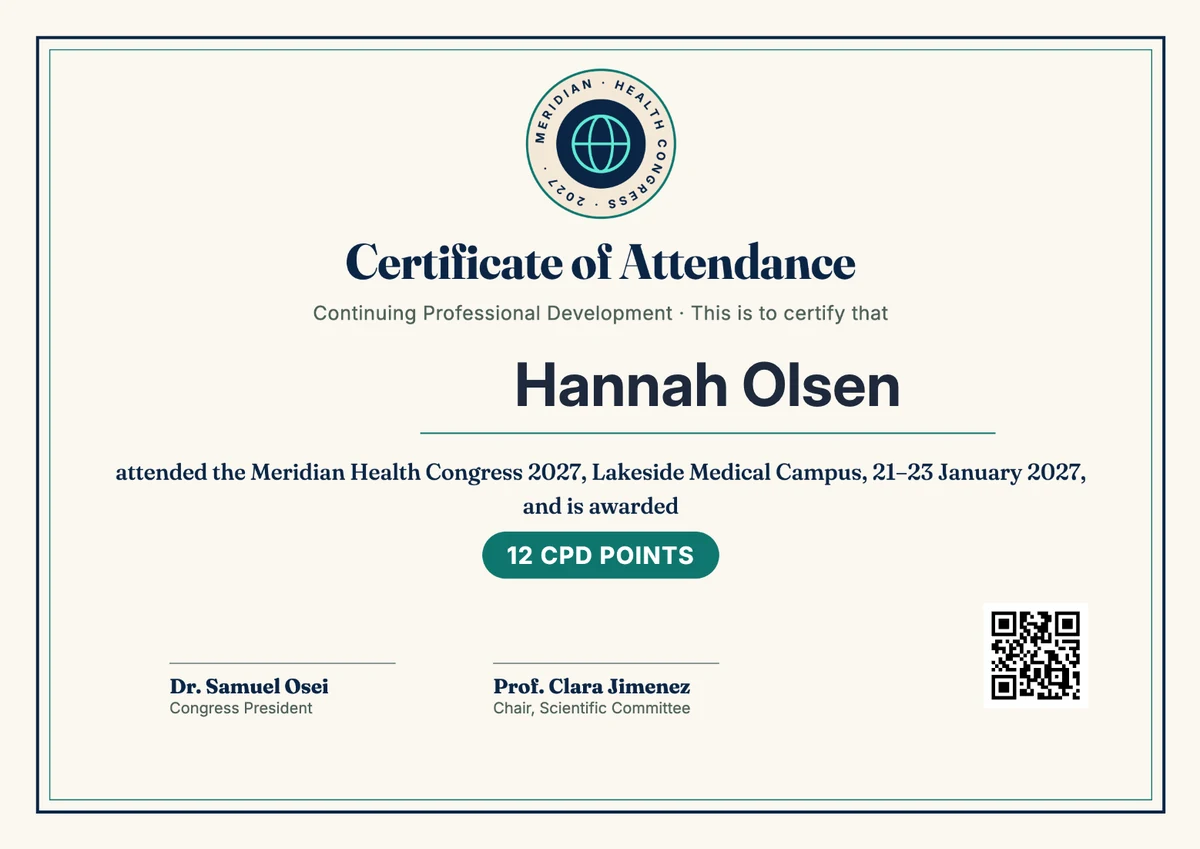
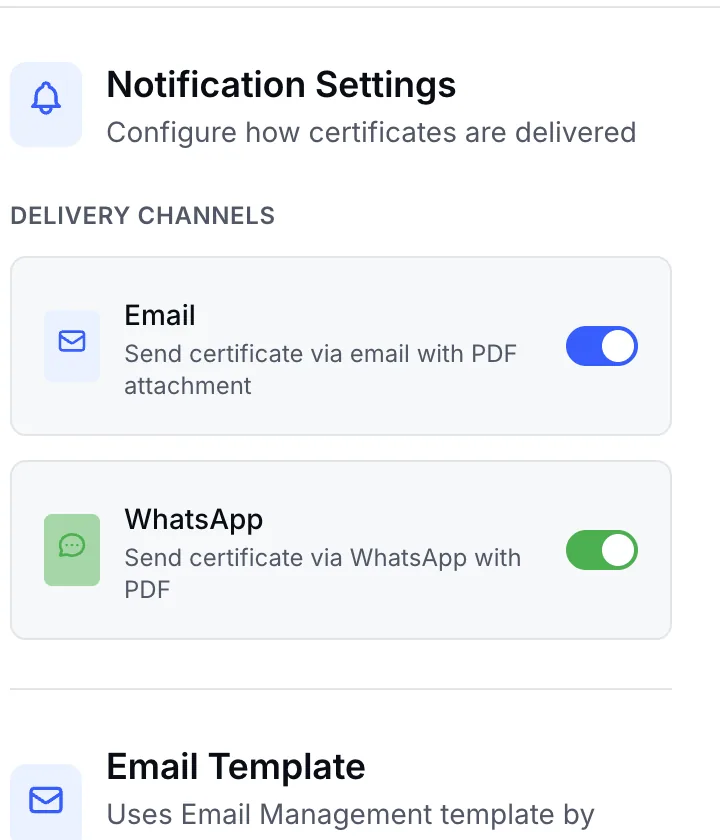
Design it once. EventHex creates a PDF with each attendee's name and delivers it by email, WhatsApp, app download or share link.
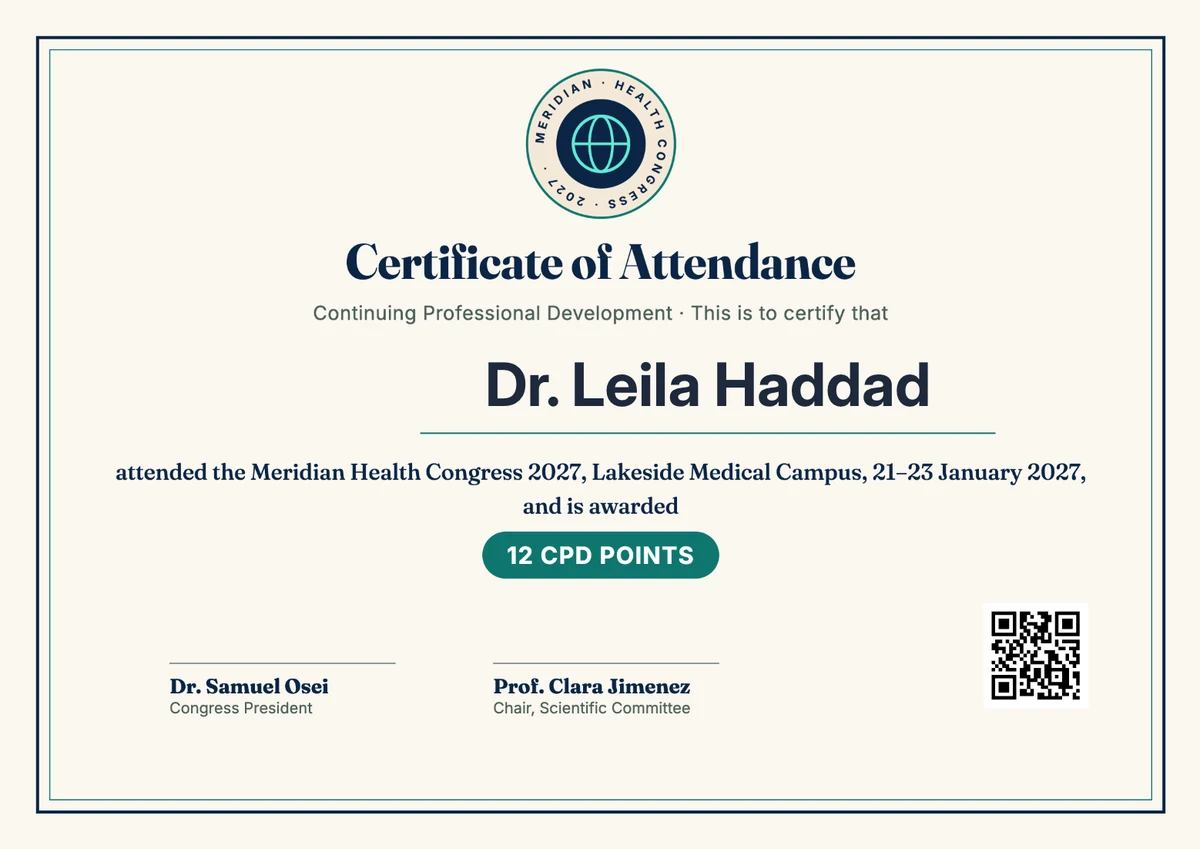
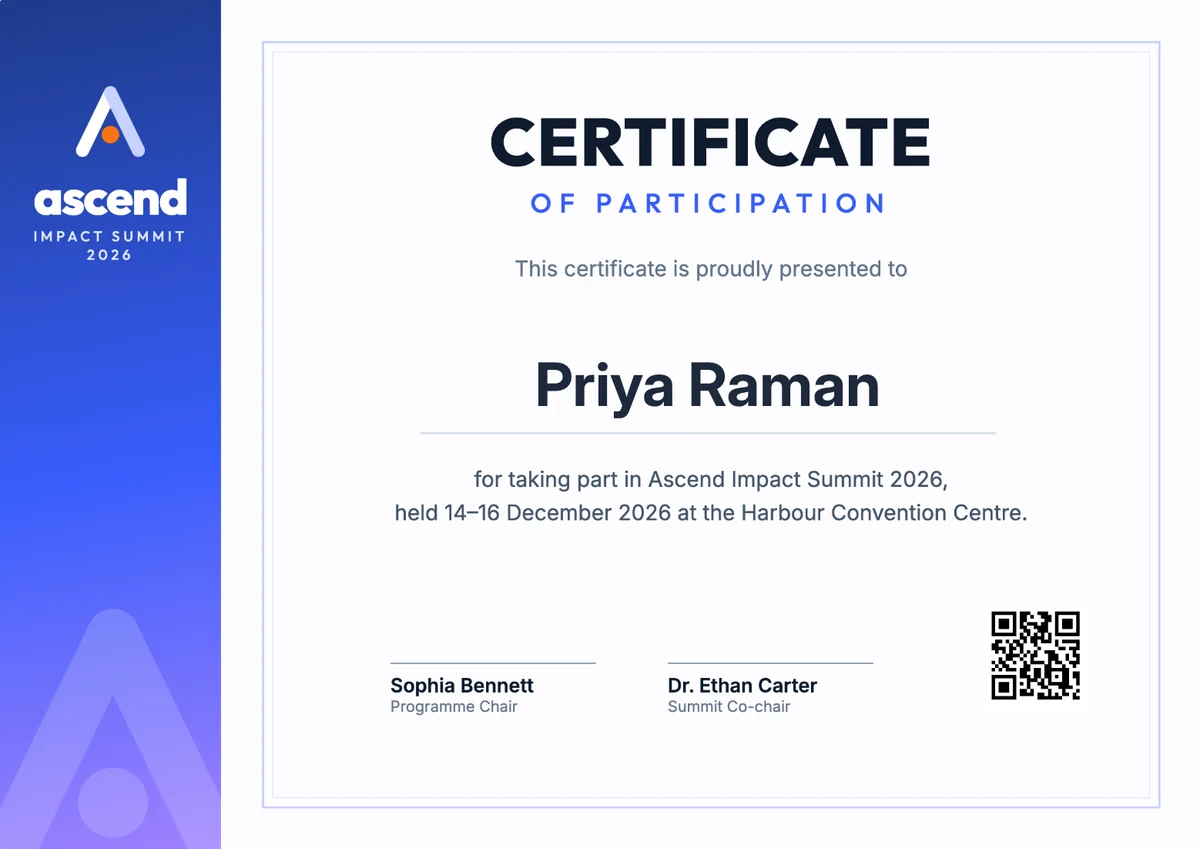
 Drag or swipe the certificate
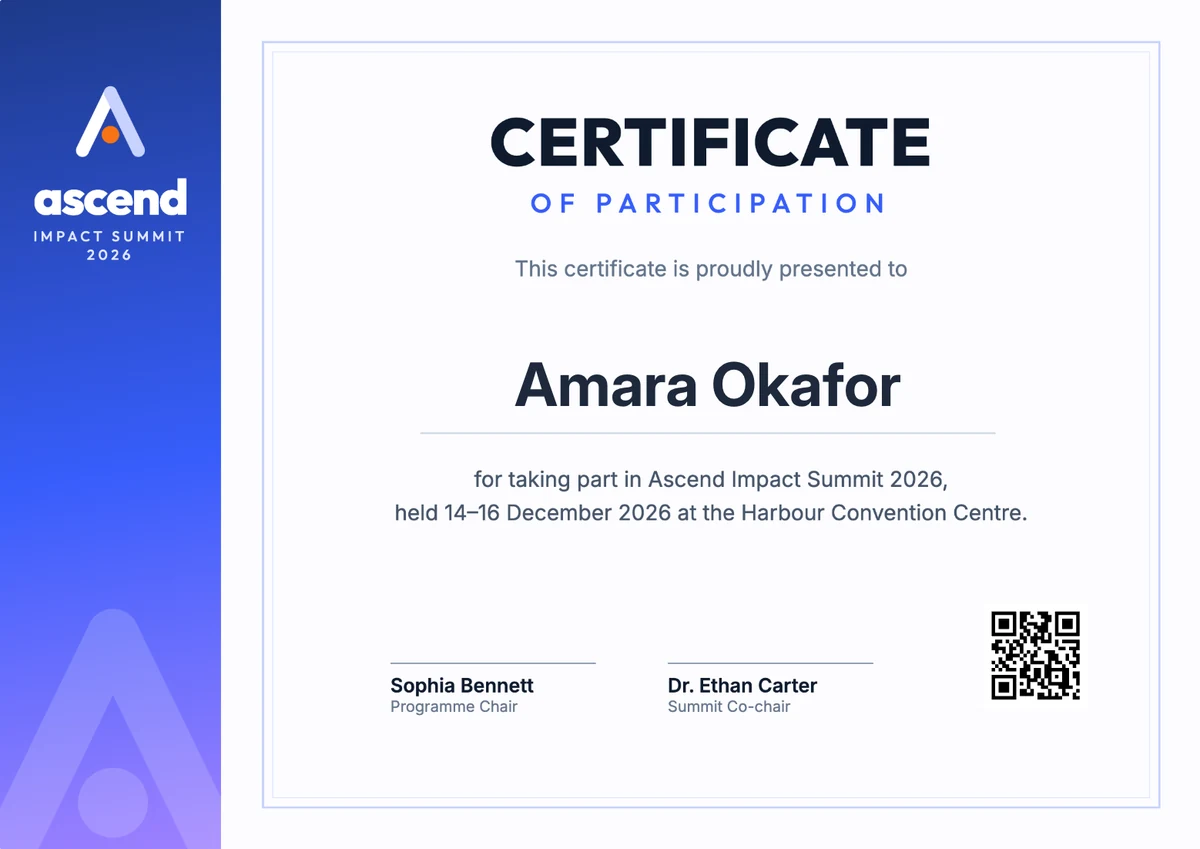
Each attendee's name and event details merge into the design. No spreadsheet, no Word or Canva exports, one PDF per person.
A guest added at the venue? Send their certificate on its own from the admin, to WhatsApp and email, while they are still in the room.
Online check-in marks attendance. When the session ends, send every attendee's certificate to WhatsApp and email in one go.
"Send me my certificate" on WhatsApp gets it delivered. Attendees can also download it in the event app or open a secure share link.
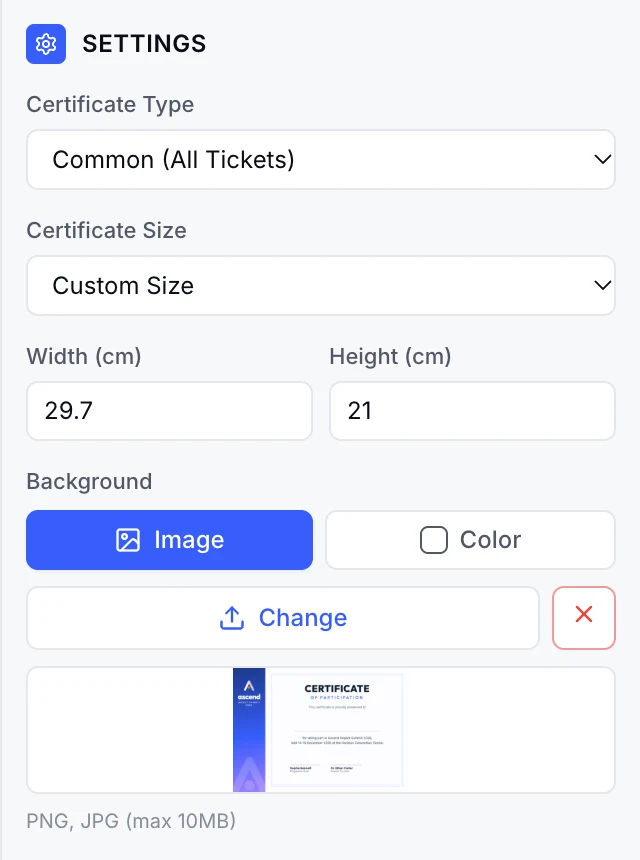
Upload your certificate background, place the attendee's name and a QR code, and pick A4, Letter, A3, A5 or square sizes.
STARTER TEMPLATES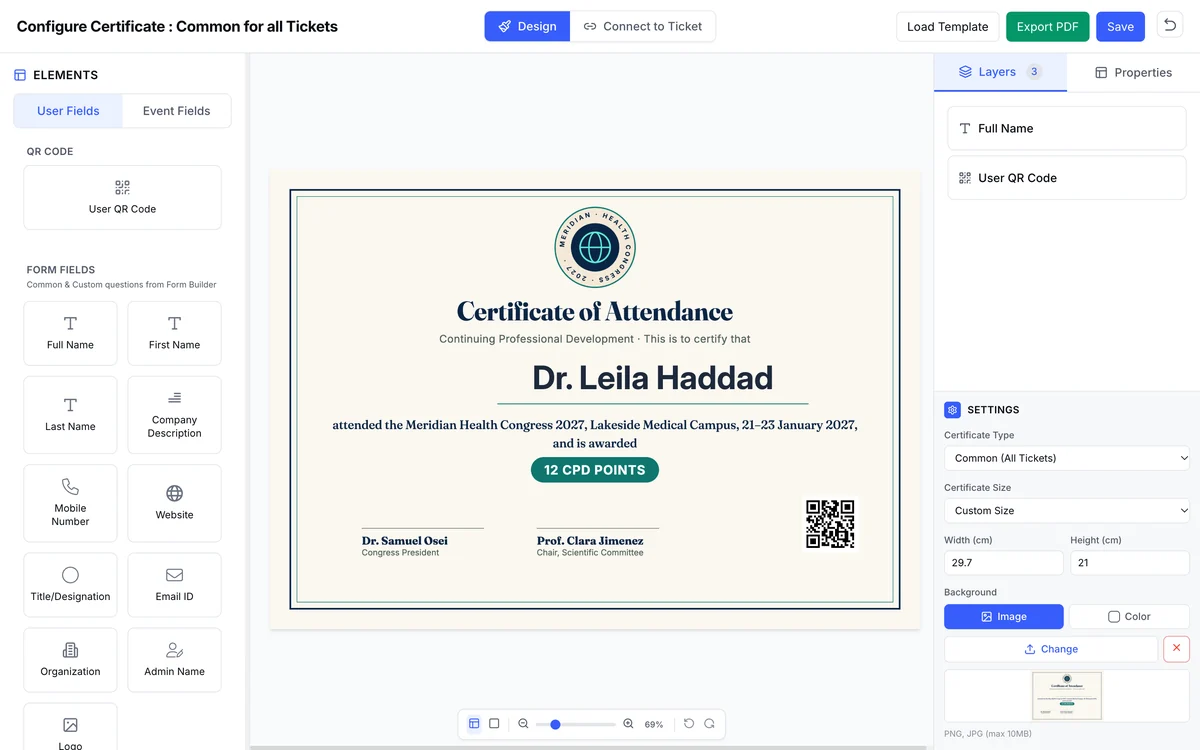
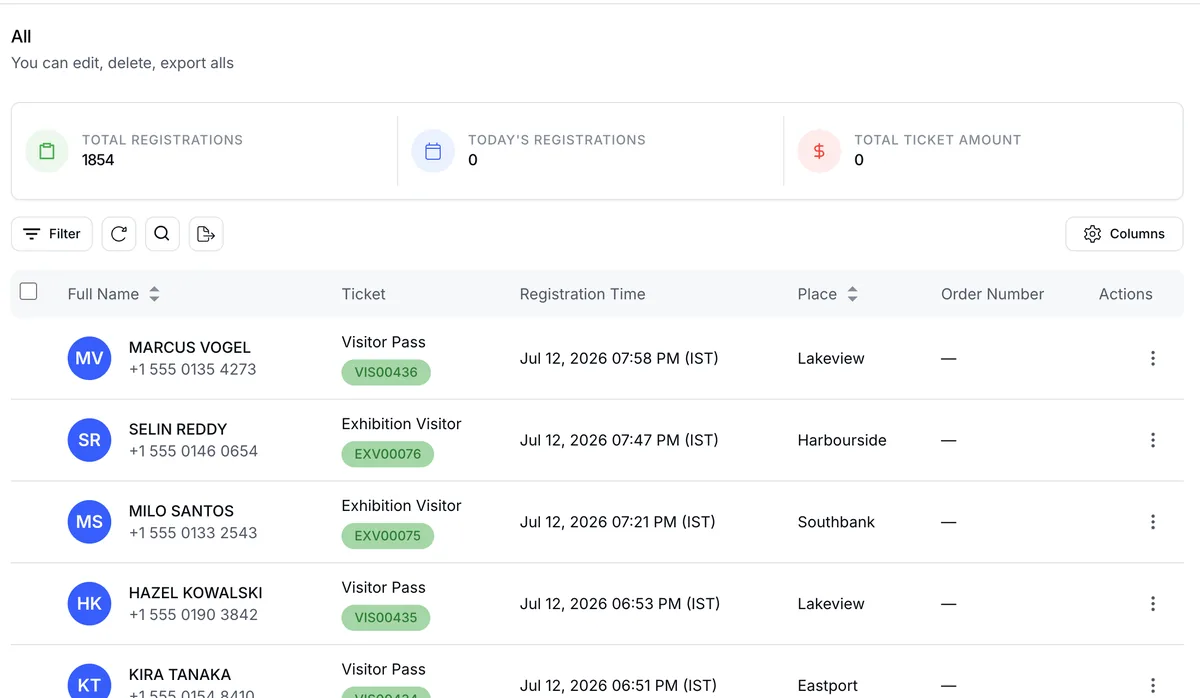
Badge scans at the door or online check-in mark attendance. No-shows don't get a certificate.
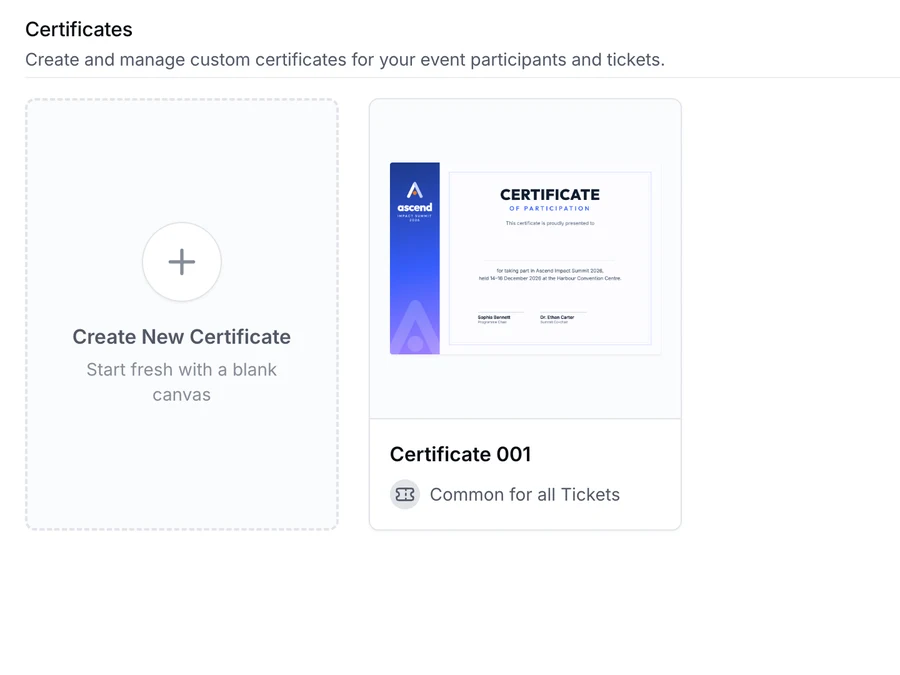
Common for all tickets, or specific ones for speakers, volunteers or delegates.
 Priya RamanAmara Okafor
 Daniel Mensah
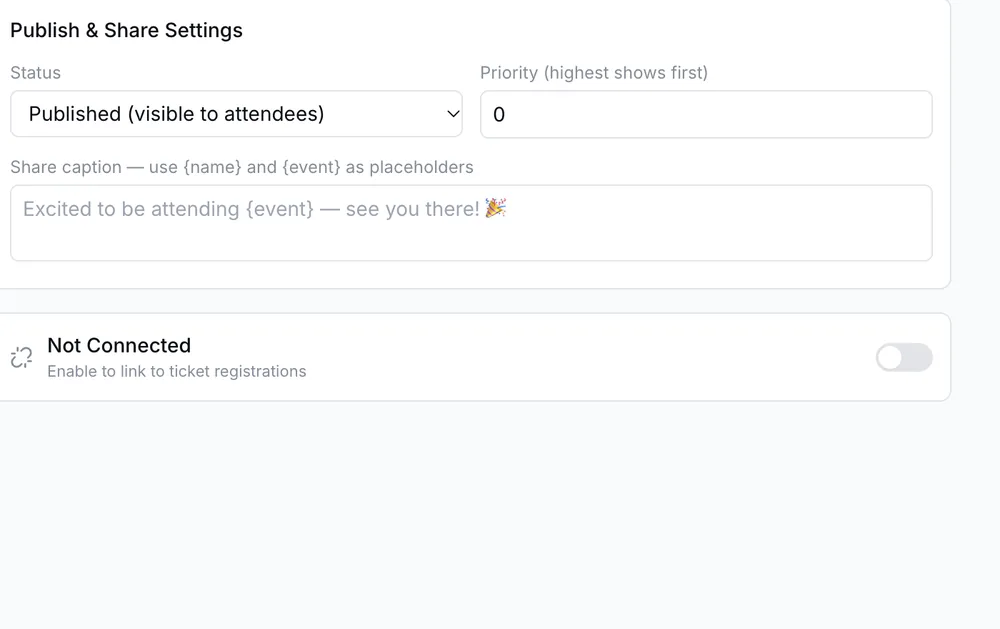
Secure share links with a watermarked preview.
Check fonts, page size, long names, image quality, eligibility and the message before releasing certificates.
Badges and certificates read the same registrations. No exports, no mail merge.
Scanning a badge records who came, so only attendees present get certificates.
The same designer and event artwork for badges and certificates.
Different certificates for members, speakers and volunteers from the same registration data.
BUILT WITHOnly people marked present receive a certificate, so records match who actually attended the training.
BUILT WITHA common participation certificate for delegates and a specific one for speakers, sent from the same place.
BUILT WITHOnline check-in marks attendance, then one send delivers every certificate to WhatsApp and email.
BUILT WITH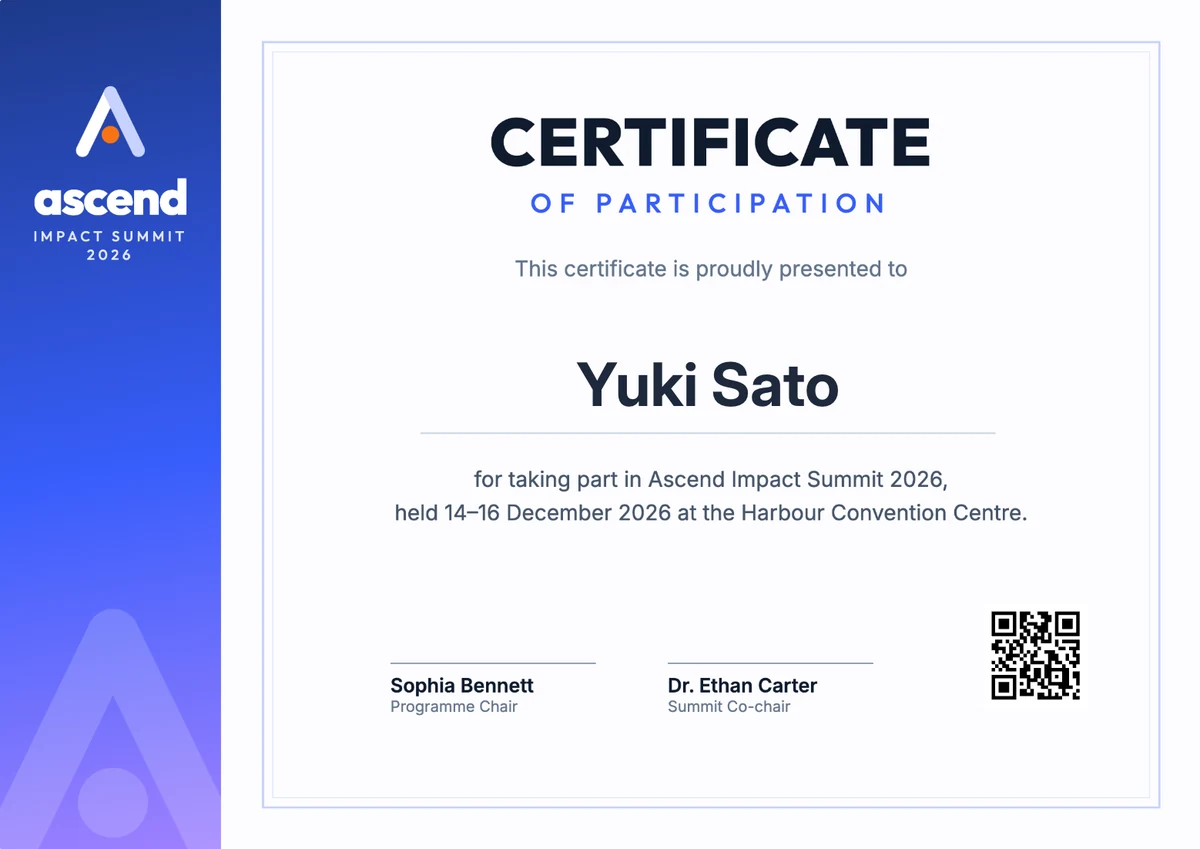
Certificates for presenters, attendees and committee members from one registration list.
BUILT WITH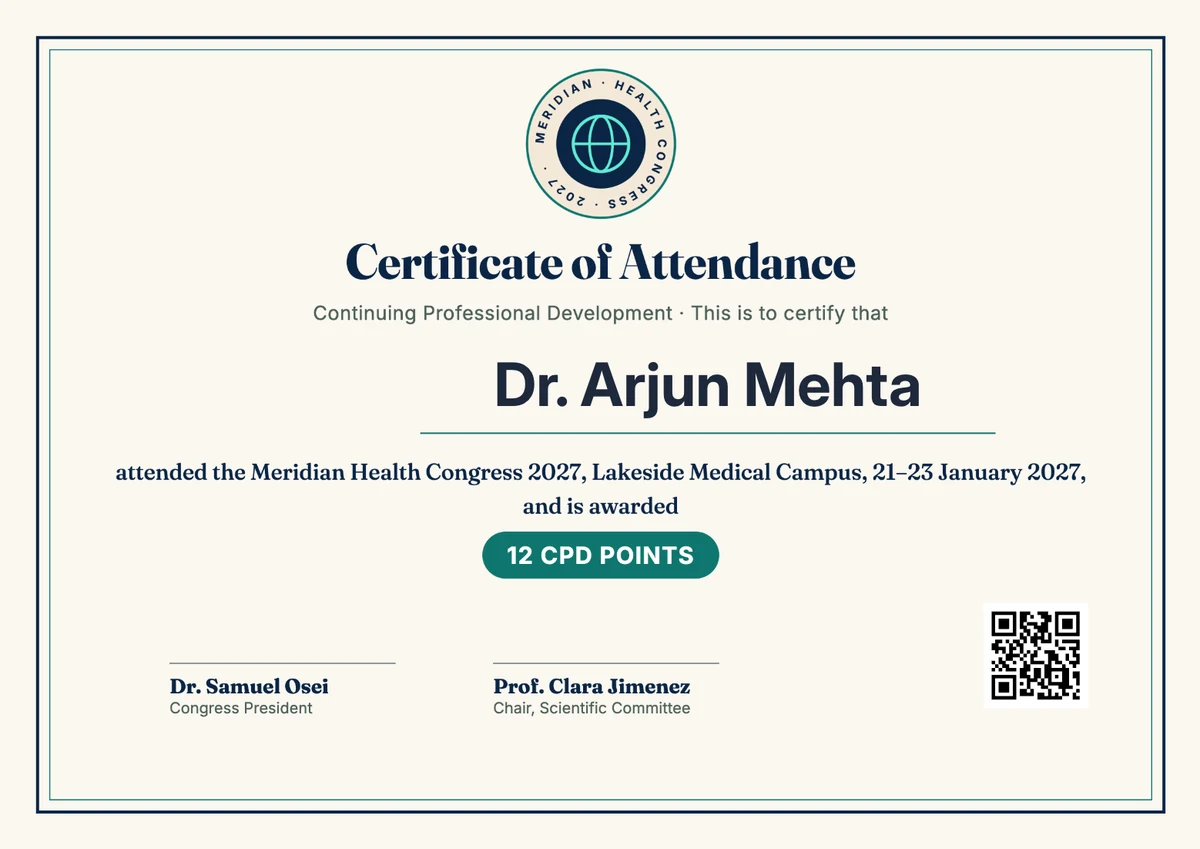
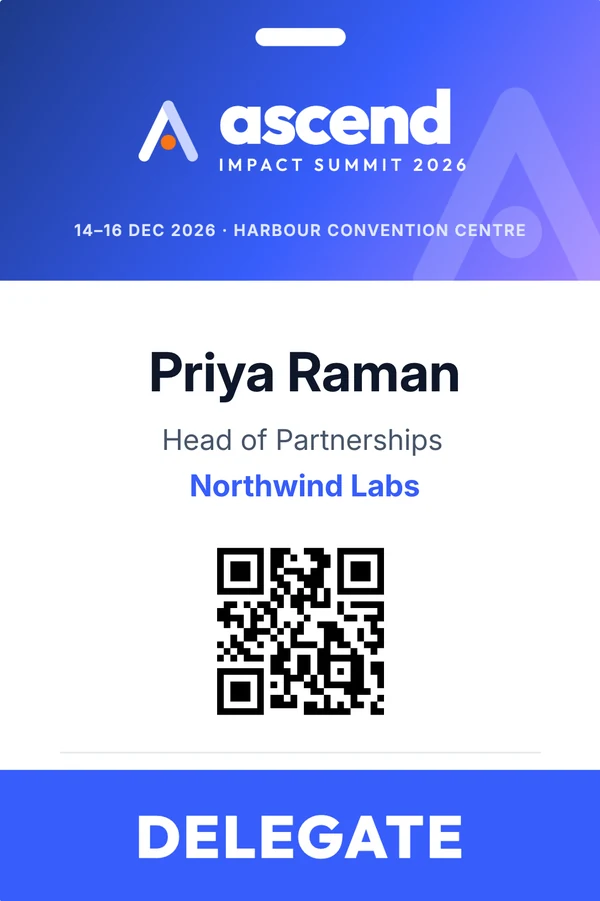
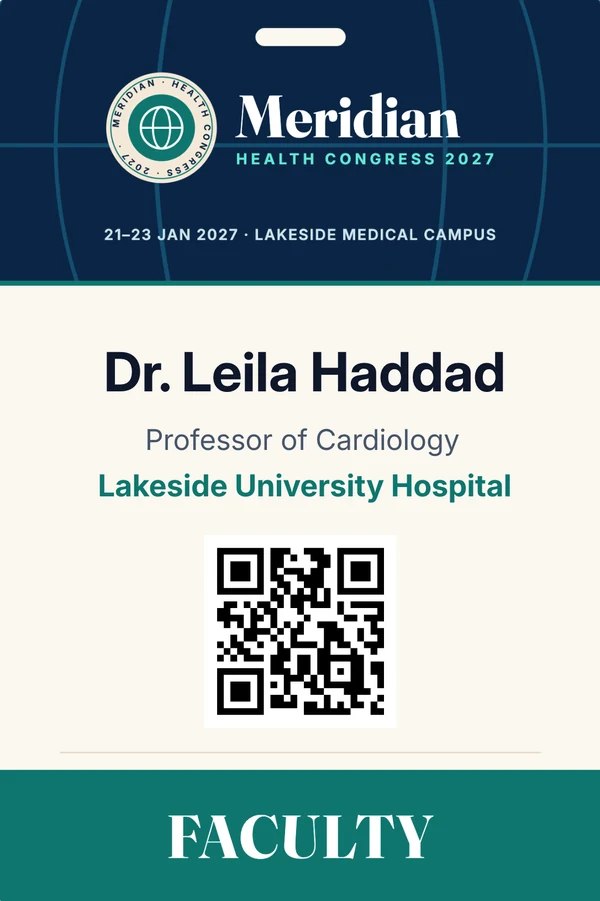
Attendees marked present, through a badge scan at the door or online check-in. You can give everyone the same certificate or set specific certificates for chosen tickets or participant types.
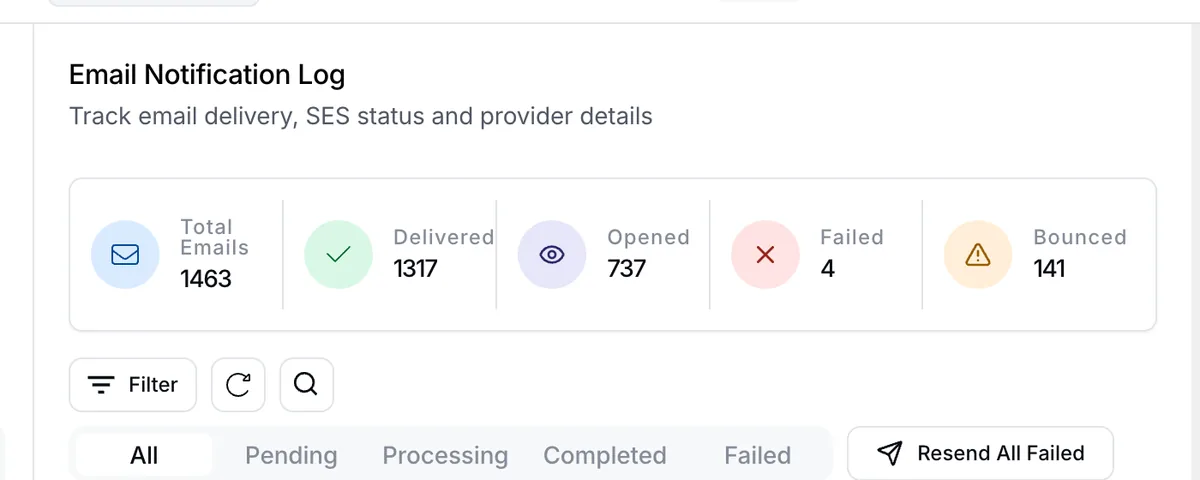
By email with the PDF attached, by WhatsApp with the PDF, as a download in the event app, or through a secure share link. Every email send is recorded in the delivery log.
Yes. Once the guest is added as a registration, send their certificate on its own from the admin, to WhatsApp and email, without re-sending everyone else's.
Yes. Attendees can message the WhatsApp concierge to ask for their certificate, download it in the event app, or open a share link.
Bulk sending runs in the background with live progress. If it stops, resume it and EventHex skips the attendees who already received their certificate.
Start from a starter template or upload your own artwork, then place the name and other fields. Sizes include A4, Letter, A3, A5 and square, with custom fonts.