Event badge builder & onsite printing

Design one badge. Print it at the door for every attendee.

Build a branded badge from attendee, ticket and registration fields, print in bulk before the event, or check people in and print on the spot.

Data-aware layoutsScan, check in, printPrint counts
1 TEMPLATE
EventHex badge editor with the Ascend Impact Summit template and data fields
Full NameDesignationCompanyQR
EVERY ATTENDEE
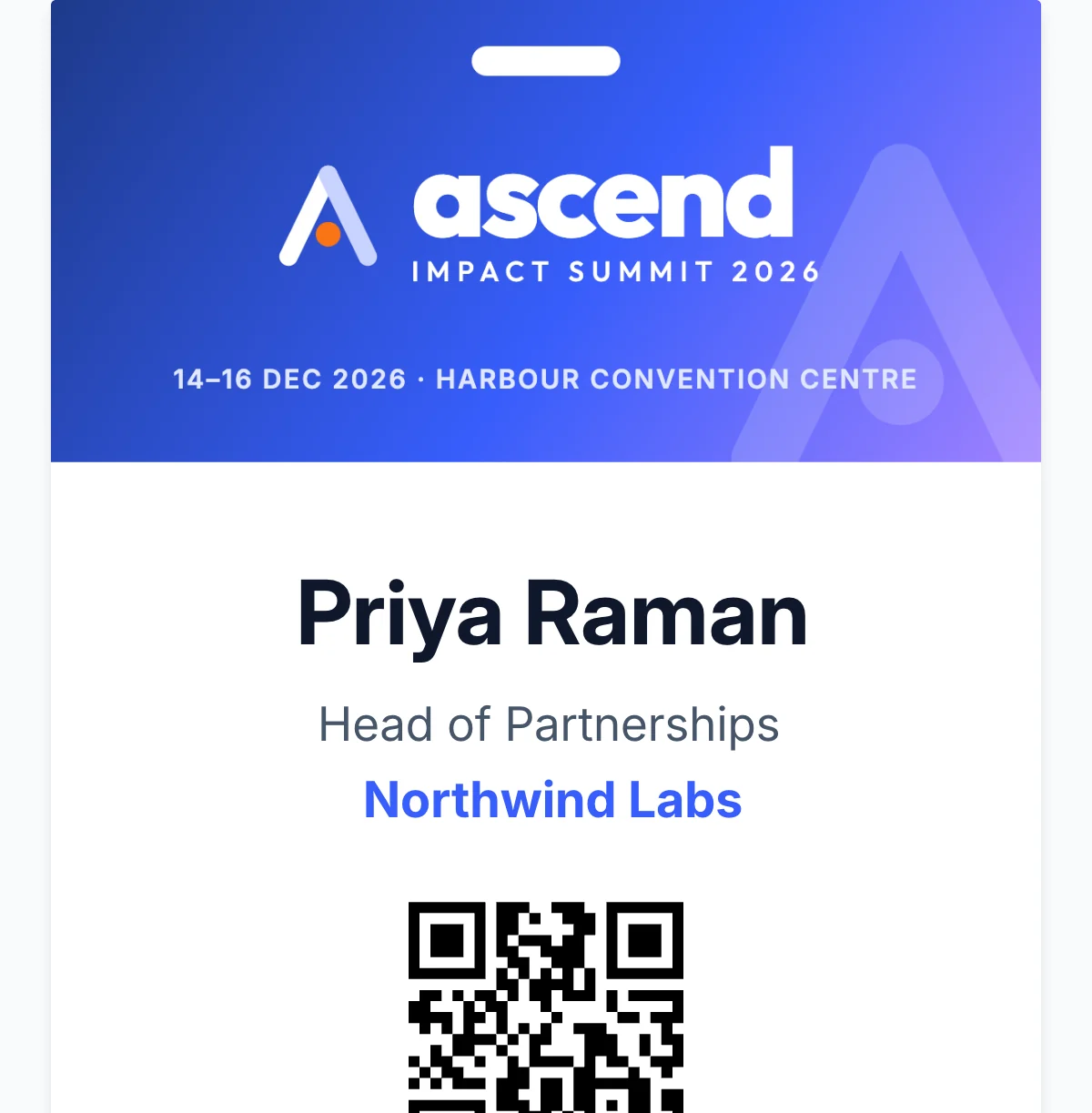
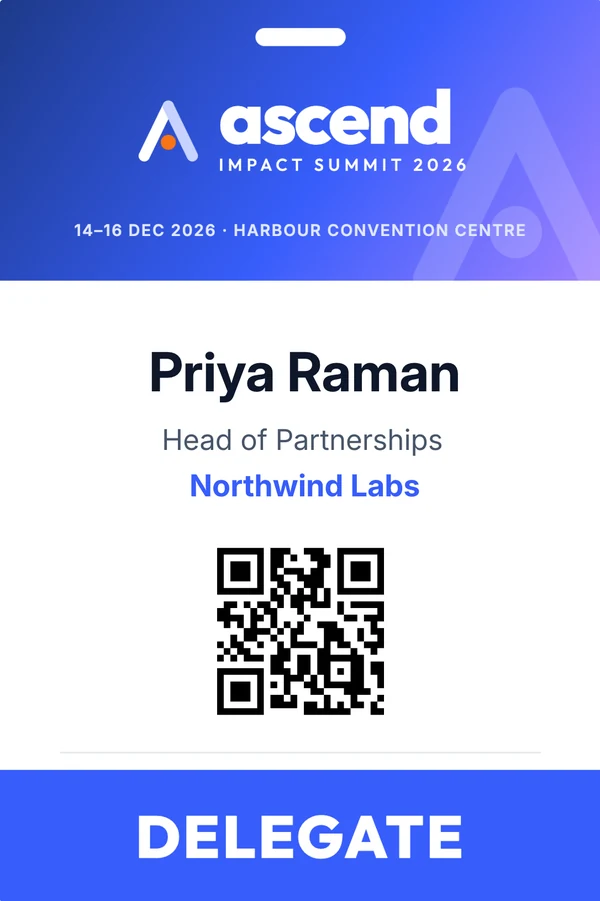
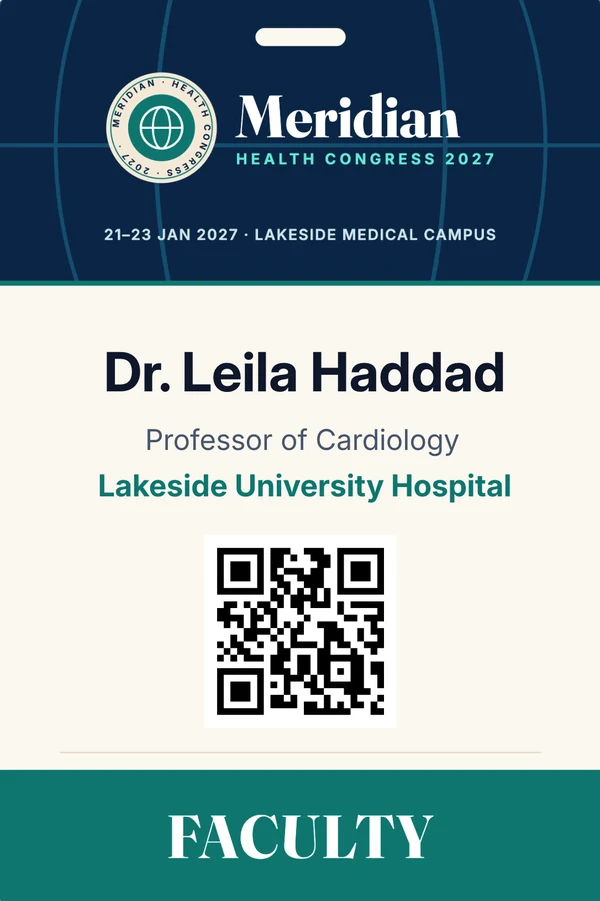
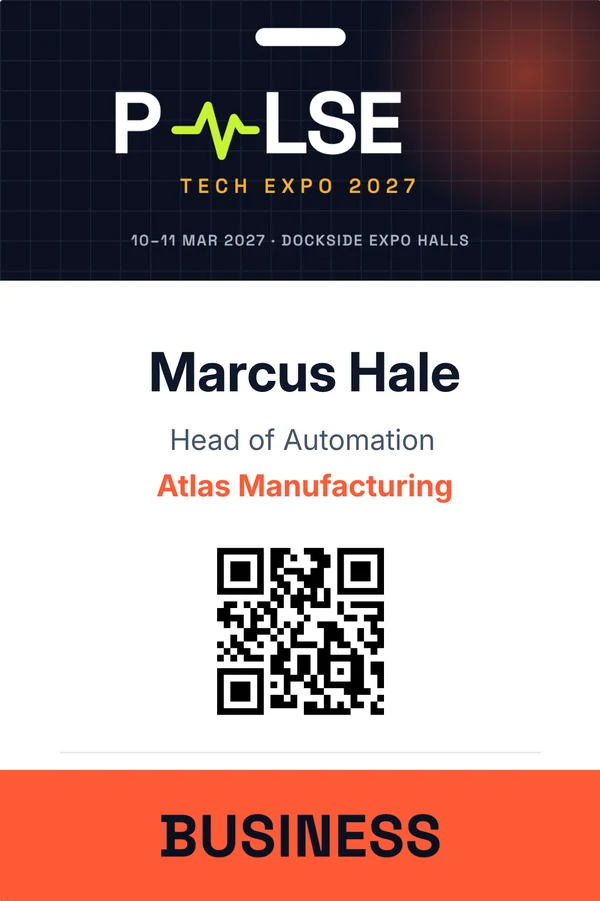
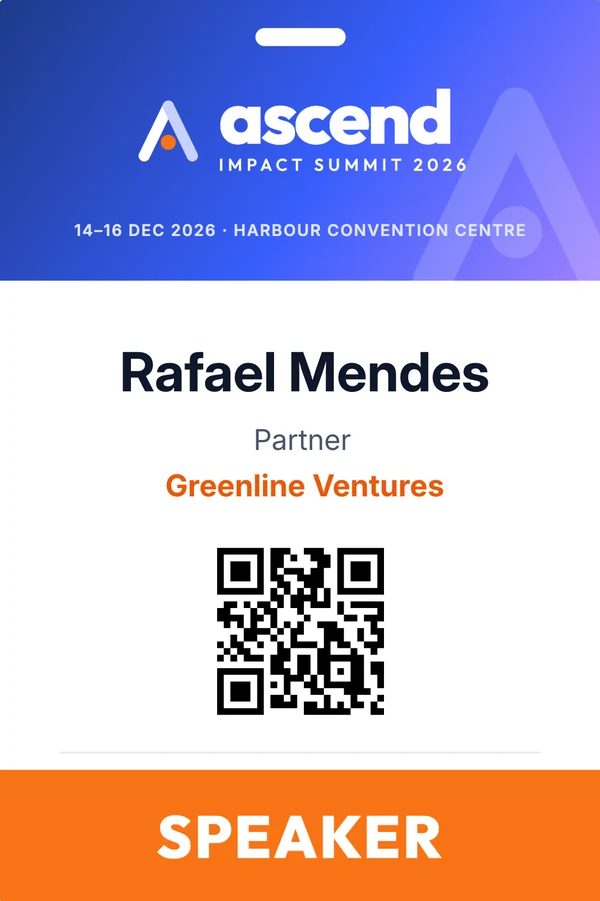
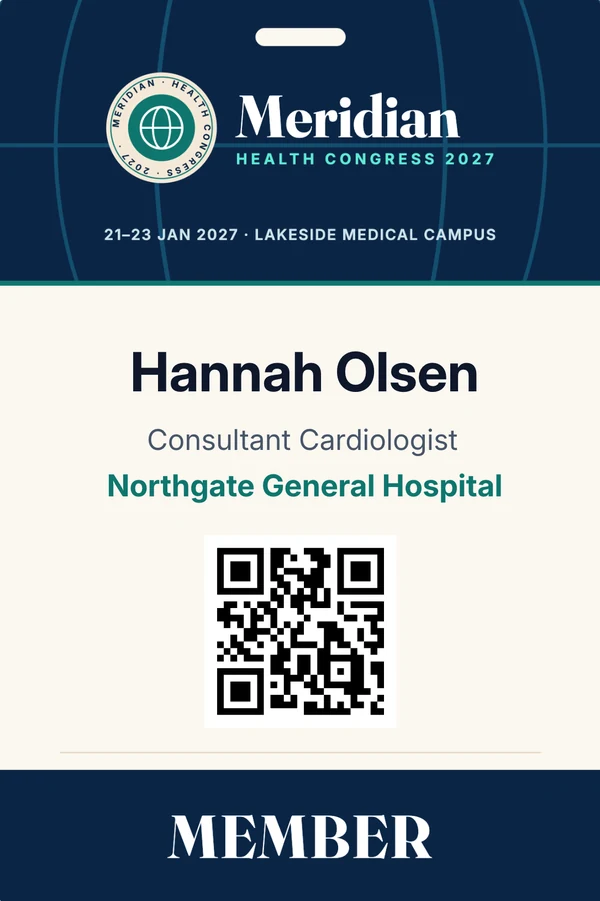
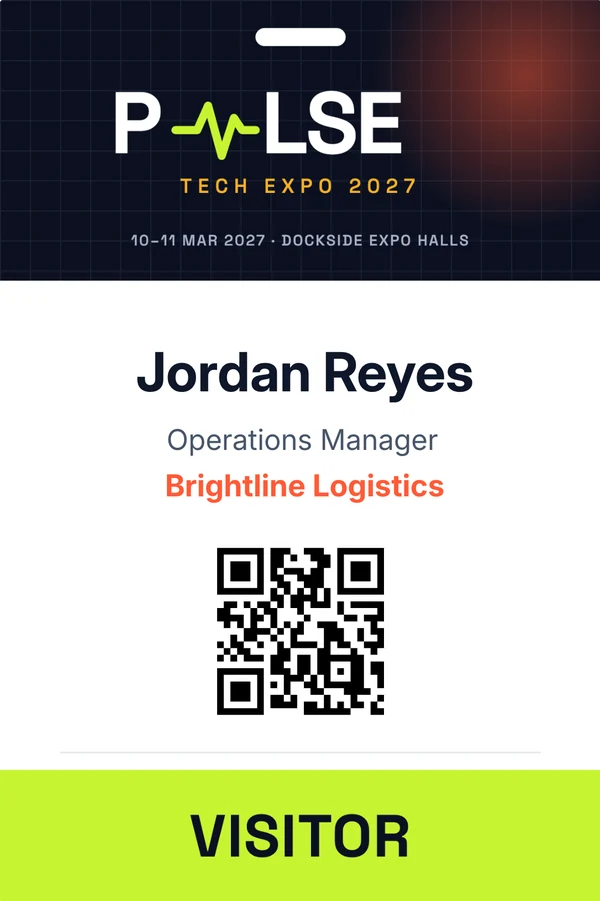
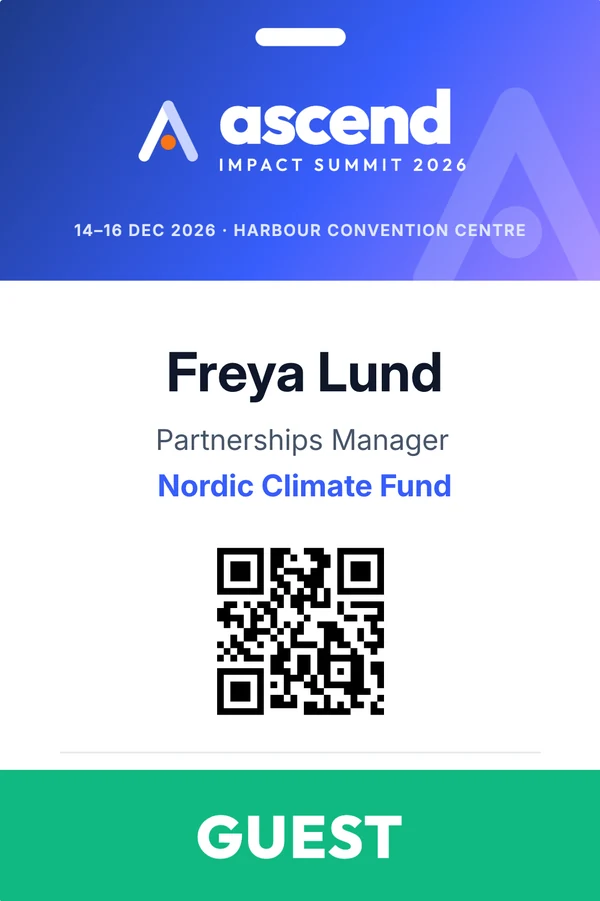
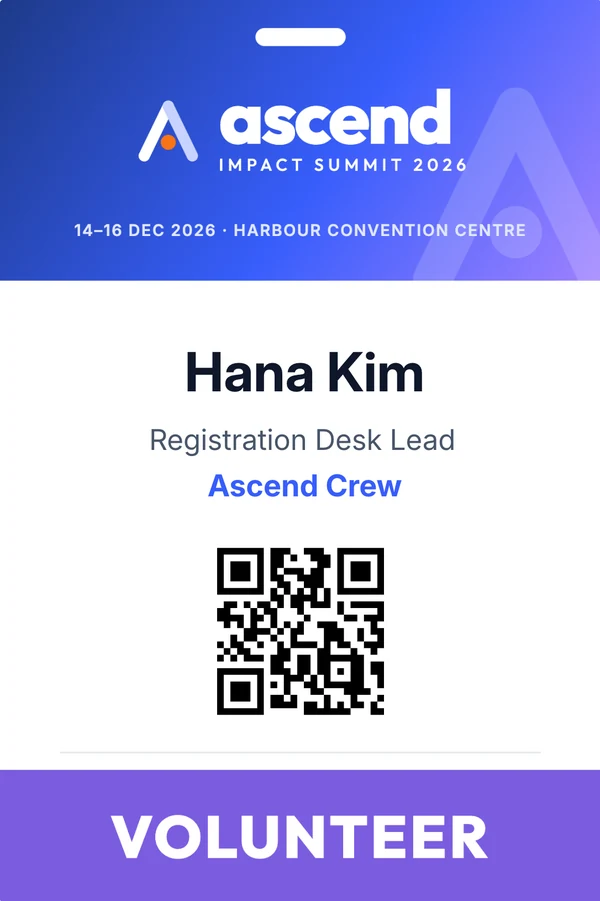
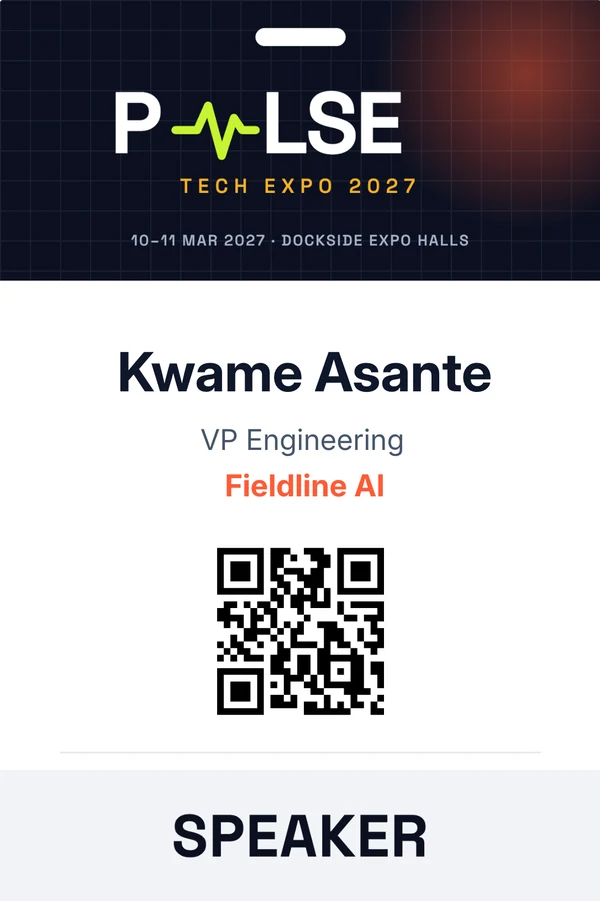
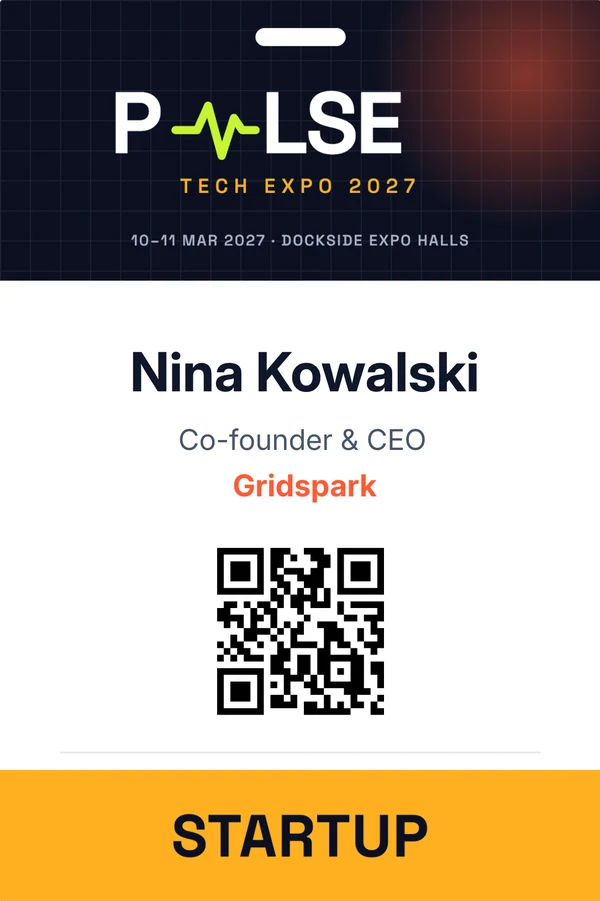
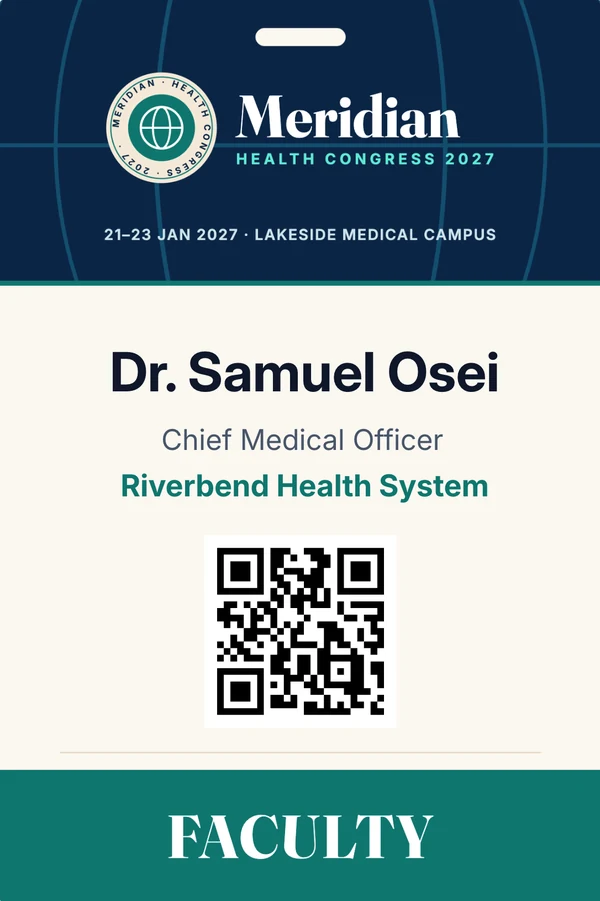
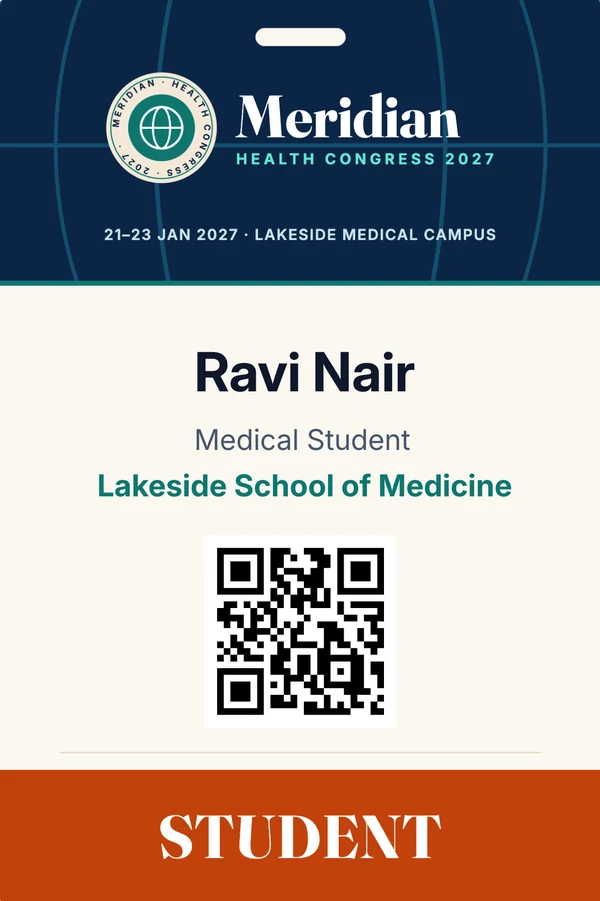
Ascend Impact Summit delegate badge for Priya Raman, merged from registration dataMeridian Health Congress faculty badge for Dr. Leila HaddadPulse Tech Expo business badge for Marcus HaleAscend Impact Summit speaker badge for Rafael MendesMeridian Health Congress member badge for Hannah OlsenPulse Tech Expo visitor badge for Jordan Reyes
Drag or swipe the badge
From registration to lanyard
  1. DesignBadge layout
  2. TargetTickets
  3. MergeAttendee data
  4. PrintBulk or at the door
  5. TrackPrint counts
Visual canvas controls

Build the badge from the elements your event uses

Place identity, branding, QR codes and data fields with the controls production needs.

Text and typography

Size, line height, colour, family and alignment per field.
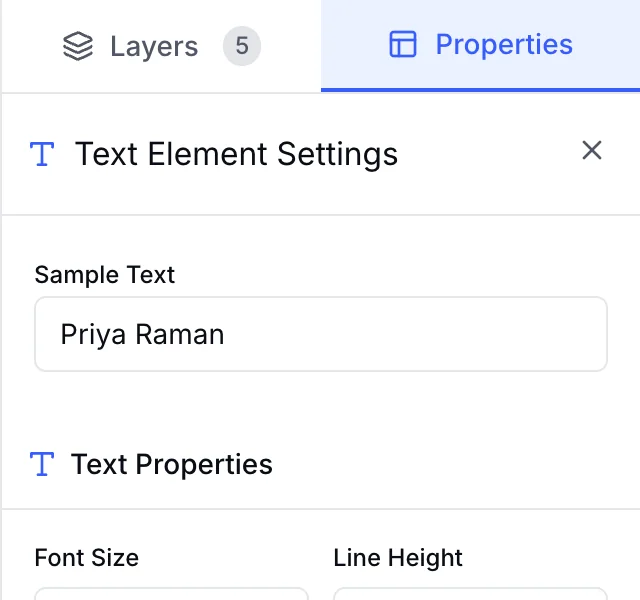
Text element settings with font size, line height and colour

Images and backgrounds

Upload the event artwork or set a colour, then layer fields on top.
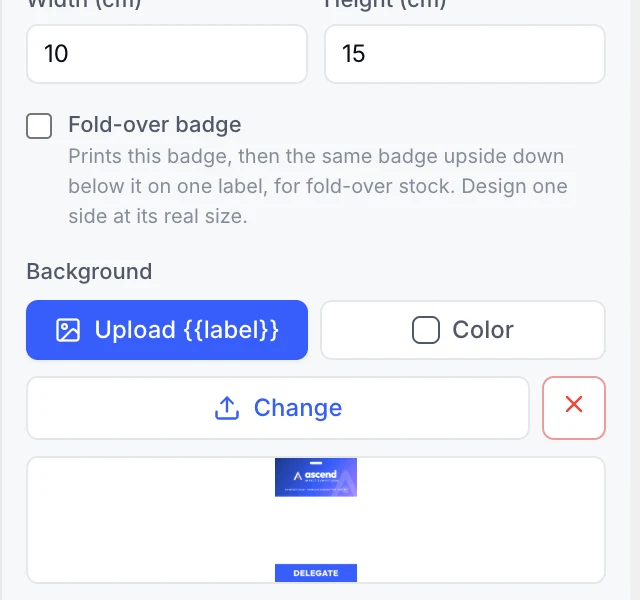
Badge background settings with image upload and colour

QR code and scan testing

Colour, padding, size and exact position in centimetres.
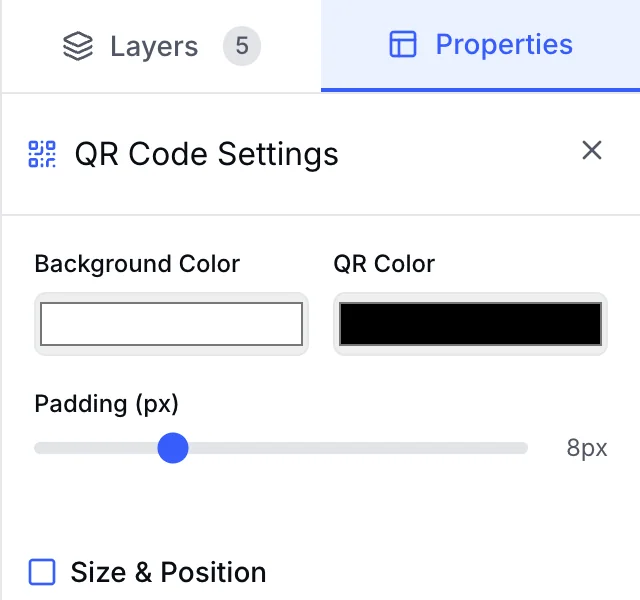
QR code settings with colour, padding, size and position

Layers and sizes

Preset or custom sizes in cm, fold-over badges, layer order.
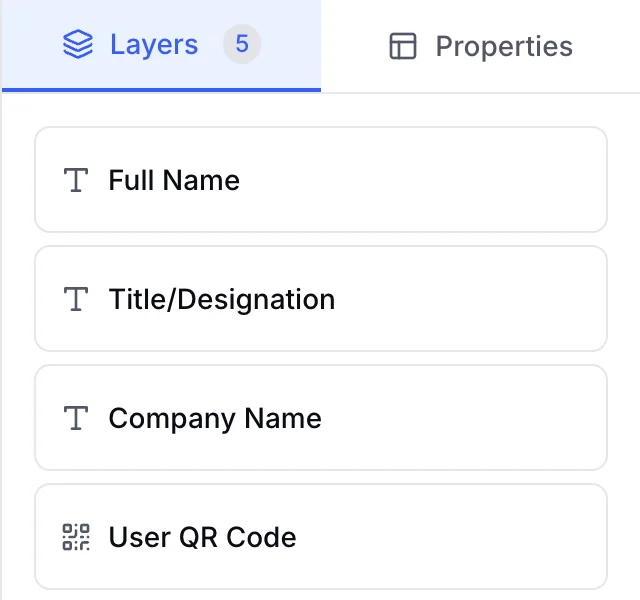
Layers panel listing Full Name, Title, Company and QR code

Place identity, event, ticket and registration answers where they belong

  1. 01
    Attendee identityName, photo, designation, company, logo, contact.
  2. 02
    Event detailsEvent name, location, dates, banner and logo.
  3. 03
    Ticket contextTicket name, number and ticket dates.
  4. 04
    Exhibitor contextBooth number and exhibitor category.
  5. 05
    Registration answersCommon and custom questions from the form builder.
  6. 06
    Custom contentStatic text or images that are not data-bound.
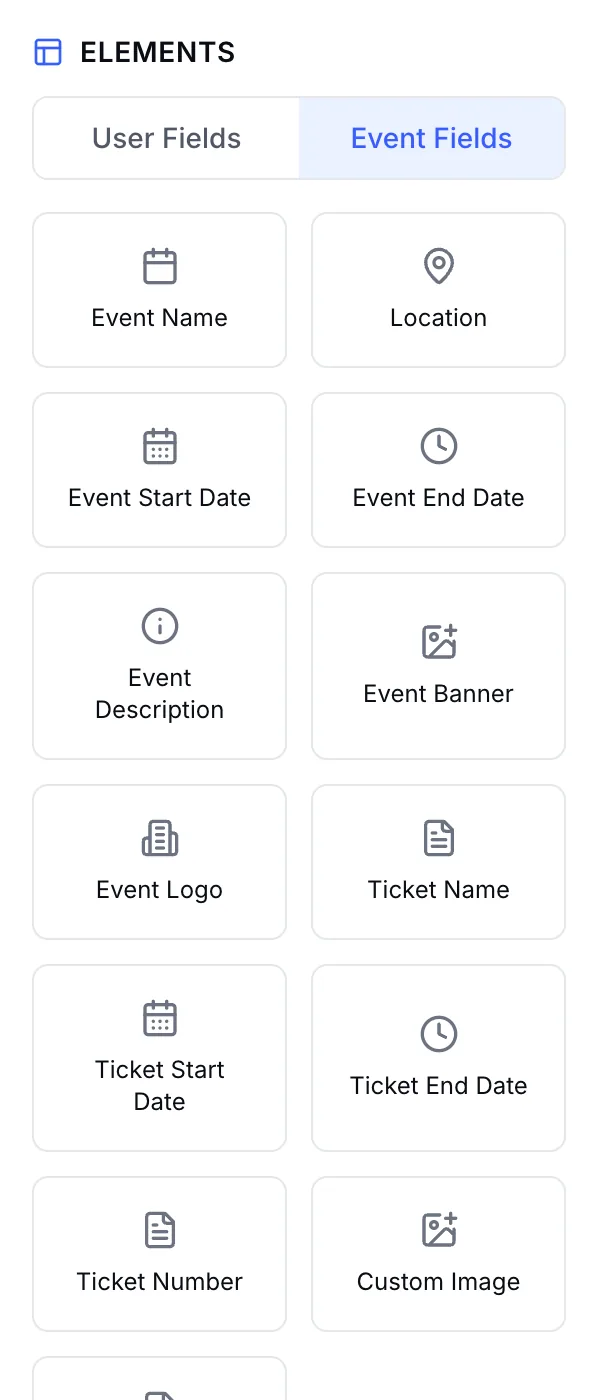
USER FIELDS
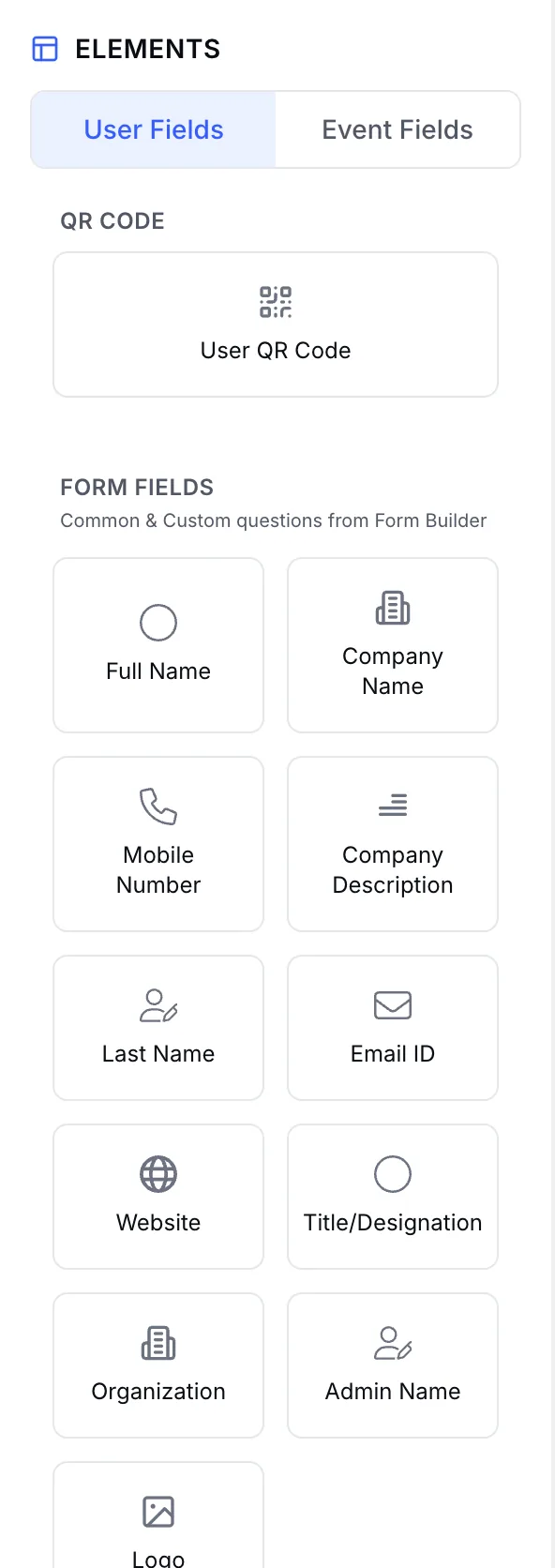
User Fields palette with QR code, full name, company, mobile and email fields
EVENT FIELDS
Event Fields palette with event name, location, dates, ticket name and number
Apply the right design

One badge for everyone, or a design for each audience

Broad audience

Common design

One consistent badge across every ticket and participant type.
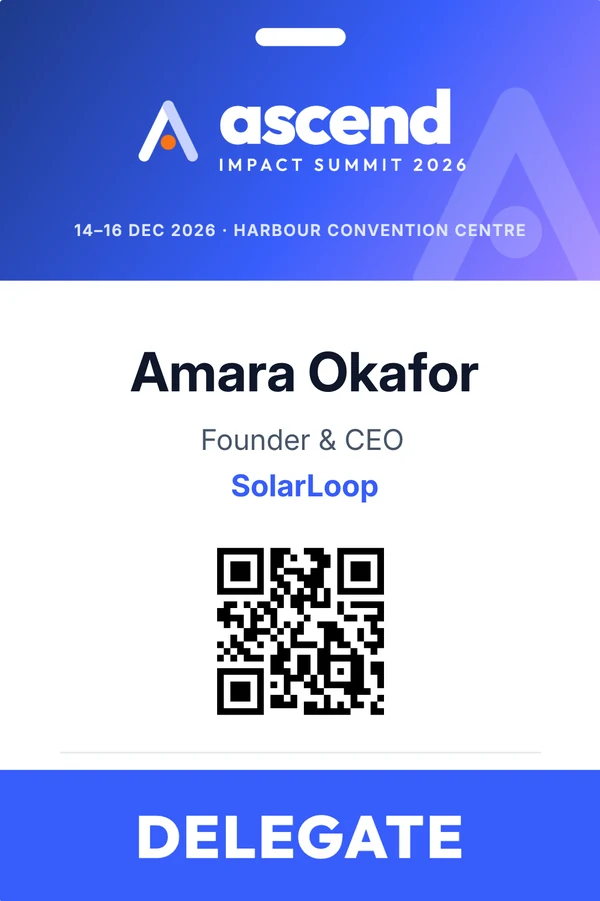
SpeakerGeneral AdmissionFree Pass
Common delegate badge used for every ticket
Targeted audience

Specific design

Pick a ticket or participant type when a role needs its own badge.
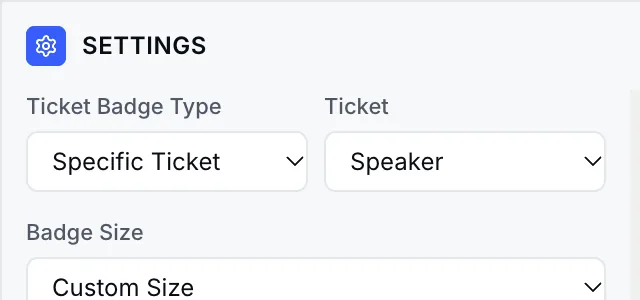
Badge settings set to Specific Ticket: Speaker
Speaker-only badge
Event badge printing

Print before the event, or at the door in seconds

Before the event

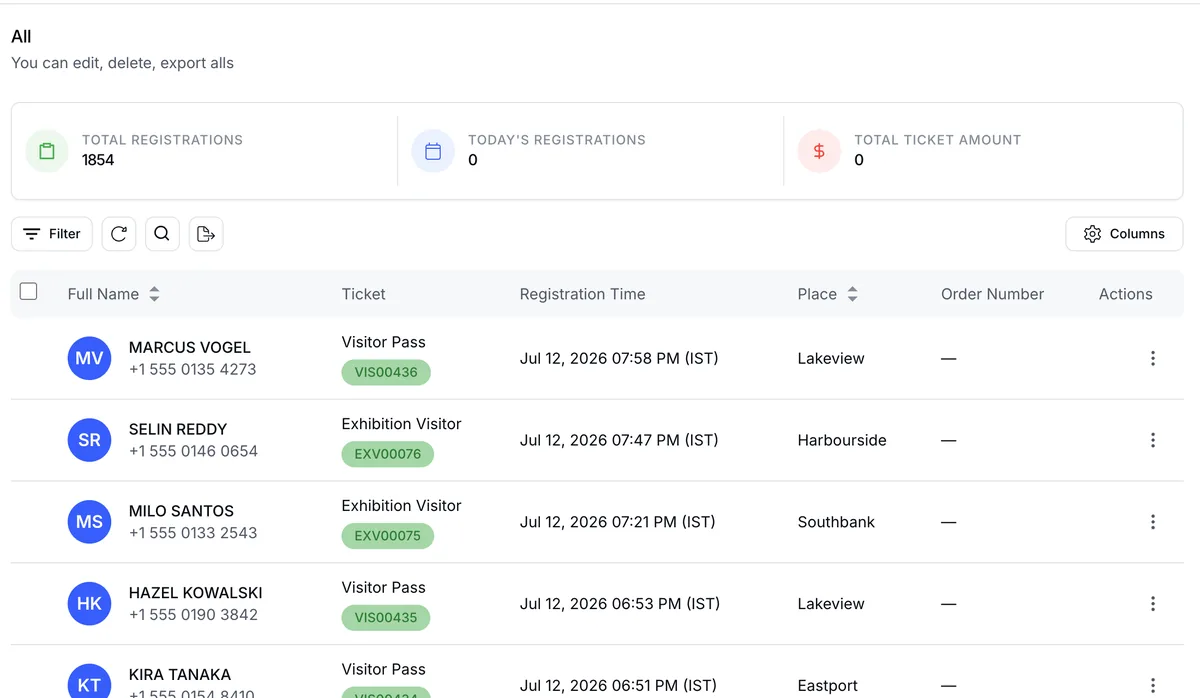
Bulk print from the admin

Registration list with ticket types ready for badge printing
  • Filter by ticket or pick registrations
  • One print-ready PDF for the run
  • Print and download counts per attendee
At the door · Event Day Portal

Scan, check in, print

  1. 01Scan the QR or search a name
  2. 02Attendance is marked
  3. 03Their badge prints
  • Zebra and thermal label printers
  • EventHex Print Agent or QZ Tray
  • Prints the badge you designed
  • Names in any script (Arabic, Devanagari…)
  • Who printed, when, how many times
  • Check-ins queue if Wi-Fi drops
How onsite printing works →

Run a print sample before bulk production

Confirm names, spacing and QR scannability with real data.

Badge print test

Verify dimensions, long names, QR readability, printer path, media and reprint policy.

Printed Pulse Tech Expo visitor badge on a lanyard
76 × 38 mm label76 × 51 mm label100 × 150 mmA6 portraitFold-over

Badge stock that fits

Thermal label sizes at the door, card sizes for pre-printed badges.

Badges + certificates

The badge scan at the door decides the certificate later

  1. 1

    One set of attendee data

    Badges and certificates read the same registrations. No exports, no mail merge.

  2. 2

    Check-in marks attendance

    Scanning a badge records who actually came. Only attendees present get certificates.

  3. 3

    One brand from lanyard to PDF

    The same designer and event artwork for event-day badges and post-event certificates.

Built for every role that needs its own badge

Give every attendee the right event identity

Role-aware badges for attendees, speakers, sponsors and staff without rebuilding the layout for each group.

BUILT WITH
  • Ticket and participant-type targeting
  • Names, titles, companies and QR codes
  • One branded system across every role
Example badges for conferences
Can we print badges at the venue as people arrive?

Yes. In the EventHex Event Day Portal, staff scan the attendee's QR code or search their name, attendance is marked, and the badge you designed prints straight away on a connected label printer.

Which badge printers work?

Event-day printing sends labels to Zebra and other thermal label printers through the EventHex Print Agent or QZ Tray. Pre-printed badges can be exported as a PDF for any office printer. See Event Badge Printing for the full desk setup.

Can we use registration form answers on a badge?

Yes. The builder loads common and custom form fields alongside attendee, event, ticket, booth and exhibitor fields. Output depends on the data being present.

Can different ticket types use different designs?

Yes. Badges support a common design for all tickets, or a specific design for chosen tickets or participant types.

Can a badge contain a QR code?

Yes. The QR element supports size, colour, padding and position controls. Test the printed QR with the exact scanner and media.

Can we print badges in bulk and track reprints?

Yes. Select registrations and export one print-ready PDF. Print and download counts are kept per attendee, and the Event Day Portal logs who printed each badge and when.