For event organizers, the hours leading up to a major conference or trade show are notoriously stressful. However, few elements of on-site operations spark as much dread as the check-in desk. Historically, planners spent days pre-printing thousands of badges, alphabetizing them in heavy plastic trays, and manually hunting for individual names as lines backed up out the door. When last-minute registrations, name spelling corrections, and inevitable printer jams are thrown into the mix, the reception area quickly descends into chaos.
Recent industry case studies reveal a massive shift in how professional planners manage this bottleneck. By moving away from prehistoric pre-printing and adopting modern event badge printing software, organizers are saving upwards of 40+ hours of manual administrative labor per event. More importantly, they are completely eliminating check-in queues, dramatically lowering their operational costs, and boosting overall attendee satisfaction from the very first interaction.
The Hidden Operational Costs of Pre-Printed Badges
To understand how modern event technology saves dozens of hours, we must first audit the traditional badge preparation process. For a mid-sized conference of 1,000 attendees, the typical workflow looks like this:
- Data Prep & Cleanup (4–6 Hours): Exporting attendee lists from registration systems, formatting names, and manually sorting out spelling errors and duplicates.
- Pre-Printing & Sorting (10–15 Hours): Feeding badge sheets through standard office printers, waiting for slow print cycles, and manually sorting them alphabetically into specialized badge boxes.
- Last-Minute Registrations (3–5 Hours): Scrambling to manually print badges for late sign-ups, VIP additions, or walk-ins up to the very morning of the event.
- On-site Search & Distribution (10–12 Hours): Multiple staff members physically searching trays, alphabetizing under pressure, and correcting misspelled badges on-site.
This traditional process typically consumes 30 to 40 hours of valuable organizer time before the doors even open. In addition, up to 20% of pre-printed badges end up in landfills due to no-shows, representing a massive waste of plastic, paper, and budget. Furthermore, if a high-profile attendee requests a title change or has their name misspelled, staff must manually write on the badge with a marker—instantly degrading the professional image of your event.
How On-Demand Event Badge Printing Software Saves 40+ Hours
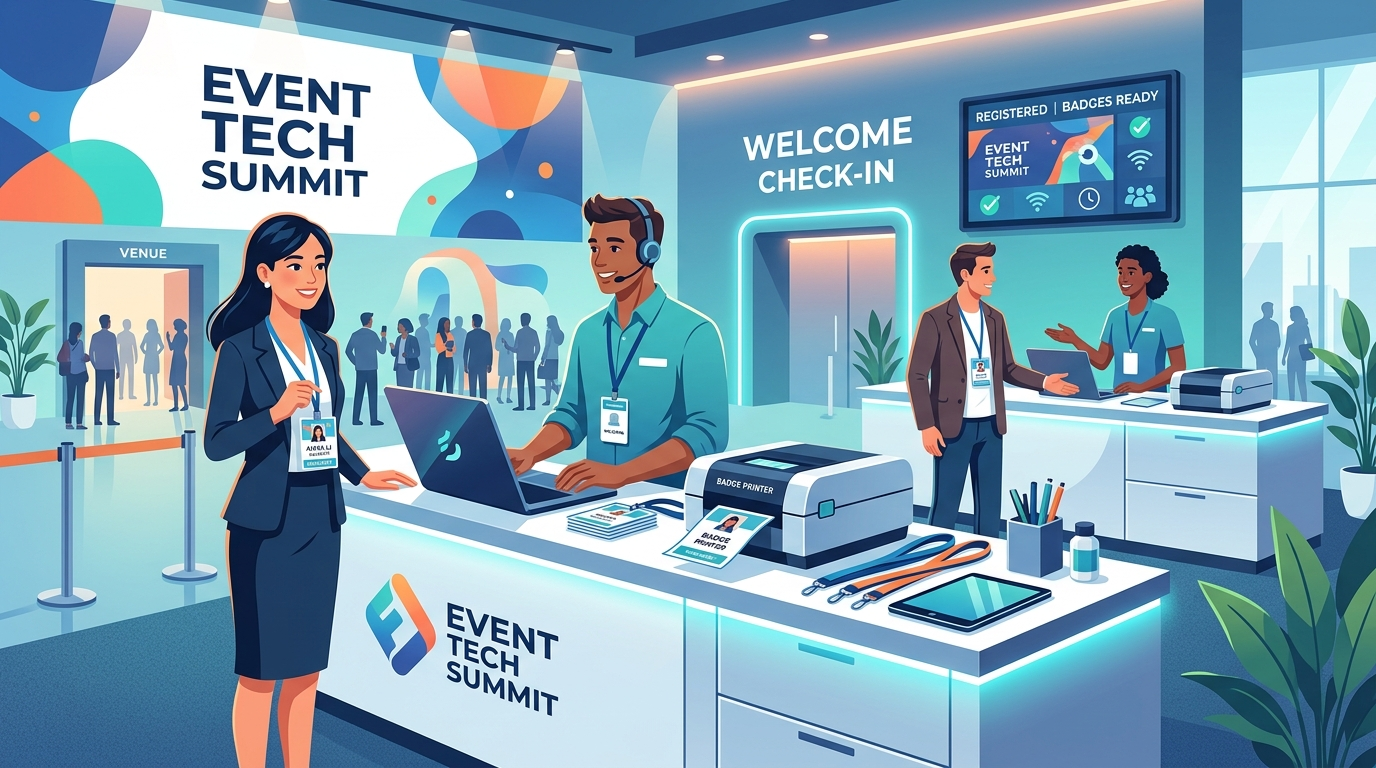
Modern event badge printing software completely reorganizes this workflow by shifting from pre-printing to on-demand, on-site printing. Instead of printing everything in advance, badges are only produced when an attendee actually stands in front of the registration desk and scans in.
This single shift eliminates the bulk of prep work. There are no alphabetical boxes to organize, no badge trays to carry, and no waste from no-shows. Staff simply set up a series of compact, high-speed thermal printers connected to iPads or mobile check-in devices. When attendees arrive, they check in, and their badge is printed on-demand in less than 5 seconds.
By streamlining this entire process, organizers completely recover the dozens of hours spent sorting, printing, and correcting cards. Modern platforms turn a chaotic multi-day operation into a sleek, automated workflow that takes minutes to set up.
1. Fast Self-Service Check-In Kiosks
One of the most effective ways to deploy on-demand badging is through self-service check-in kiosks. Rather than waiting in a long line to speak with an agent, attendees walk up to an iPad-powered kiosk, scan their personal QR code (delivered via their mobile event app or registration confirmation email), and watch their customized badge print instantly.
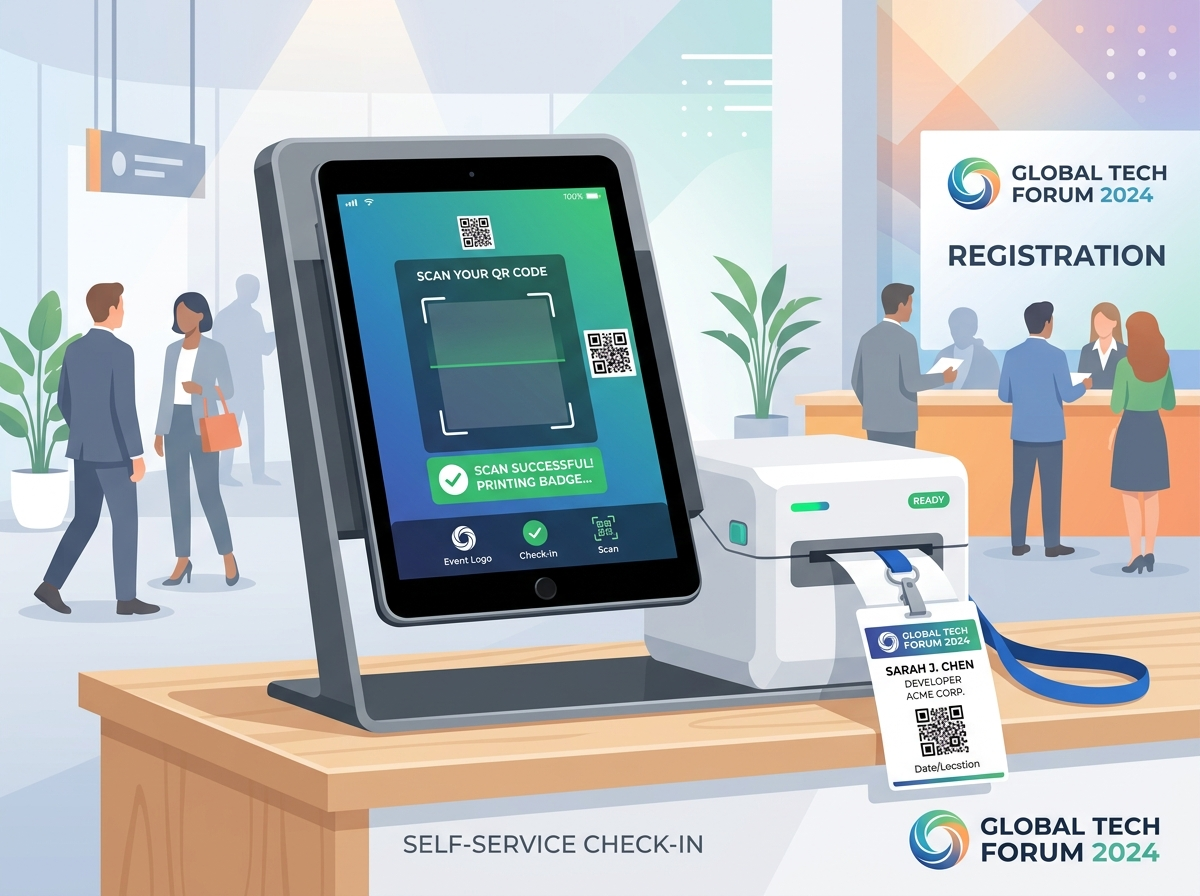
Self-service badging reduces the staffing footprint required at the front desk, letting organizers reallocate team members to host VIPs, manage sponsor relations, or oversee session rooms. It also processes guests at a rate of 5 to 10 people per minute per kiosk, preventing the crowded bottlenecks that plague traditional check-in areas.
2. Eliminating the “Offline” Venue WiFi Nightmare
Any seasoned event planner knows that venue WiFi is notoriously unreliable. Standard cloud-based check-in systems can grind to a halt if the internet connection drops or if thousands of attendees saturate the local bandwidth simultaneously. If your badge printing software relies purely on a continuous cloud link, a network drop means instant check-in delays and escalating queues.
This is where professional event technology shines. Premium platforms deploy a local server architecture—often running off a compact local router and local server database. When attendees check in, the system processes the record locally on an offline-first database and instantly prints the badge. Once the internet connection is restored, the system seamlessly syncs the check-in data back to the cloud database in the background.
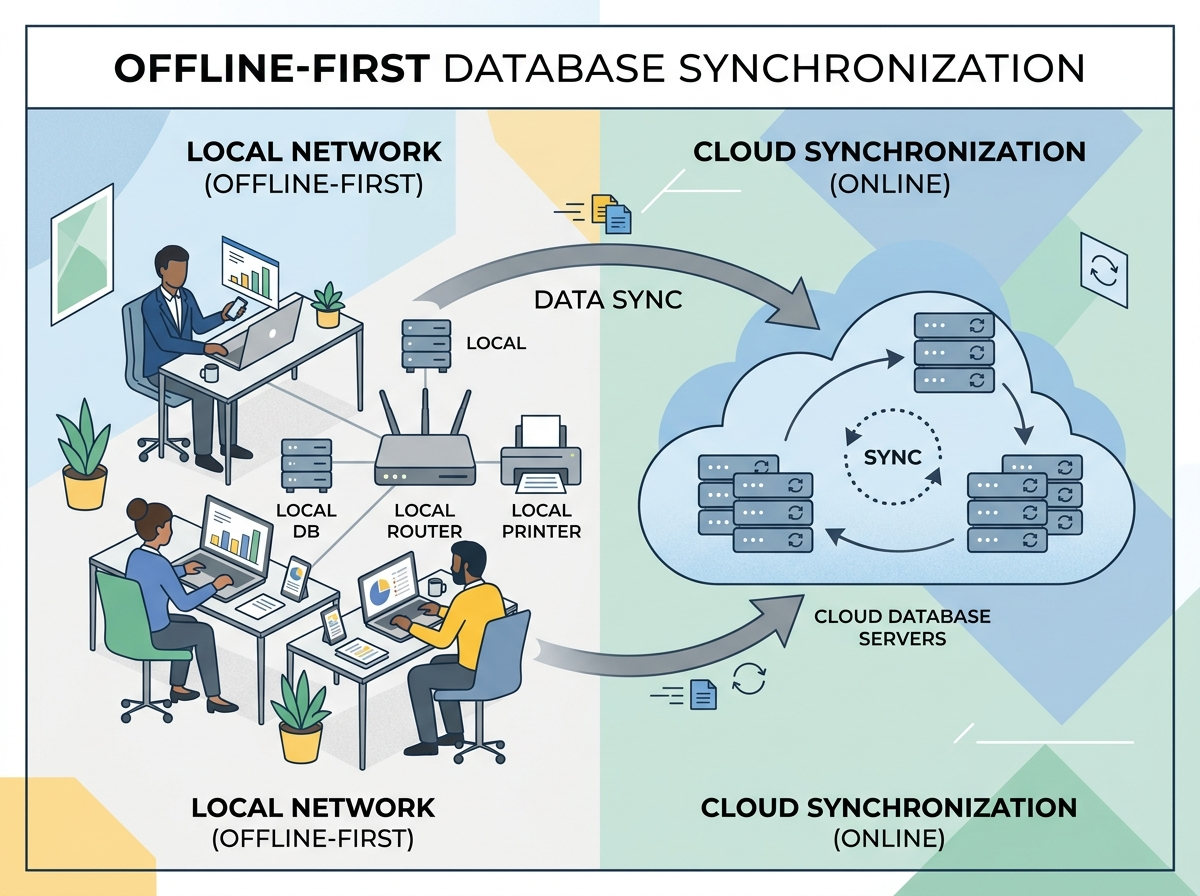
This offline-first approach guarantees that even if the venue’s fiber-optic cable is severed, your check-in desks will continue operating at 100% capacity without losing a single registration record or delaying a single attendee.
The Integrated Solution: EventHex Registration and On-Site Badging
While standalone badging software is a massive upgrade over pre-printing, the true operational sweet spot lies in using an end-to-end platform where registration, email marketing, check-in, and badging are naturally integrated. Using disjointed tools often results in manual CSV data syncs, which reintroduces human error and wastes hours of administrative time.
The EventHex Registration System provides the ultimate all-in-one foundation for on-site operations. Because your registration data resides on the exact same platform as your on-site check-in database, there are zero synchronization delays or complex integrations to configure. Here is how EventHex transforms the entire attendee lifecycle:
- Unified Attendee Database: Every registration, whether purchased weeks in advance or completed on-site as a walk-in, updates the database in real time. This means late registrants can walk directly to a kiosk and print their badge instantly with zero data delays.
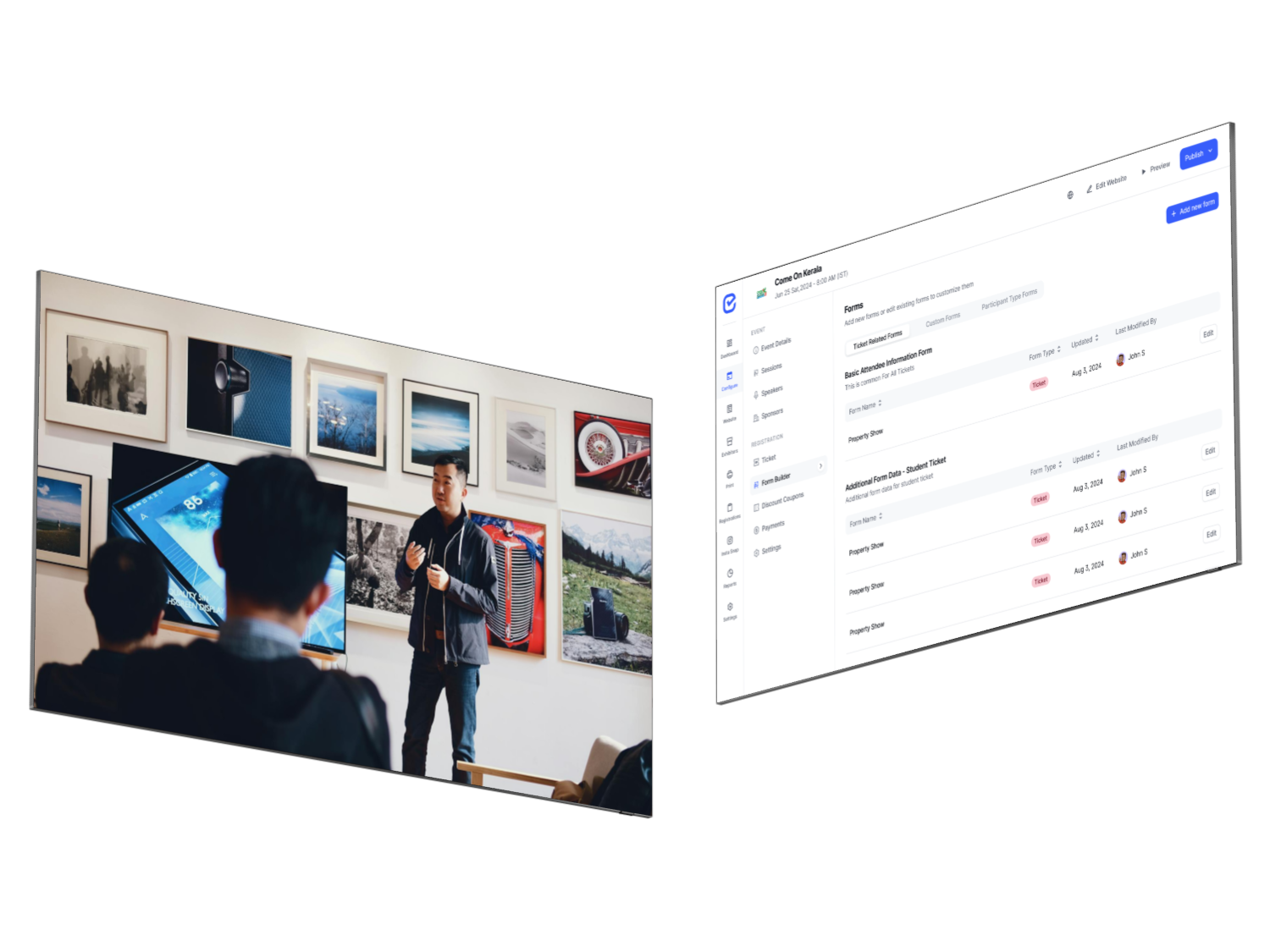
- Dynamic Form Builder with Conditional Logic: Gather custom attendee data (e.g., dietary restrictions, workshops chosen, VIP levels) during registration using the EventHex Form Builder. This information can then be dynamically mapped to print directly on their physical badges, such as color-coded access stripes or workshop schedules.
- Automated QR Code Delivery: EventHex automatically generates and emails a secure QR code to every registrant. Attendees can also easily access their QR code via the EventHex centralized mobile portal for seamless scanning on-site.
- Real-Time Analytics & Reporting: Monitor real-time registration and check-in velocity from a centralized dashboard. Instantly track how many VIPs, general admission attendees, or speakers have arrived, allowing you to manage catering and seating capacities dynamically.
Step-by-Step Checklist for Flawless On-Site Badge Printing
To successfully transition your next event to on-demand badge printing, follow this industry-tested operational checklist:
- Design Badges for Maximum Scanability: Ensure attendee QR codes and names are prominently printed. Double-sided printing is highly recommended so that if a badge flips over while hanging from a lanyard, it still displays the attendee’s name and remains fully scannable for session tracking.
- Set Up a Dedicated Support & Exception Desk: Keep your main kiosk lanes moving. If an attendee has an issue with their registration, payment, or needs to swap tickets, redirect them to a separate support desk equipped with a dedicated staff interface where hosts can make quick edits and reprint badges.
- Audit Your Ticket Types & Form Fields: Run a pre-launch check of your ticket configurations using an automated tool like EventHex’s Ticket Auditor to ensure badge permissions, access controls, and custom ticket types are perfectly aligned.
- Deploy Offline-Ready Hardware: Ensure your on-site kit includes local routers and wired connections between iPads and thermal printers (such as reliable Zebra or Brother printers). This guarantees check-in resilience regardless of venue network conditions.
Conclusion: Elevate Your On-Site Logistics Today
Your event check-in sets the tone for the entire attendee experience. By transitioning to on-demand event badge printing software, you not only reclaim over 40 hours of grueling, manual pre-event admin labor but also project a highly sophisticated, professional brand image from the moment your guests arrive. With all-in-one solutions like EventHex, managing registration, custom forms, and rapid on-site check-in has never been more seamless, automated, and stress-free.
Frequently Asked Questions (FAQ)
Can I print custom logos and design elements on-site?
Yes. Modern event badge printing software allows you to fully customize badge templates with event branding, color-coded access tiers, and partner logos. Using high-speed thermal transfer or direct thermal printers, these elements are rendered sharply on-demand.
What happens if the venue’s internet connection drops?
With an offline-first event check-in setup, all check-in scans and prints are processed instantly via a local router network. The data is temporarily stored locally and automatically synchronized with the cloud database once the connection is restored, ensuring zero check-in delays.
How do walk-in registrants get their badges?
Walk-ins can register on their mobile phones or at a designated registration desk. Because EventHex uses a single unified database, their details are immediately available to the on-site check-in app, allowing them to print their badges immediately after completing payment.
Does on-demand badge printing support session tracking?
Absolutely. The QR codes printed on your badges can be scanned by event staff at session entrances to track attendance, manage room capacity, and record continuing education (CE) credits in real time.