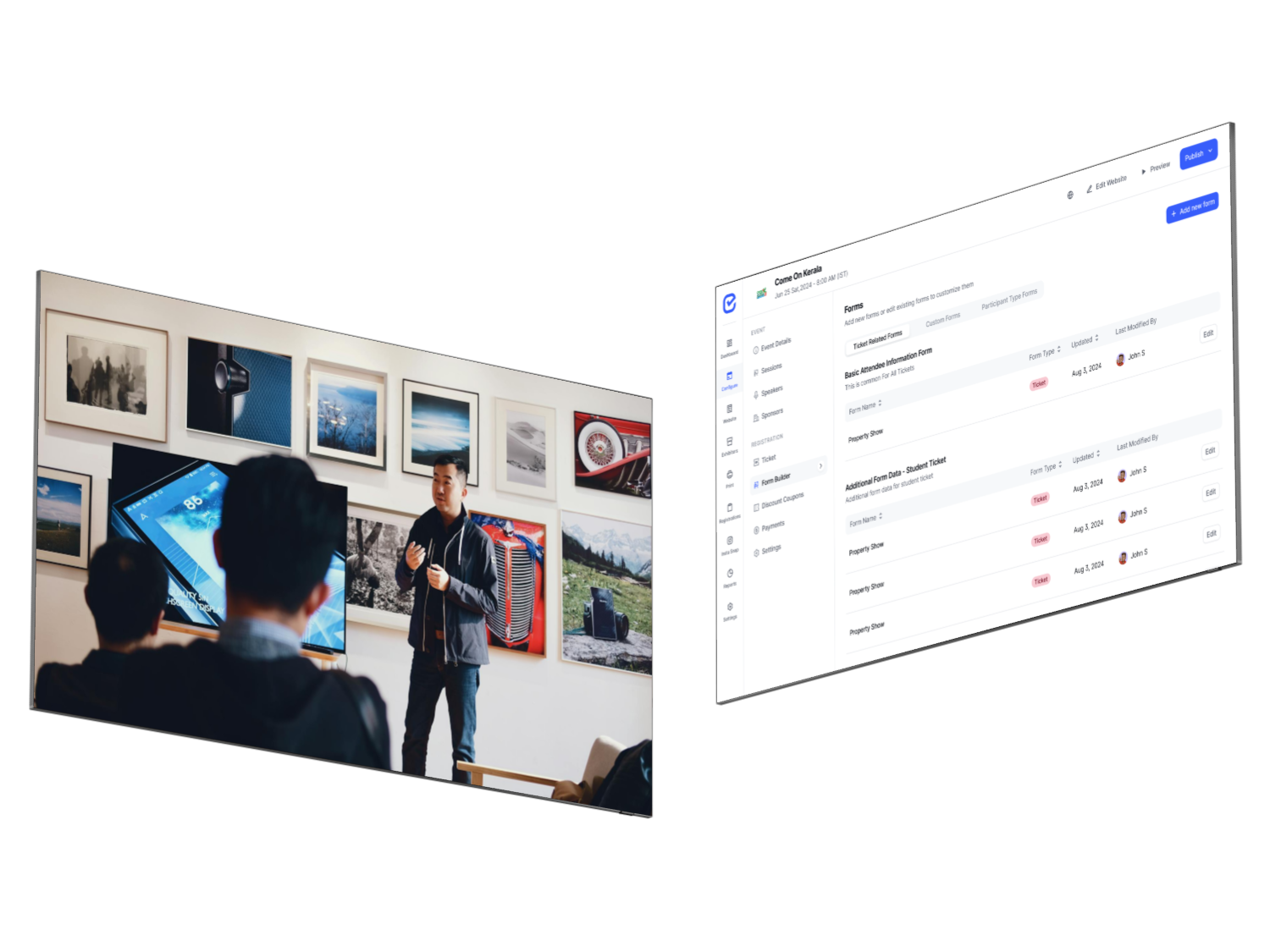
Most event registration platforms look alike in a demo: a branded page, a form, a pay button. The differences show up later — when a company wants to book eight seats on one invoice, when a speaker needs a private ticket, when finance asks for tax-ready receipts, or when the queue at the door gets long.
This guide walks through the decisions that separate good event registration software from a form with a payment link, explains the pricing models you will meet, and ends with a 15-question checklist you can take into any vendor demo. We use EventHex as a worked example where it helps.
Key takeaways
- Pick the registration flow first: one focused form per ticket, or a checkout where one buyer books several tickets and attendees.
- Ask how fees are charged before you compare feature lists, and whether you can use your own payment gateway account.
- Check what happens after payment: invoices, refunds, confirmations and check-in should all use the same attendee record.
- Test the attendee side on a phone, in every language your audience reads.
1. Decide the registration flow before you compare features
Registration platforms are built around one of two flows, and choosing the wrong one creates friction that no form design can fix.
| Flow | Works best for | Watch out for |
|---|---|---|
| One form per ticket | Free events, workshops, internal events and invite-only programmes where each person registers themselves | Group or company bookings turn into several separate submissions |
| Multi-ticket checkout | Paid conferences, exhibitions and festivals where one buyer books several tickets or ticket types | A full checkout for a single free ticket adds steps people abandon |
Ask whether the platform lets you choose per event, and whether special cases can skip the main flow. In EventHex, organizers pick Single Registration or Checkout for each event, and private tickets for speakers, sponsors or VIP guests can keep a direct registration form even when public tickets go through checkout.
Check controlled access too. If some registrations need a review before they count — delegates, media, exhibitors — the platform should handle approval and rejection with notifications, not a spreadsheet on the side.
2. Look closely at what the form can collect, ticket by ticket
The form is where data quality is won or lost. A delegate, a student and an exhibitor rarely need the same questions. Check for:
- Event-wide questions plus ticket-specific questions, so each ticket type only sees what applies to it.
- Field types beyond text: dropdowns, checkboxes, dates and file uploads for IDs, abstracts or proof of eligibility.
- Required fields with clear error messages on mobile.
- Phone fields that pick the visitor’s country code instead of defaulting to one country.
- Buyer details kept separate from each attendee’s details in a group checkout.
EventHex combines event-wide and ticket-specific fields in one checkout, detects the visitor’s country for phone fields, and lets organizers draft a form from a short text brief with the AI form builder.
3. Understand how registration platforms charge
Pricing pages are hard to compare because vendors charge on different units. Map every quote onto one of these four models before you compare totals.
| Model | How it works | Best fit | Ask the vendor |
|---|---|---|---|
| Per-registration fee | A fixed fee for each paid, and sometimes each free, registration | Small or occasional events | Is there a cap? Are free registrations charged? |
| Percentage of ticket price | A share of every ticket sold, usually on top of card processing | Public ticketed events | Who pays it, you or the attendee? Is it kept on refunded tickets? |
| Subscription or annual plan | A flat fee by number of events, attendees or modules | Teams running events every month | What counts as an active event or an attendee? What happens at the limit? |
| Custom quote | Priced on scope: attendees, modules, support and integrations | Large conferences, associations and multi-brand organizers | What do onboarding and support include? Can modules be added mid-contract? |
Card processing is a separate cost in every model. Ask whether you can connect your own payment gateway account; it keeps payouts and refunds in a dashboard your finance team already uses.
EventHex connects to Stripe, Razorpay and Tap Payments with the organizer’s own credentials, so ticket payments move through the gateway you choose. See how event payment processing works for paid events.
4. Check invoices, tax and refunds before finance does
Registration is also a finance system. Corporate buyers expect a proper invoice, your accountant expects consistent numbering and tax lines, and attendees expect refunds without long email threads. Look for:
- Invoice numbers with your own prefix and starting number.
- Buyer company name, tax ID and billing address captured at checkout.
- Named tax lines, such as GST, VAT or sales tax, with inclusive or exclusive ticket pricing.
- PDF invoices sent to the buyer automatically.
- Refunds and order cancellations handled from the dashboard, with a payment history you can review.
- A separate view of abandoned checkouts, so you can see who started paying and stopped.
In EventHex, invoice and tax settings sit alongside ticket configuration. Organizers can refund or cancel orders for supported gateways and review abandoned checkouts separately from cancelled orders. Read more about event invoicing and GST.
5. Make confirmations do real work
The confirmation is the first thing an attendee receives after registering, and the message they search for on event day. Check that the platform can send registration confirmation emails and WhatsApp messages with the ticket attached, and notify both attendee and organizer when a registration is approved, rejected or purchased.
If your attendees use WhatsApp more than email, this is worth testing in the demo. EventHex sends configured email and WhatsApp confirmations, and the WhatsApp event concierge can help attendees with their tickets and the agenda after they register.
6. Test the attendee experience on a phone, in every language
Your registration page will be judged on a phone, often by someone reading in a second language. Before you sign, register for a test event on mobile and check that:
- The page loads quickly and the checkout fits a small screen without zooming.
- Attendee pages are available in the languages your audience reads. EventHex attendee pages are available in English, Arabic and German.
- The payment methods your attendees expect are offered through the gateway you connect.
- Sold-out tickets are shown as sold out instead of quietly disappearing.
7. Connect registration to check-in, badges and reporting
The registration record should travel through the whole event. Ask the vendor to show the same attendee moving from form to door:
- Registration and payment create one attendee record with the right ticket type.
- The confirmation carries a QR code your team can scan at the entrance.
- Staff check people in from a phone app, and arrival counts update as the venue fills.
- Badges print from the same record, using fields from the registration form.
- Registrations, ticket revenue and check-ins appear in one reporting view, and contacts can move to your CRM.
EventHex covers this chain with the EventHex Scanner app for iOS and Android, a badge designer that places registration fields on print-ready badges, event analytics, and a HubSpot integration.
8. Plan for your team and your next event
A platform that works for one event can become a bottleneck at five. Ask about:
- Team access by ticket. A colleague can manage exhibitor registrations without seeing every delegate. EventHex lets you scope registration access to specific tickets.
- Bulk uploads. Import a guest list and choose whether imported registrations are approved automatically or reviewed first.
- Multi-event visibility. If you run several events a year, look for a centralized event dashboard rather than separate accounts.
The 15-question event registration platform checklist
| # | Ask the vendor | Why it matters |
|---|---|---|
| 1 | Can we choose a single form or a multi-ticket checkout for each event? | Matches the flow to the event |
| 2 | Can private or invite-only tickets skip the public checkout? | Speakers and VIPs register without friction |
| 3 | Can each ticket type have its own questions? | Cleaner data and shorter forms |
| 4 | Which field types are available, including file uploads? | IDs, abstracts and proof of eligibility |
| 5 | Do phone fields detect the visitor’s country? | Fewer invalid numbers |
| 6 | How are fees charged, and who pays them? | A comparable total cost |
| 7 | Can we connect our own payment gateway account? | Payouts and refunds stay in your finance tools |
| 8 | Do invoices support our prefix, numbering and tax lines? | Finance-ready records |
| 9 | How are refunds and cancellations handled? | Fewer manual reversals |
| 10 | Can we see abandoned checkouts? | A list of interested buyers to follow up |
| 11 | Do confirmations go out by email and WhatsApp with the ticket attached? | Attendees find their ticket on event day |
| 12 | Can registrations require approval? | Controlled-access events |
| 13 | Which languages do attendee pages support? | International audiences |
| 14 | Do check-in, badges and reporting use the same attendee record? | No exports between tools on event day |
| 15 | Can team access be limited by ticket? | Safer delegation |
Bring this list to every demo and ask to see each answer in the product, not on a slide.
Red flags in a registration platform demo
- Fees described as “low” or “competitive” without a unit you can calculate.
- Group bookings handled as separate registrations with no shared order.
- Invoices produced by exporting data into another tool.
- Check-in that needs a guest-list export on the morning of the event.
- A single payment processor with no option to use your own gateway account.
- Translations that cover the admin screens but not the pages attendees see.
How EventHex approaches event registration
EventHex is built for teams that run conferences, exhibitions, association meetings and corporate events. Registration, ticketing, payments, invoicing and check-in share one attendee record, so the flow you choose at registration carries through to event day. See the full registration workflow and how ticket types, limits and discounts work alongside it.
Comparing specific vendors? Read our EventHex vs Eventbrite comparison or the roundup of 25 event management platforms.
Frequently asked questions
What is an event registration platform?
It is software that collects attendee sign-ups for an event: usually a branded registration page, a form, payment for paid tickets, confirmations and an attendee list. Fuller platforms connect that record to invoices, check-in, badges and reporting.
How much does event registration software cost?
Most vendors use one of four models: a per-registration fee, a percentage of the ticket price, a subscription based on events or attendees, or a custom quote. Card processing is charged by your payment gateway on top. Compare the total cost for a typical event, including free tickets and refunds.
What is the difference between event registration and ticketing software?
Registration collects who is attending and what you need to know about them. Event ticketing defines what they can buy: ticket types, prices, limits, discounts and sale windows. Most platforms do both, so check how closely the two are connected.
Should registration and check-in be on the same platform?
It saves work. When check-in reads the registration record directly, there is no guest-list export on event day, badge details match the form and attendance flows back into your reports. If you use separate tools, confirm how often data syncs and what happens to last-minute registrations.
What should I test in a registration platform demo?
Register for a test event on your phone as a group buyer and as a private-ticket guest. Then ask to see the invoice, a refund, the confirmation on WhatsApp and the same attendee being scanned at check-in.
Can I use my own payment gateway?
Many platforms only support their own processor. EventHex connects to Stripe, Razorpay and Tap Payments with your own account credentials, and other gateways can be scoped in a conversation with our team.
See your registration flow in EventHex
Bring one of your events to a 30-minute demo. We will set up the registration flow, checkout and confirmations around it, and show the same attendee at check-in.