For too long, corporate and professional event planners have viewed event accessibility as a standard box to tick. The venue has a step-free entrance. There is a wheelchair ramp on the side of the main stage. An accessible restroom is located somewhere in the building. From an administrative and regulatory standpoint, the event is marked compliant. However, the real-world operational reality is often vastly different for attendees with disabilities.
When physical, digital, and sensory barriers are ignored during the early planning stages, compliance becomes a hollow administrative exercise rather than an inclusive attendee experience. A ramp checks a box, but if that ramp is tucked away through a back-of-house service hallway, it forces presenters to navigate trash bins and service elevators to reach the stage. Similarly, a sign-in desk built exclusively at a high-top level instantly alienates guests using wheelchairs, requiring them to stretch upward or hand over their personal identification to someone standing above them. These are not merely logistical inconveniences; they are structural barriers that split your audience into active participants and passive, segregated observers.
True accessibility requires an end-to-end operational framework that begins long before the physical doors open. In an era where digital registration, virtual interfaces, and hybrid engagement dictate the modern conference landscape, event planners must elevate their standards. This guide details the essential physical, digital, and sensory event accessibility guidelines, outlines upcoming international regulatory updates, and provides actionable solutions to build an event that is truly inclusive for every participant.
The Administrative and Operational Pain Points in Event Planning
Organizing a large-scale corporate event or professional conference is a complex administrative challenge. Event teams must coordinate hundreds of moving pieces, from venue selection and AV production to attendee check-in and marketing. When accessibility is treated as an afterthought, it turns into an operational crisis. Planners are often forced to scramble at the last minute—sourcing American Sign Language (ASL) interpreters hours before a keynote, trying to retrofit a raised stage with a temporary ramp that violates local safety codes, or discovering that their registration platform is entirely incompatible with screen readers.
These last-minute adjustments are not only stressful and expensive; they are highly visible failures that can damage a brand’s reputation and alienate valuable attendees. The root cause of these issues is almost always a lack of foresight. Planners do not build accessibility into their budget or their timeline. They do not ask the right questions during registration, and they do not train their staff on basic disability etiquette or emergency evacuation protocols. The solution is to transition from a reactive model of accommodation to a proactive model of inclusive design.
Digital Accessibility: The Journey Begins Online
In the modern event ecosystem, the attendee journey does not begin at the venue’s entrance. It begins online, on the event website or the registration landing page. If a person with a visual, auditory, cognitive, or motor impairment cannot navigate your digital assets, they will never have the opportunity to experience your physical venue.
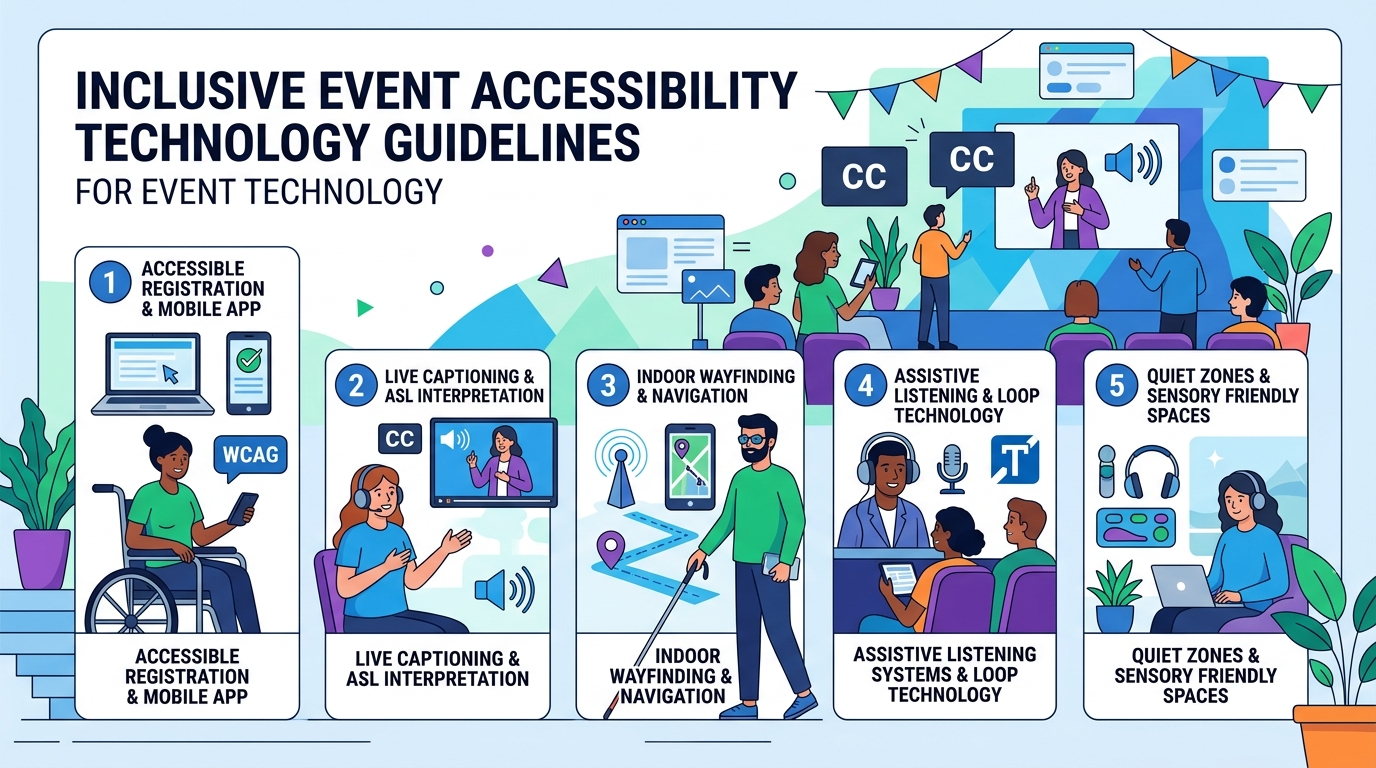
To ensure digital inclusion, your event website must adhere to the Web Content Accessibility Guidelines (WCAG) 2.1 Level AA standards. This international standard ensures that web content is perceivable, operable, understandable, and robust for users of all abilities. Key digital requirements include:
- Screen Reader Compatibility: All website elements, including images, buttons, and navigation menus, must be structured using semantically correct HTML. For example, button elements must be labeled explicitly so screen-reading software can convey their purpose to visually impaired users. All informative images require descriptive alternative text (alt-text) that conveys the image’s context and meaning.
- Keyboard Navigation: Visually and physically impaired users often navigate websites without a mouse. Your entire registration platform must be fully functional using only the Tab, Enter, and Arrow keys, with a highly visible focus indicator showing where the cursor is currently positioned on the screen.
- Color Contrast Ratios: Text and critical interface elements must maintain a minimum contrast ratio of 4.5:1 against their backgrounds (or 3:1 for large text). Light gray text on a white background, or vibrant yellow on light green, creates immediate visual barriers for attendees with low vision or color blindness.
The most critical digital touchpoint is the registration form itself. Rather than forcing attendees to search for a contact email to request accommodations, planners must proactively capture these requirements within the core registration workflow. Using a modern registration solution allows planners to easily capture and organize these requests. Modern platforms make it easy to embed high-contrast, fully accessible registration widgets that meet the latest WCAG standards, ensuring that every attendee can register independently without facing digital roadblocks.
Physical Space and Mobility: Walk the Path of Your Attendees
When selecting and setting up a physical venue, planners must physically trace the steps an attendee with a mobility device will take. This site walkthrough is a vital component of accessible event planning, as architectural drawings do not always reflect real-world accessibility.
- Step-Free Navigation: Every transition point throughout the venue—from the drop-off zone and parking lot to the registration desk, main stage, breakout rooms, dining areas, and restrooms—must be entirely step-free. Heavy doors should be equipped with automatic push-button openers, and any threshold lips over a quarter-inch must be beveled or ramped.
- Stage Access and Production: If a speaker or presenter uses a mobility device, they must be able to access the stage independently and with dignity. Portable ramps or hydraulic platform lifts must be integrated into the stage design from the very beginning. Scrambling to carry a presenter onto a stage with the help of stage crew is unacceptable and violates basic safety and accessibility standards.
- Seating Dispersion: Too often, wheelchair-accessible seating is relegated to the very back or the far sides of a conference hall. Under modern accessibility guidelines, accessible seating must be integrated throughout the room across multiple price points and viewing angles. Furthermore, companion seats must be positioned immediately adjacent to wheelchair spaces so families or colleagues can sit together.
- Check-in Counters: Standard registration desks are often built at a height of 42 inches, which is uncomfortable and inaccessible for seated attendees. A designated section of the check-in desk must be lowered to a maximum height of 34 inches, with sufficient knee clearance beneath the counter to accommodate a wheelchair comfortably.
Visual, Auditory, and Sensory Communication Access
Creating an accessible event also requires addressing sensory and communication barriers. Presentations, panels, and networking sessions must be structured to deliver information simultaneously through visual and auditory channels, ensuring that Deaf, hard-of-hearing, blind, and neurodivergent attendees can engage fully with the content.
Key communication accommodations include:
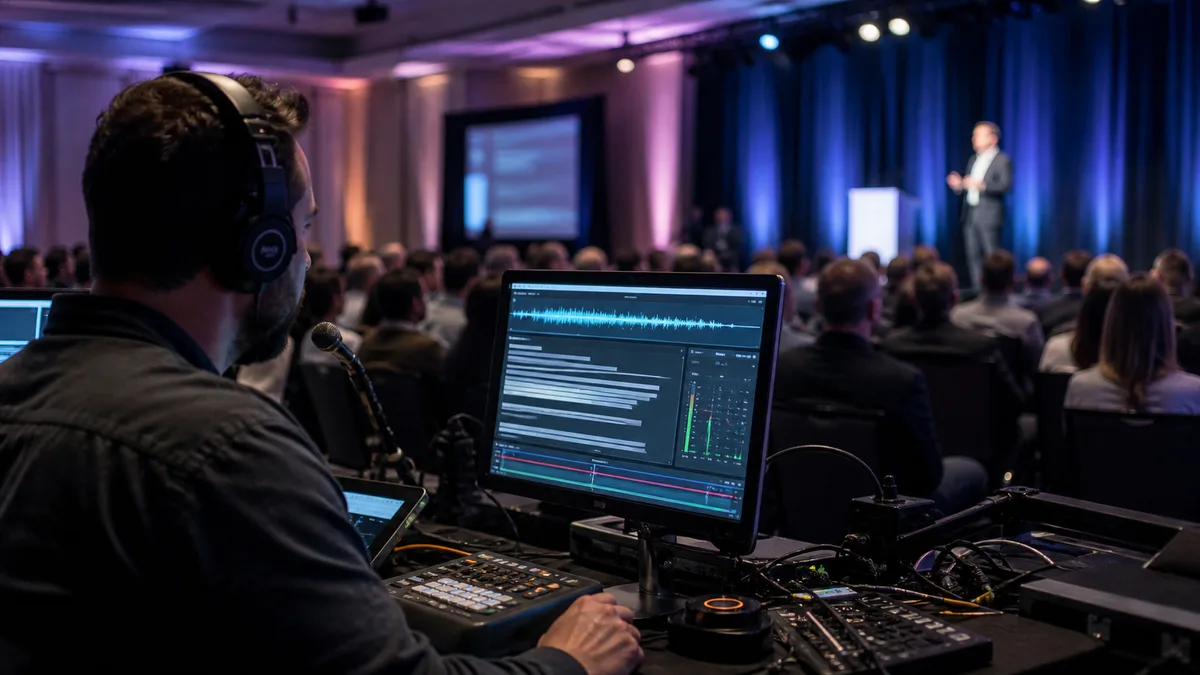
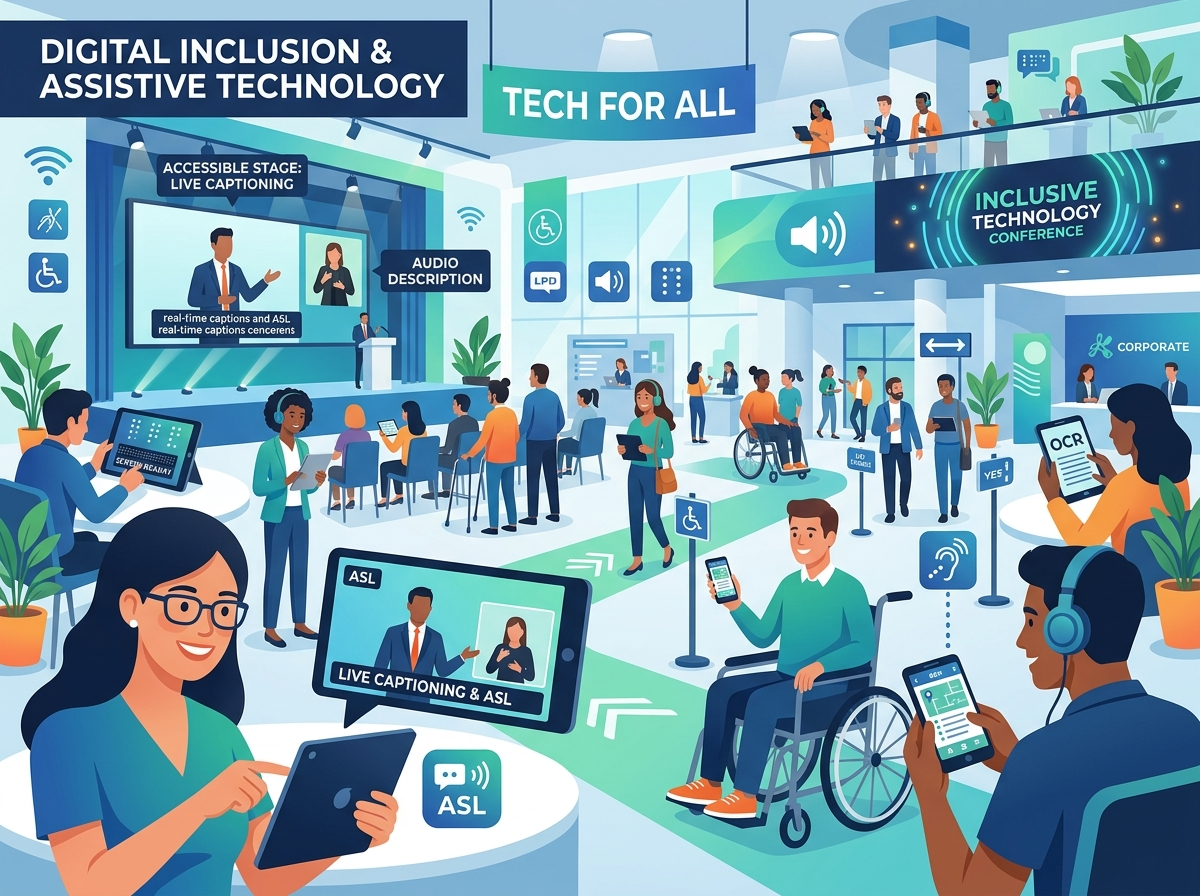
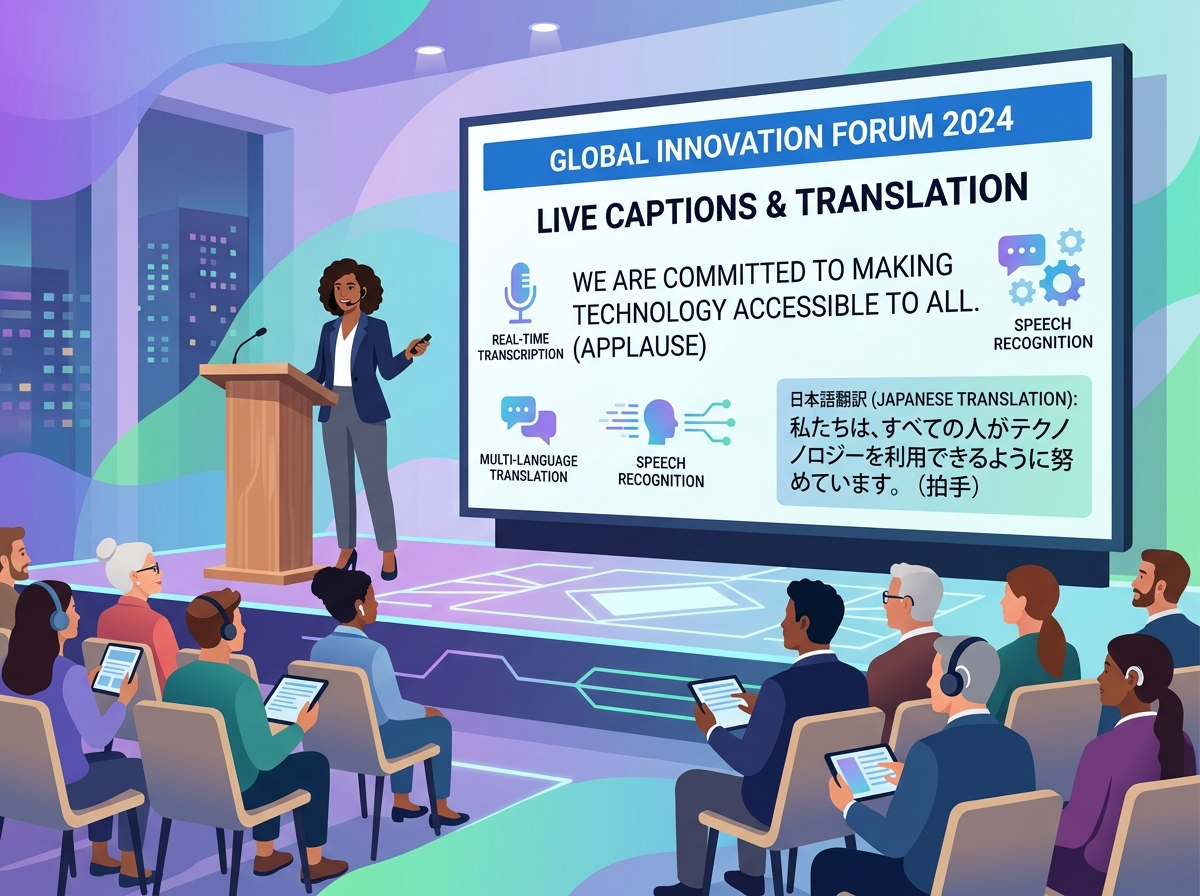
- Real-Time Live Captioning (CART): Communication Access Realtime Translation (CART) converts spoken words into text in real time. This text should be displayed on a secondary screen adjacent to the main stage or made accessible via a personal mobile device. To make live events truly inclusive, platforms like EventHex offer built-in, highly accurate live transcription features that broadcast spoken content directly to attendees’ screens in real time.
- American Sign Language (ASL) Interpreters: For keynotes and main stage presentations, ASL interpreters should be hired and positioned in an elevated, well-lit area adjacent to the speaker. The live video feed on digital screens must include a picture-in-picture broadcast of the interpreter so virtual attendees can follow along with ease.
- Assistive Listening Devices (ALDs): Venues should provide hearing loops or FM transmitter systems that beam audio directly to hearing aids or portable receivers, minimizing background echo and ambient noise.
- Sensory-Friendly Quiet Rooms: Large conferences with flashing lights, loud audio, and crowded spaces can lead to sensory overload for neurodivergent individuals, including those with autism, ADHD, or sensory processing sensitivities. Designating a low-stimulation breakout room with dimmed lighting, comfortable seating, and no music provides a safe space for attendees to decompress.
Staff Training and Emergency Evacuation Planning
An accessible venue and a perfect digital setup can still fail if the staff running the event are not trained. All event staff—from registration hosts and security to catering crews and room monitors—must be briefed on basic disability etiquette and the event’s specific accessibility features.
Staff should be instructed to speak directly to the attendee rather than their companion or sign language interpreter. They should never push or touch a wheelchair without explicit permission, as the mobility device is considered an extension of the user’s personal space. Most importantly, the event’s emergency evacuation plan must include specific protocols for safely evacuating attendees with mobility or sensory limitations, including the designation of safe refuge areas and the training of personnel to operate evacuation chairs on stairs.
The EventHex Solution: Seamless Accessibility Sourced at Registration
The core challenge of event accessibility is not a lack of empathy; it is a coordination bottleneck. Tracking individual accommodation requests, managing budget allocations for interpreters, and ensuring that digital platforms align with physical needs can quickly overwhelm a planning team. This is where EventHex provides an elegant, modern solution.
By unifying registration, ticketing, and live engagement into a single, WCAG-compliant platform, EventHex eliminates the administrative chaos. Event organizers can build beautiful, highly accessible registration forms that capture detailed accessibility needs right from the start. This data is automatically aggregated into the organizer’s dashboard, enabling real-time vendor coordination and logistics planning. On-site, EventHex’s cutting-edge live transcription technology ensures that every session is automatically captioned and streamed to attendees’ devices, removing auditory barriers without the need for expensive, third-party AV setups.
Frequently Asked Questions (FAQ)
What is the difference between a physically accessible venue and an accessible event?
A venue’s physical accessibility is determined by its architecture (ramps, elevators, wide doorways), which are covered by permanent building codes. An accessible event, however, is determined by how the planner configures the space—ensuring wide aisles between tables, placing sign language interpreters in visible areas, providing real-time captions, and training staff to interact appropriately with disabled guests.
What color contrast ratio is required for event signage and websites?
Under WCAG 2.1 AA standards, standard text must have a minimum contrast ratio of 4.5:1 against its background. For larger text (such as headers over 18pt) or non-text interactive elements, a contrast ratio of 3:1 is acceptable. High contrast, such as black text on a white background, is always the safest choice for readability.
Are we legally required to provide accessibility accommodations if no one asks for them during registration?
While registration request forms are the primary way to gather accommodation needs, major public events and conferences should proactively budget for and set up baseline accommodations. These include step-free stages, wide aisles, and real-time captioning. Sourcing these features in advance ensures a smooth experience and protects your organization from potential regulatory and legal liabilities under public accommodation laws.
How wide should conference room aisles be to accommodate wheelchairs?
Aisles in theater-style seating must maintain a minimum clear width of 36 inches. In banquet configurations, a clearance of at least 48 inches between the edges of round tables is required to allow wheelchair users and those with other mobility aids to navigate the space safely without disrupting seated attendees.
How does EventHex help organizers manage accessibility requests?
EventHex simplifies the entire process by integrating accessible registration fields directly into its WCAG-compliant booking workflow. Organizers can gather and track detailed accommodation requests during ticket sales. Additionally, EventHex provides integrated live transcription services, allowing presenters to stream real-time captions directly to attendees’ mobile devices during live sessions.