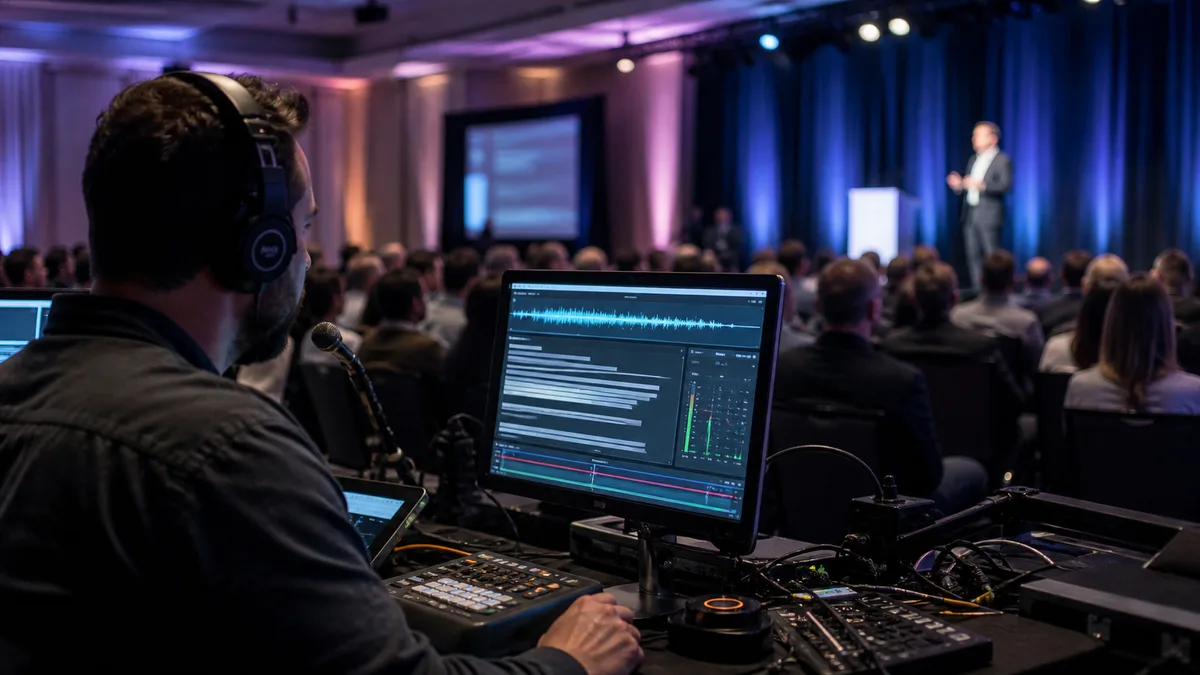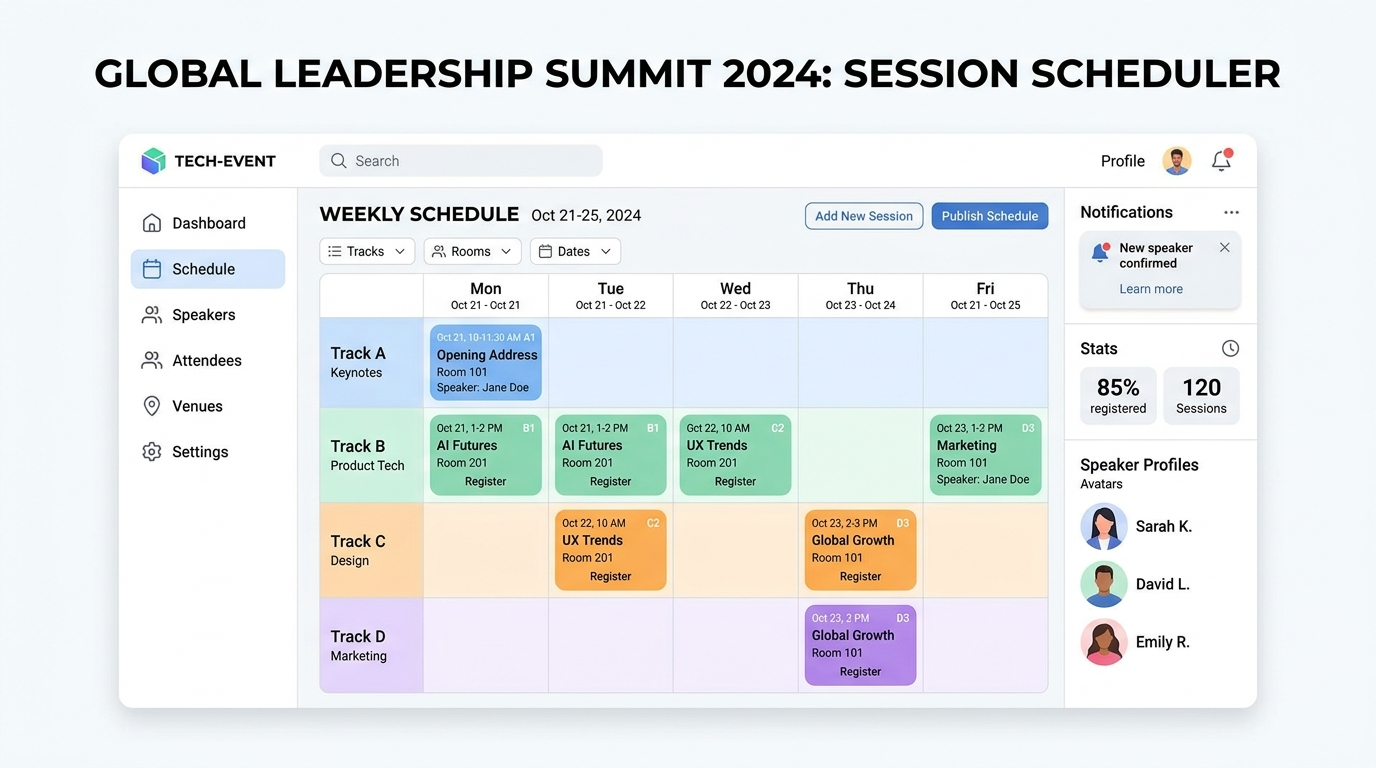
Every seasoned event organizer knows the cold sweat that arrives at 2:00 AM on the eve of a major conference. You are staring at a massive, color-coded spreadsheet containing fifty speakers, twelve tracks, five breakout rooms, and a complex web of session dependencies. You realize that a keynote presenter has been scheduled for two different panels simultaneously—on opposite sides of the convention center. Even worse, a last-minute session adjustment has shifted Room C’s schedule, triggering a silent domino effect of overlapping tracks and room capacity violations.
In the high-stakes world of corporate and academic conferences, the agenda is the engine. Yet, traditional planning methods fail to keep pace with the dynamic nature of modern multi-track events. Relying on static spreadsheets and manual processes is like performing complex logistics with a butter knife. It is an administrative nightmare that leads to speaker clashes, disgruntled attendees, and stressed-out operations teams.
To deliver a flawless event experience, organizers must transition from manual workarounds to modern, purpose-built session scheduling and multi-track agenda tools. This authoritative guide breaks down exactly why traditional conference agendas break down, how to master multi-track session scheduling, and why a unified operational layer is no longer optional.
1. The Fatal Flaws of Traditional Agenda Planning
Historically, event planning teams have treated the conference agenda as a design asset or a static list of timeslots. In reality, a multi-track agenda is a multi-dimensional database. It must balance speaker availability, stage coordinates, track logic, registration ticket access, and room occupancy. When you try to map this multi-dimensional puzzle onto a flat Excel sheet, critical errors are inevitable.
A. Spreadsheet Chaos and Friction-Prone Manual Syncs
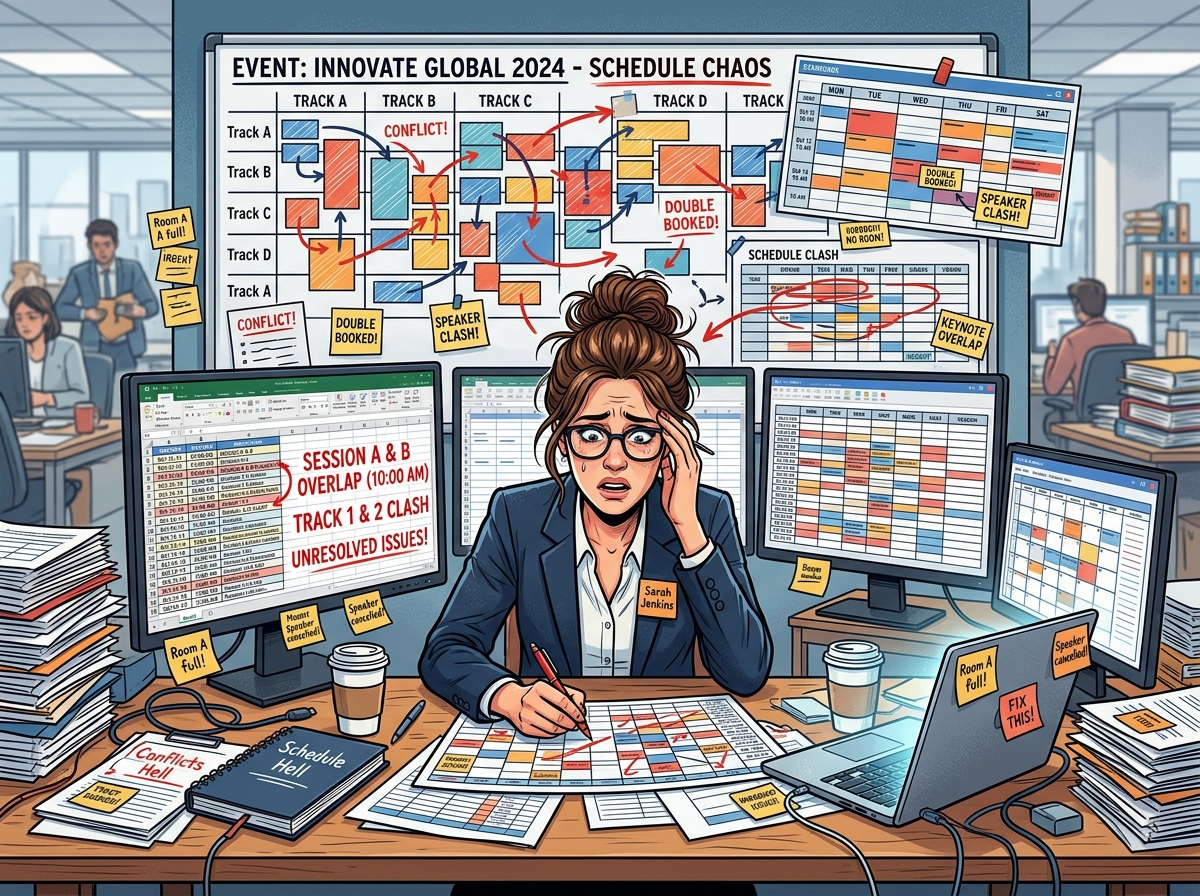
Spreadsheets are inherently static and disconnected. When an organizer modifies a speaker’s timeslot in one cell, the spreadsheet doesn’t automatically verify if that speaker is double-booked. It doesn’t check if the room requires thirty minutes of AV transition time, or if the target audience is now forced to choose between two highly related beginner sessions. The result is a highly fragmented planning process where even minor adjustments require a manual audit of the entire schedule, eating up dozens of hours of valuable event planning time.
B. The Domino Effect of Untracked Schedule Conflicts
When a session runs over or requires a sudden schedule change, the update must propagate instantly to every channel. In the traditional paradigm, a single scheduling shift means manually updating the website’s HTML, notifying the mobile app developers, emailing the affected speakers, and updating physical signage. If any of these touchpoints are missed, chaos ensues on-site. Overlapping sessions, double-booked rooms, and silent schedule conflicts ruin the professional flow of your event.
C. Blind Stacking and Room Capacity Breaches
One of the biggest blunders in multi-track conference planning is “blind stacking”—filling concurrent timeslots without analyzing attendee registration data. If you schedule a highly anticipated panel opposite a niche workshop, you risk a severe room capacity breach. Without direct integration between your event ticketing system and session scheduling database, you cannot anticipate room demand or dynamically enforce room occupancy limits.
2. Five Tactical Pillars of Multi-Track Session Scheduling
To move past the administrative friction, elite planners adopt structured operational methodologies. Implementing these five tactical pillars will significantly reduce scheduling anxiety and elevate the attendee journey:
Pillar I: Map a Single Source of Truth Early
Before designing elegant public agendas, establish a master operational timeline. This document must coordinate all sessions, speaker roles, stage allocations, and transition periods across all tracks simultaneously. Every department—from AV technicians to registration desks—must operate off this single source of truth to prevent misaligned expectations.
Pillar II: Group Agendas into Persona-Driven Tracks
Do not arrange sessions based on empty timeslots. Instead, structure your parallel tracks around specific attendee personas and learning paths. For instance, ensure beginner-level workshops do not conflict with introductory panel discussions. Let your audiences self-select their daily pathways seamlessly, maximizing the educational ROI of your event.
Pillar III: Build Realistic Buffer and Transition Windows
A schedule that ends Session A at 11:00 AM and begins Session B at 11:00 AM in a different room is a structural failure. Attendees require time to network, move between breakout spaces, and settle in. Building a standard 15-to-30-minute transition window between major session blocks prevents delay accumulation, ensuring the entire event day stays on schedule.
Pillar IV: Enforce Rigorous Speaker Submission Standards
Tolerating speaker materials in seventeen different formats is a major time sink. Create standardized, structured templates for bios, headshots, session outlines, and technical requirements. Centralizing these submissions into a single dashboard prevents coordination bottlenecks and ensures consistent content delivery.
Pillar V: Implement a Traffic Light Status Board
Keep a real-time pulse on your agenda’s readiness using a simple traffic light system. A session is marked Green only when the speaker is confirmed, materials are submitted, and room requirements are finalized. Yellow indicates pending elements, and Red flags urgent scheduling conflicts that require immediate operational intervention.
3. The EventHex Solution: Orchestrating Agendas from a Unified Layer
While structured frameworks are crucial, they are only as effective as the technology supporting them. This is where EventHex.ai’s Session Management system redefines event logistics. Instead of forcing organizers to patch together multiple disconnected widgets, EventHex delivers a native, visual, and intelligent operational layer built for complex multi-track events.
A. Drag-and-Drop Visual Timeline Builder
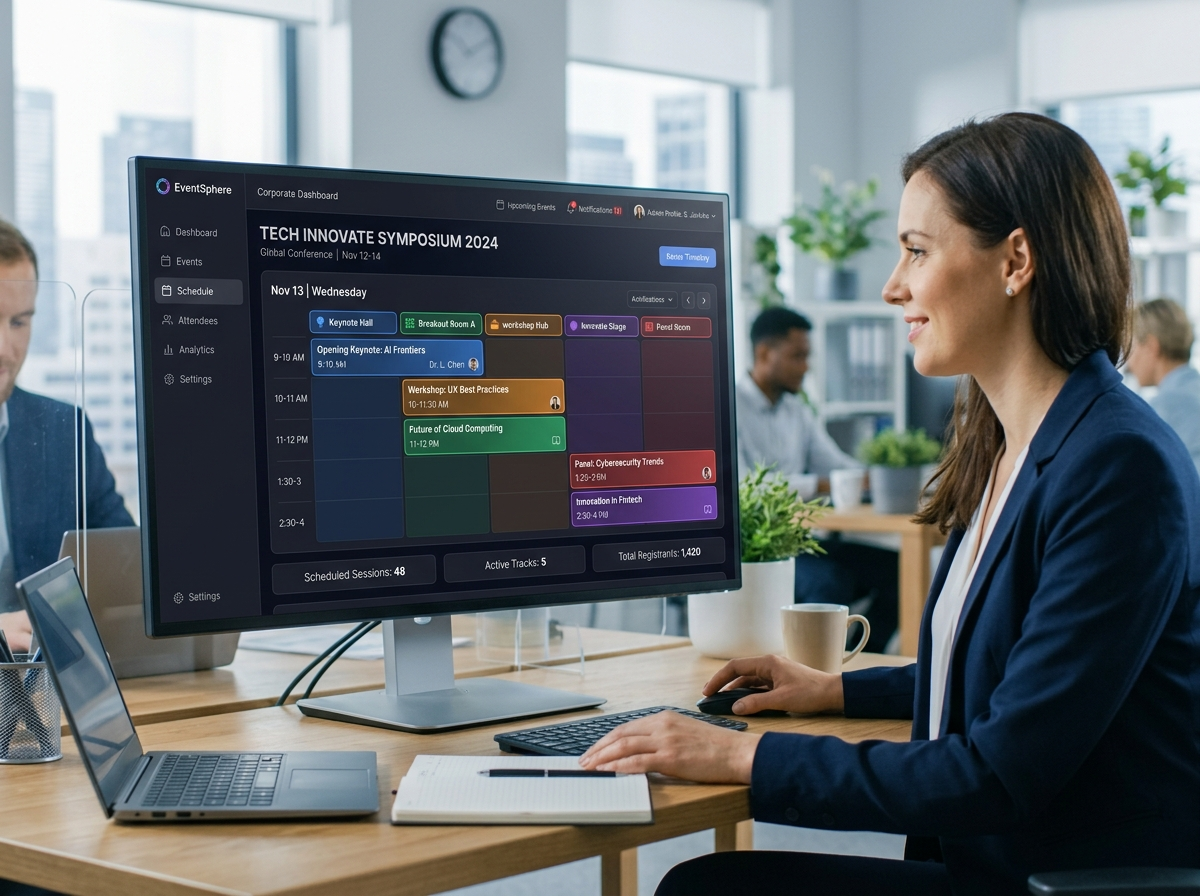
EventHex replaces clunky table-entry forms with an intuitive, color-coded visual timeline. Move sessions across rooms or days with effortless drag-and-drop actions. The system’s underlying logic automatically runs background conflict detection, immediately flagging speaker clashes, room scheduling overlaps, or timing discrepancies before you hit publish.
B. Stacking Sub-Sessions and Dynamic Breakout Control
Modern event agendas aren’t flat. They require complex, hierarchical structures. EventHex allows you to nest unlimited sub-sessions, parallel tracks, and breakout workshops under parent sessions. This ensures your public-facing agenda accurately mirrors the real-world flow of the event, keeping keynotes, panel discussions, and niche streams beautifully organized.
C. Ticket-Restricted Access and Capacity Control
Seamlessly bridge the gap between registration and agenda scheduling. By connecting your session agenda directly with EventHex’s Ticket Registration, you can restrict specific VIP workshops, sponsor-only sessions, or premium breakouts to designated ticket types. Set precise room capacity limits, automatically trigger waitlists when a session fills, and protect high-value event experiences.
D. Real-Time Centralized Dashboard and Public Widgets
Say goodbye to duplicate data entry. When you adjust a session on the EventHex Centralized Dashboard, the update publishes instantly across your public event website, attendee portals, and mobile widgets. Keeps your attendees, speakers, and operations teams perfectly aligned as schedule changes occur in real time.
E. Live In-Session Engagement and AI InstaRecap
EventHex’s agenda tools don’t stop when the session begins. Drive audience interaction with live polls, built-in Q&A with question upvoting, and instant post-session feedback forms. After the event, EventHex’s InstaRecap workflow transcribes recordings and generates personalized, AI-powered highlights and summaries, turning your live agenda into a lasting knowledge base.
4. Conclusion: Future-Proof Your Event Operations
In the highly competitive event industry, your conference agenda is the primary driver of attendee value. Continuing to manage complex, multi-stage schedules through static spreadsheets is an unnecessary risk that invites operational errors and increases administrative overhead.
By shifting to advanced session scheduling and multi-track agenda tools like EventHex, you eliminate scheduling anxiety, protect your speaker coordination, and provide an elegant, interactive experience for your attendees. It is time to retire the spreadsheets and run your next conference with flawless operational precision.
5. Frequently Asked Questions (FAQ)
What is session management software?
Session management software is a specialized technology that allows event organizers to plan, schedule, coordinate, and publish event agendas across multiple days, stages, and tracks from a centralized dashboard, replacing manual spreadsheets with automated conflict-detection systems.
How do you manage parallel sessions at a conference?
Parallel sessions are managed by grouping them into dedicated, persona-driven tracks, ensuring that similar target audiences are not forced to choose between overlapping sessions. Utilizing visual timeline software with built-in conflict detection prevents speaker and room clashes.
Can I restrict certain conference sessions to specific ticket holders?
Yes. With modern platforms like EventHex, you can easily tie session access to specific registration ticket tiers. This ensures VIP workshops, private breakout streams, or premium tracks are only accessible to qualified registrants, automatically managing room capacity and waitlists.
How does drag-and-drop scheduling improve event planning?
Drag-and-drop scheduling allows event operations teams to visually move sessions around a timeline. When a session is moved, the system automatically checks for conflicts, such as speaker double-bookings or room overlaps, reflecting changes instantly across all public-facing agenda widgets.
What is the benefit of adding breakout rooms and sub-sessions to an agenda?
Sub-sessions and breakout rooms allow organizers to nest specialized workshops, panel discussions, or networking circles under a larger parent session. This maintains a clean, hierarchical structure on the public agenda while giving attendees clear navigation options.